We found 4 issuescosting you truston nomback.com.
Watch the inspection.
We navigate your site the way customers would. Idle time is skipped.
How the composite score works
The overall score is a weighted average of the categories: Getting the product 40%, Trust before buying 20%, Mobile 15%, Speed 15%, and Polish and audit 10%. It is never more than 10 points above the Getting the product score, because a product a visitor cannot get cannot score well on anything else, and never more than 25 points above the weakest category, so one badly broken area is not averaged away. Any issue in the main list caps it at 89, so a score above 90 means nothing worth fixing was found.
Each category starts at 100 and stays there when nothing was found in it, whether or not the inspection got that far. Each distinct verified finding deducts 60 points for a serious problem on the path from arriving to paying, 40 for another serious problem, 30, 15 or 8 by high, medium or low severity otherwise, and 4 for an audit finding. Each additional finding below the list takes 2 more points off the overall score, up to 10. Scores stop at zero and round to whole numbers. The formula is fixed and versioned, so the same saved evidence always receives the same score.
The "Pay setup" checkout charges $498 today, not the quoted $399
Restaurant owners who were told to pay a $399 setup see $498 due at checkout, which includes a monthly fee they were told would only start once their app was running.
The home page says "Pay the $399 setup. Then $99 a month once it's running," and /start says "Pay setup: $399 once, then $99 a month." The "Pay setup here" link on /demo/ opens a Whop checkout that shows "$498.00 Due today," and its order details list Initial fee $399.00 plus Renewal fee $99.00 per month. A buyer meets this at the payment step, where the first month is charged before the app exists, not after it goes live as the project promised.
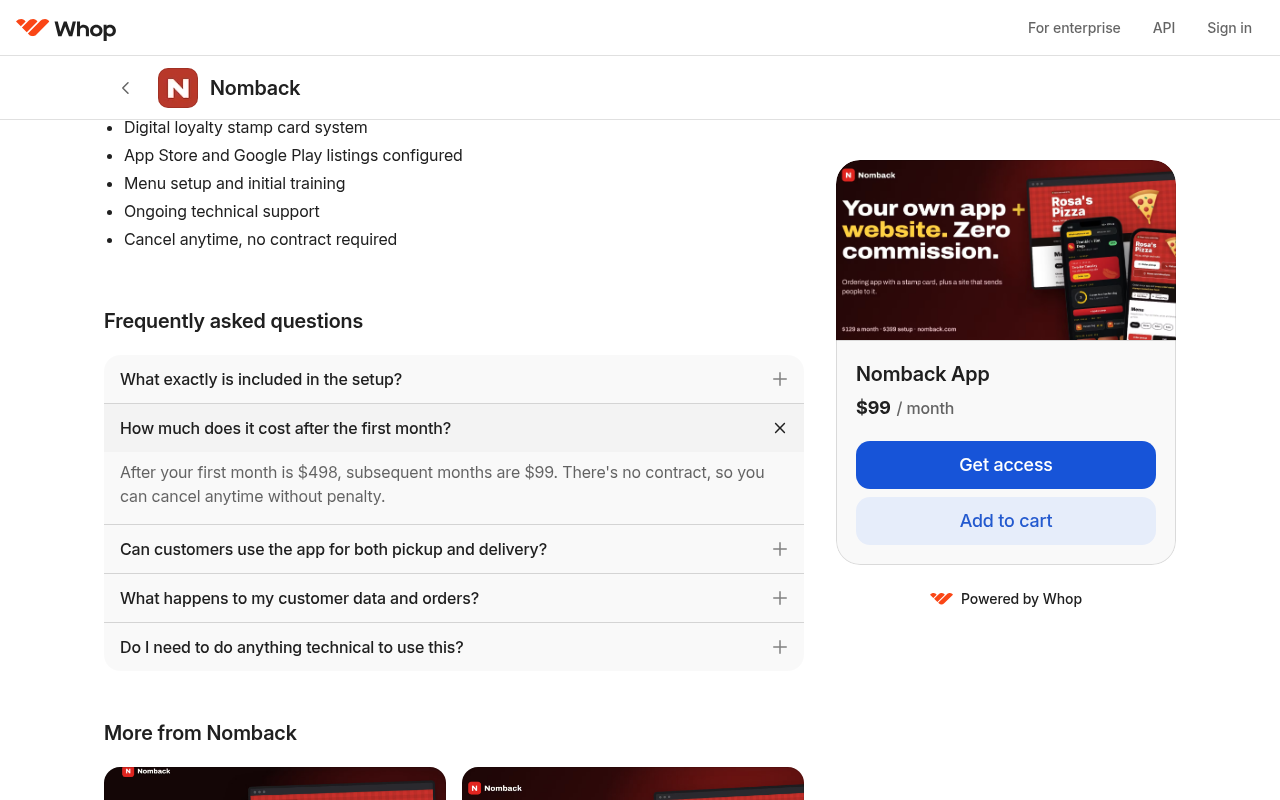
Try it: On nomback.com/demo/, click "Already sent your details? Pay setup here", then click "Get access" and open "Details". The total due today is $498.00, not $399.
The website demo shows its main buttons as blank white boxes
Restaurant owners checking the website plan get a demo that looks broken, and they cannot see the "Get this project" button that leads to signup.
On /project, the hero's first button is an empty white pill and the top bar has a name field with no visible button next to it, although the page has a "Get this project" link to /start?plan=project there. The intro line is also invisible, and the stamps sentence shows only "every order earns stamps toward free food." in yellow. Owners open this demo to judge the website plan before they buy, so they get a project that looks unfinished and no visible way to start from it.
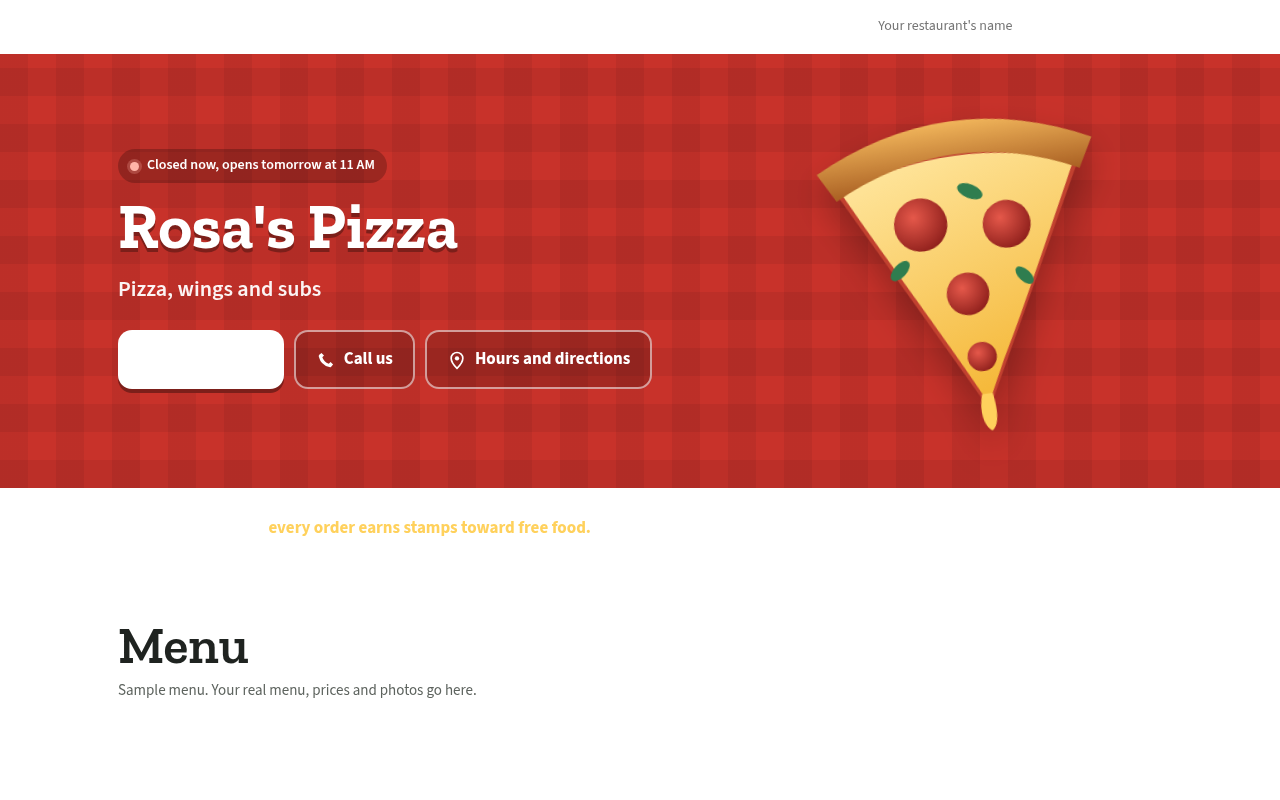
Try it: Open https://nomback.com/project on desktop or a phone. Look at the blank white first button in the red hero and the empty space next to "Your restaurant's name" in the top bar.
The demo's loyalty card shows white text on a white card
Restaurant owners trying the demo see the stamp card, a feature Nomback sells, as a blank box right before the $399 setup button.
On /demo/, the "Your loyalty card" block in the phone mockup draws a white card, and its stamp count and reward lines ("2 more to a free hot dog", "Buy 5, get one free.") are in near-white text that is almost invisible. The problem shows on desktop and iPhone, and it stays the same after switching from the Frankie's Hot Dogs look to Anthony's Pizzeria. Owners meet this at the try step, where the demo is supposed to show what their own app will look like.
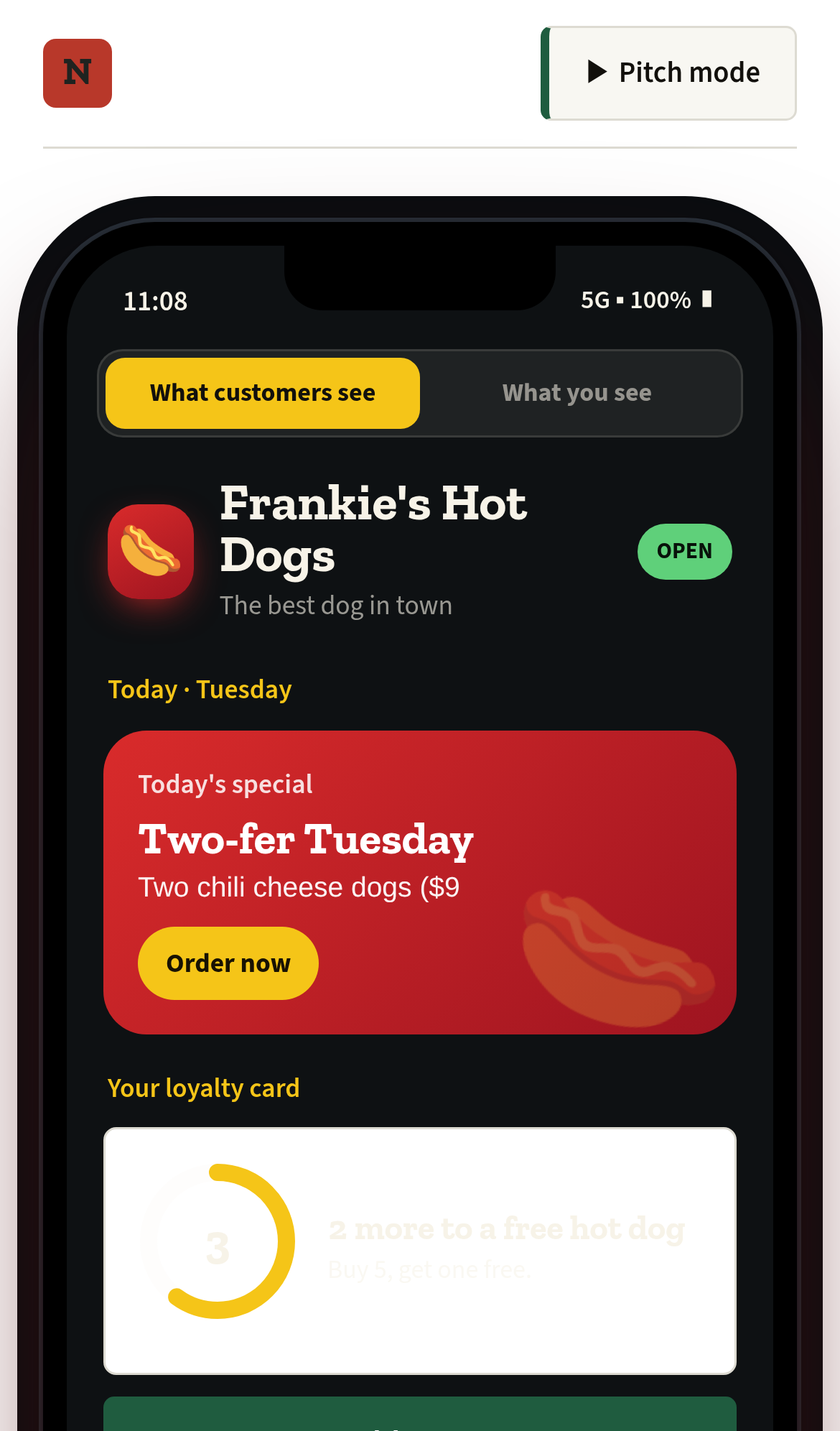
Try it: Open https://nomback.com/demo/ on desktop and look at the "Your loyalty card" block under "Today's special". The count and reward text are nearly invisible on the white card.
The demo tells owners to paste a file into src/config
Restaurant owners who try the demo before paying setup get developer instructions they cannot follow, not a clear next step.
The "Export config file" button in the "Now make it yours" panel on /demo/ shows "Copied brand.config.json to your clipboard, paste it into src/config/brand.config.json." The same panel calls this "the whole onboarding," which is not the real /start form and $399 setup payment. An owner meets this at the try step, right before deciding to buy, and the header also shows a "Pitch mode" button that looks like an internal sales tool.
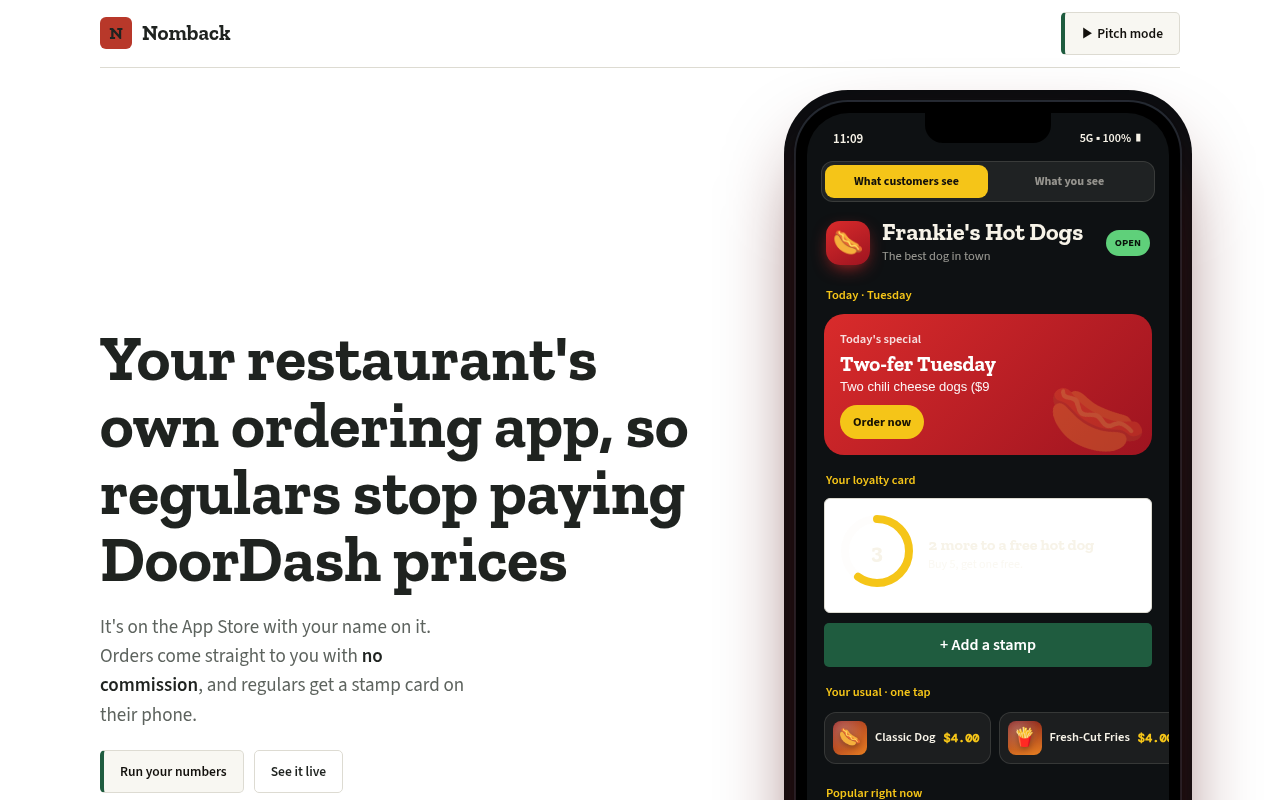
Try it: Open /demo/, scroll to "Now make it yours" and click "Export config file". Read the green confirmation line under the buttons.
The demo's view toggle sits under the push notification on phones
On /demo/ at phone width, the "What customers see" and "What you see" buttons inside the demo phone are fully covered by the simulated "Frankie's Hot Dogs" push notification. Every hit-test point inside both buttons lands on the notification. An owner who wants to switch to the owner view during the try step cannot see the toggle until the notification goes away.
Probie fixes this for you.
Stop customers hitting the same friction. Connect your codebase and Probie reproduces these failures, tests the fix, and opens a pull request for your review.
Sign up and get this fixedFree inspection
What should Probie inspect next?
Enter a project URL. There is nothing to install.
Probie checks every issue twice, respects robots.txt, and backs off at bot challenges.
Enter an address and we will email the report card link.