We found 3 issuescosting you truston juicysearch.com.
The sample image search uses up one of the 10 free daily searches.
Watch the inspection.
We navigate your site the way customers would. Idle time is skipped.
How the composite score works
The overall score is a weighted average of the categories: Getting the product 40%, Trust before buying 20%, Mobile 15%, Speed 15%, and Polish and audit 10%. It is never more than 10 points above the Getting the product score, because a product a visitor cannot get cannot score well on anything else, and never more than 25 points above the weakest category, so one badly broken area is not averaged away. Any issue in the main list caps it at 89, so a score above 90 means nothing worth fixing was found.
Each category starts at 100 and stays there when nothing was found in it, whether or not the inspection got that far. Each distinct verified finding deducts 60 points for a serious problem on the path from arriving to paying, 40 for another serious problem, 30, 15 or 8 by high, medium or low severity otherwise, and 4 for an audit finding. Each additional finding below the list takes 2 more points off the overall score, up to 10. Scores stop at zero and round to whole numbers. The formula is fixed and versioned, so the same saved evidence always receives the same score.
The sample image search uses up one of the 10 free daily searches
New visitors who try the sample before using their own photo start with 9 free searches, not the 10 the page advertises.
On /image/ the counter reads "10 free searches left today". After a visitor clicks "No photo? Try a sample search" and then "Agree and Search", it drops to "9 free searches left today", and nothing on the sample link says it uses a search. This happens at the try step, under the "Free · 10 searches every day" badge and on the page that pitches unlimited searches for $9.99/mo.
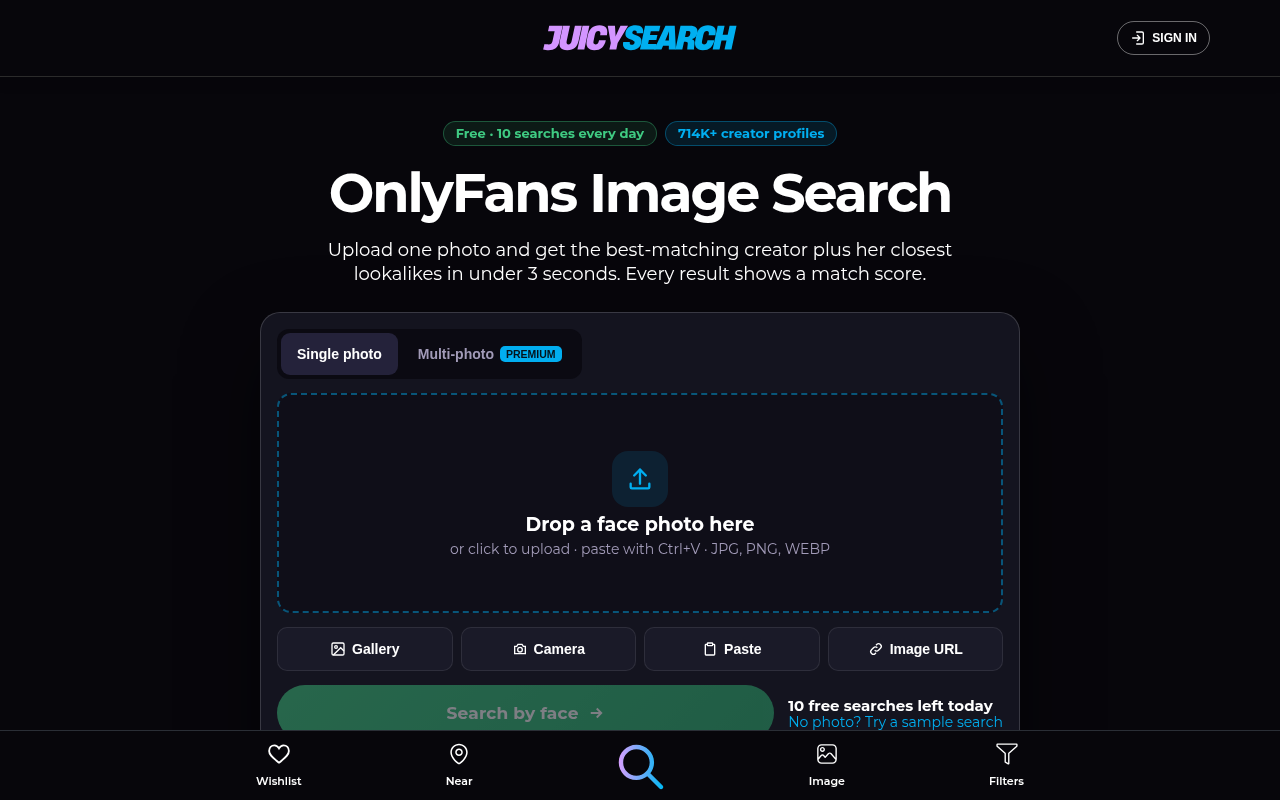
Try it: In a fresh private window, open /image/ and note "10 free searches left today". Click "No photo? Try a sample search", agree to the terms, and the counter will show 9.
Reviewer "Marcus T." has a different quote on home and pricing
Buyers who read testimonials on both pages before subscribing see the same reviewer saying two different things.
The home page Premium section quotes "Marcus T." on buying credits on "old Juicy" and now using "unlimited packages". The /pricing/ page, just above the Subscribe button, credits "Marcus T." with a different quote about "$17 credit packs" and paying "$9.99/month". The other three reviewers have identical text on both pages, and the pricing FAQ says "There are no credits or packages," so a buyer meets two versions of one reviewer, one of which also clashes with the plan's own wording, at the step where they decide whether to pay.
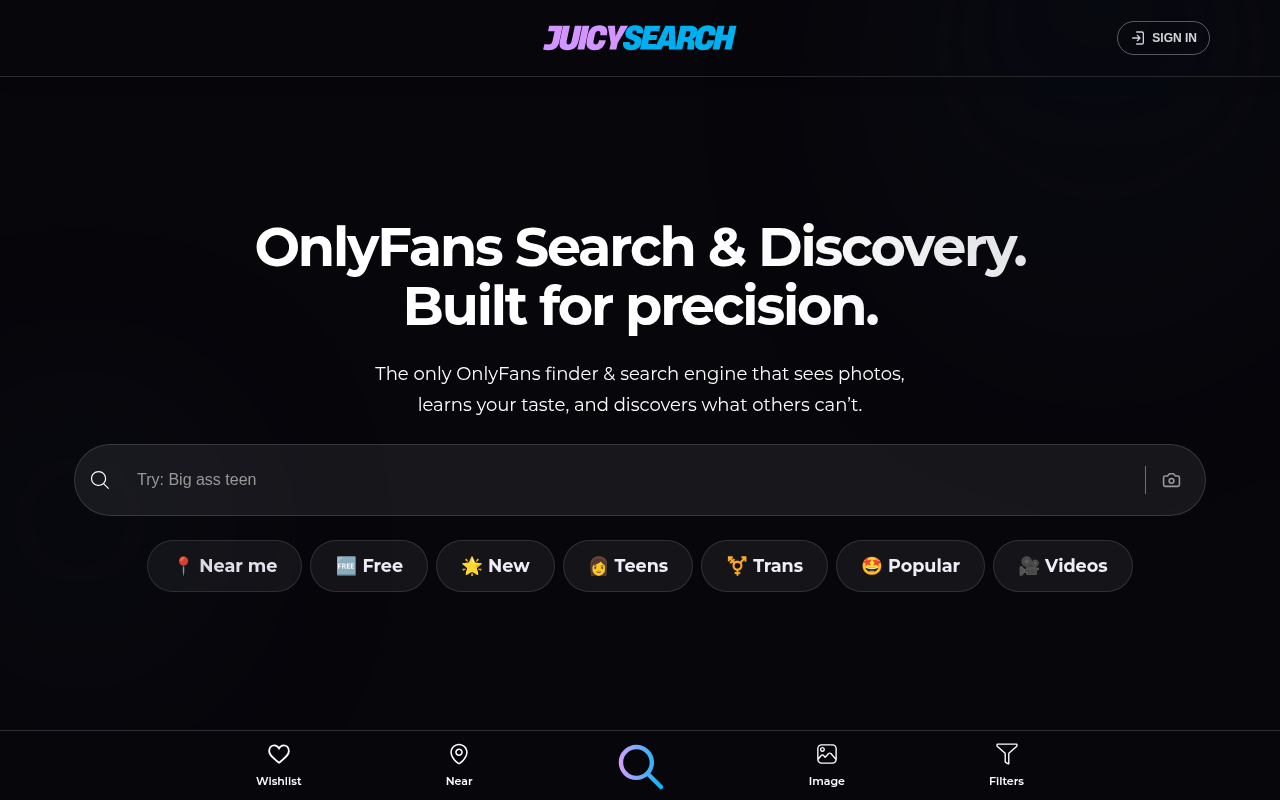
Try it: Read the Marcus T. testimonial under "Get Premium" on the home page, then read the one under "What Our Members Say" on /pricing/, and compare them.
The Premium box has a stray "features." above the buy button
Visitors who read the Premium pitch just before clicking to pay see leftover draft text in the sales copy.
On the home page "Unlock the full experience" Premium box, the last feature reads "No ads: Only real matches, ranked by relevance. features." with a stray word left over from editing. It sits directly above the "Get Premium, $9.99/mo" button, which is where a buyer decides whether to upgrade, and it shows on both desktop and phone.
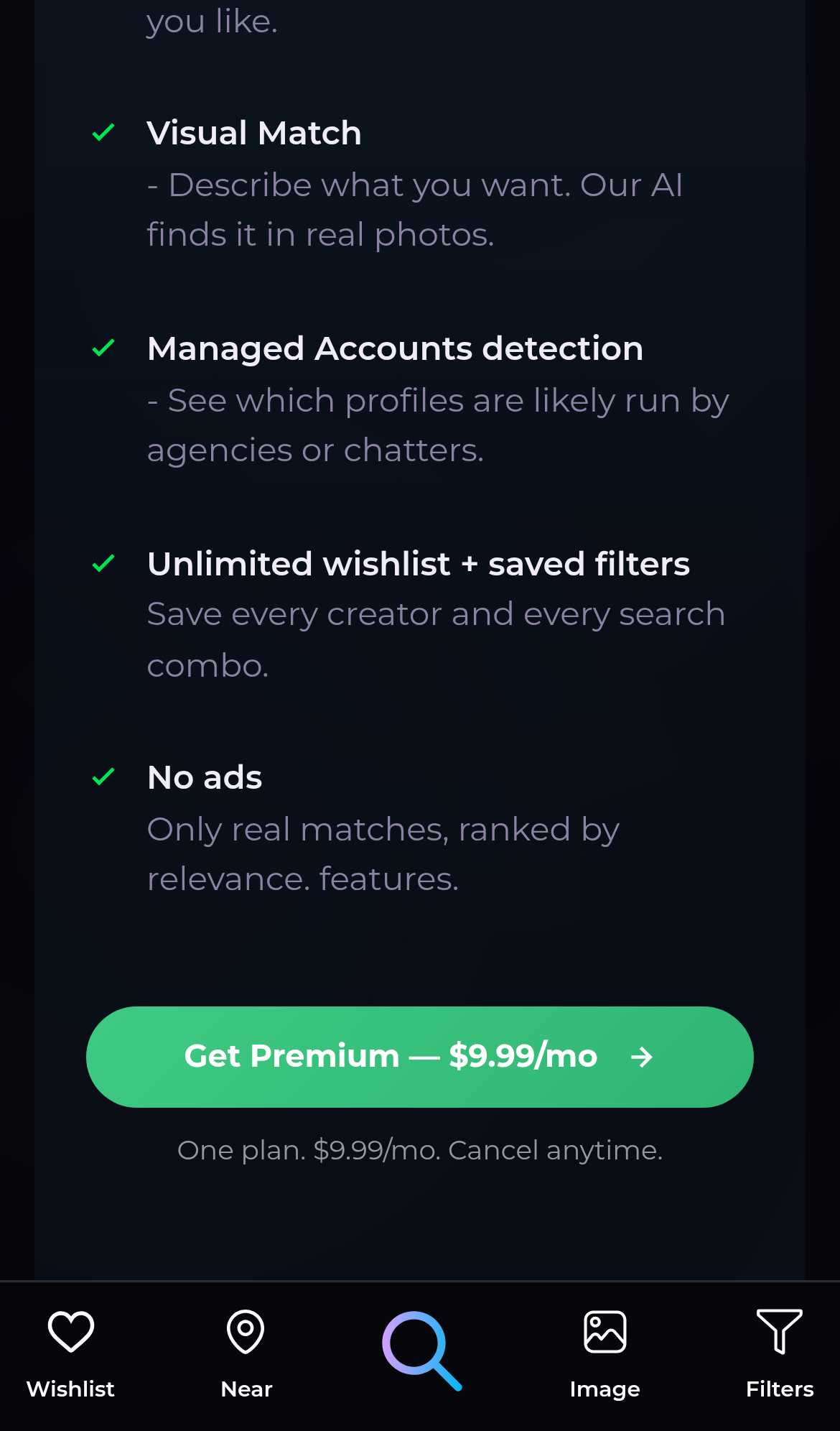
Try it: Open https://juicysearch.com/#premium and read the "No ads" item just above the green Get Premium button.
"Best free OnlyFans accounts" opens a blank search page
On /image/, the "Best free OnlyFans accounts" link goes to /search/?ob=free. That page shows only an empty "Search..." box, the "You may like" links and four Trending cards. It shows no list of free accounts, while the home page "Free" chip uses /results/?q=free&ob=free and does show a results grid. Visitors trying the free search meet this and must find free creators on their own.
The full-screen swipe photo is upscaled from a 600px image
On /swipe/ the main creator image (img.swipe-image) has a 600x600 source but fills a 390x664 slot on a phone at device pixel ratio 3, so a 600px image is stretched across roughly 1170x1992 device pixels with object-fit cover. The crop shows visible softness and compression blocks on the face and phone case. Visitors meet this on the try step, where the swipe view is meant to show off creators.
The home page head has no twitter:card tag
The home page head at / declares no twitter:card meta tag. The Open Graph title, description and image are all present and the image loads, so this only affects which preview style X chooses for a shared link.
The home page is missing five security response headers
The response from https://juicysearch.com/ is missing Strict-Transport-Security, Content-Security-Policy, CSP frame-ancestors or X-Frame-Options, X-Content-Type-Options: nosniff, and Cross-Origin-Resource-Policy.
Creator photos in the results grid have no alt text
On /results/, the main profile image in each result card (img.main, for example bigtittygothegg_of.jpg and mrspoindexter_of.jpg) has no alt, aria-label or title. Each card's main content is an image, so assistive technology cannot describe these profile photos while a visitor tries the free search.
Creator price badges on /results/ fail the contrast minimum
On /results/, the price badges on the creator cards ($10, $15, $0) use white bold 14px text on #01aef0, which is a contrast ratio of 2.52:1. WCAG AA requires 4.5:1 for text this size. Visitors comparing creators on the free search meet these badges on every card.
Probie fixes this for you.
Stop customers hitting the same friction. Connect your codebase and Probie reproduces these failures, tests the fix, and opens a pull request for your review.
Sign up and get this fixedFree inspection
What should Probie inspect next?
Enter a project URL. There is nothing to install.
Probie checks every issue twice, respects robots.txt, and backs off at bot challenges.
Enter an address and we will email the report card link.