We found 6 issuescosting you truston webinarx.in.
The webinarx.us link for foreign visitors opens the Indian pricing.
Watch the inspection.
We navigate your site the way customers would. Idle time is skipped.
How the composite score works
The overall score is a weighted average of the categories: Getting the product 40%, Trust before buying 20%, Mobile 15%, Speed 15%, and Polish and audit 10%. It is never more than 10 points above the Getting the product score, because a product a visitor cannot get cannot score well on anything else, and never more than 25 points above the weakest category, so one badly broken area is not averaged away. Any issue in the main list caps it at 89, so a score above 90 means nothing worth fixing was found.
Each category starts at 100 and stays there when nothing was found in it, whether or not the inspection got that far. Each distinct verified finding deducts 60 points for a serious problem on the path from arriving to paying, 40 for another serious problem, 30, 15 or 8 by high, medium or low severity otherwise, and 4 for an audit finding. Each additional finding below the list takes 2 more points off the overall score, up to 10. Scores stop at zero and round to whole numbers. The formula is fixed and versioned, so the same saved evidence always receives the same score.
The webinarx.us link for foreign visitors opens the Indian pricing
Coaches outside India who follow the banner find no pricing or payment details for their market.
The webinarx.in banner says "Visiting from outside India? Go to webinarx.us". The link opens a copy of the Indian page with "SIMPLE INDIAN PRICING", "GST invoice. UPI. No dollar surprises.", rupee plans and "Prices exclude 18% GST". Buyers outside India hit this at the pricing step, and the .us pages give no USD price and no payment method or plan aimed at them.
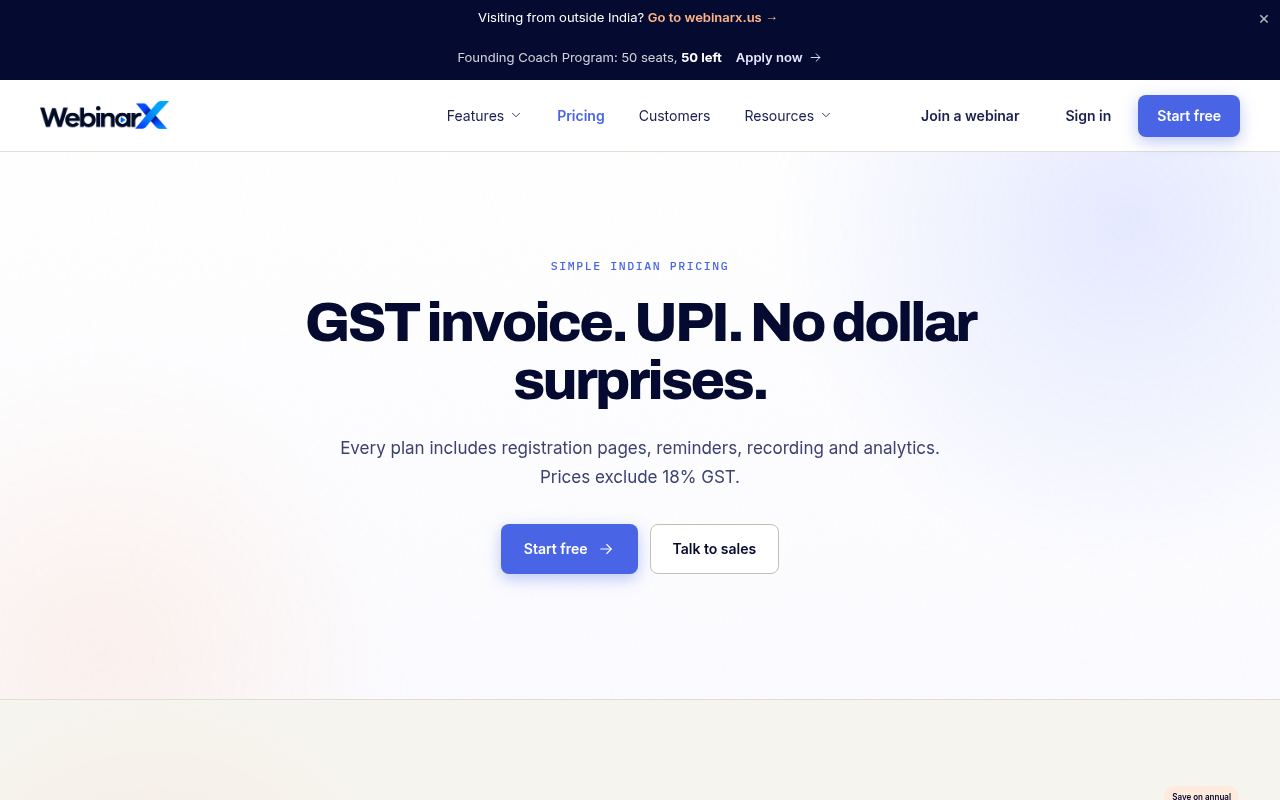
Try it: Open webinarx.in/pricing and click "Go to webinarx.us" in the top banner. The .us pricing page shows the same rupee, GST and UPI pricing as the Indian page.
The Founding Coach intro prices Growth at a plan that does not exist
Coaches deciding whether to apply cannot tell what they will pay, or for how long the deal lasts.
The /founding-coaches intro says "You get the Growth plan at the Starter price", but /pricing lists WebinarX Pro, Growth, Enterprise and Webinar Plus, with no Starter plan. Further down, the same page's table states a narrower deal: "WebinarX Pro price for 3 months", then "After 3 months: 30% off Growth for life". A coach meets this offer from the Apply now banner, before applying for a paid plan.
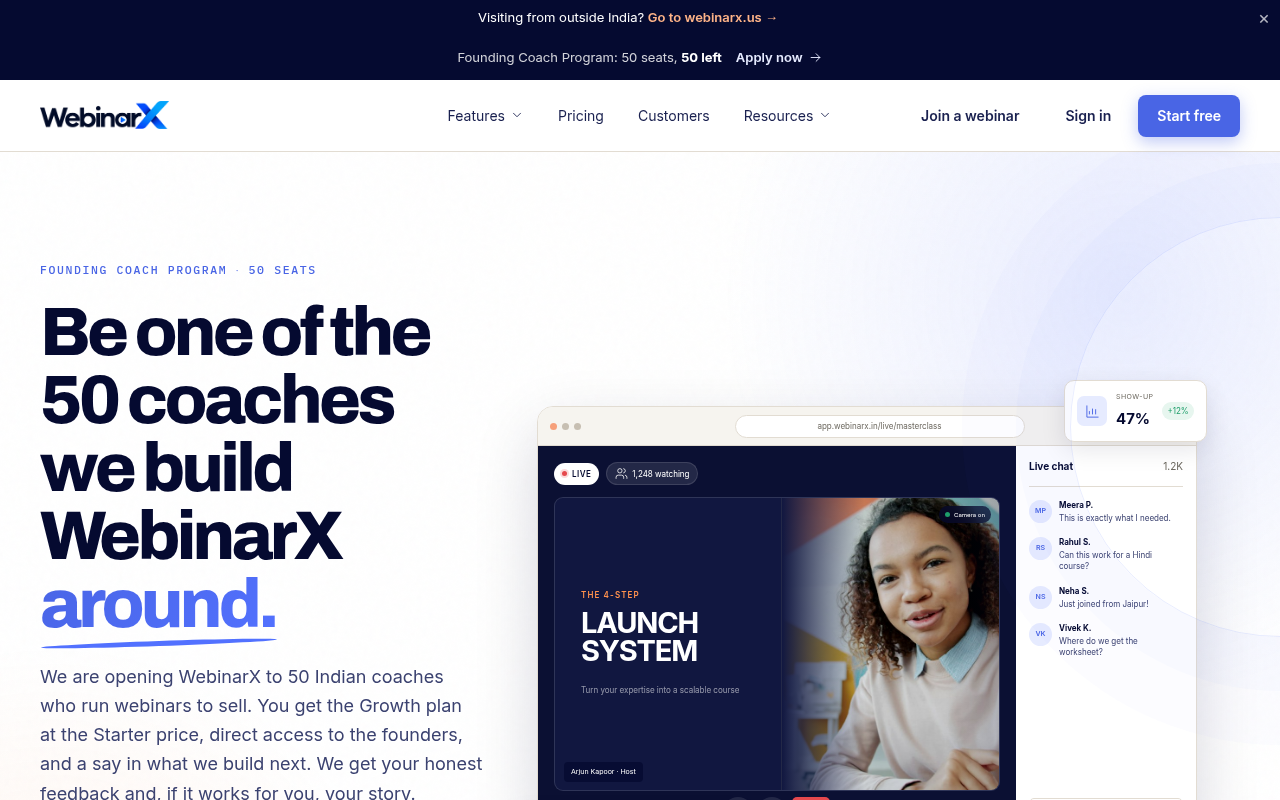
Try it: Open /founding-coaches and read the intro paragraph, then scroll to the What you get table. Compare both with the plan names on /pricing.
The contact page advertises WhatsApp and a sales call but gives neither
Buyers who click "Talk to sales" on pricing cannot start the WhatsApp chat or book the call the contact page promises.
On /contact, the "WhatsApp support" and "Sales call: Book a 20-minute walkthrough" cards each show an arrow, but neither is a link. The page also shows no WhatsApp number or booking calendar, and [email protected] is plain text. Buyers reach this page from every "Talk to sales" button, including the Enterprise card on /pricing, and the only working way to reach sales from here is the message form.
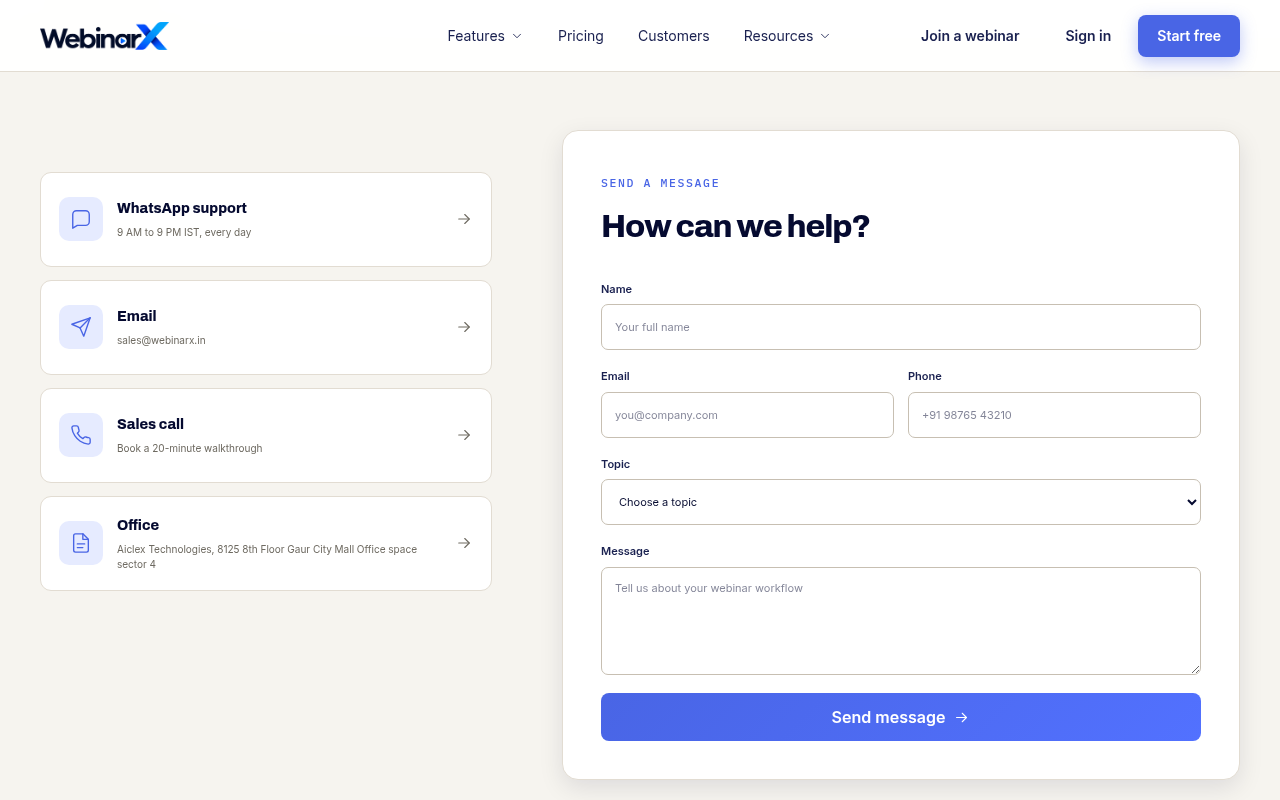
Try it: Open /pricing on a phone, tap "Talk to sales" on the Enterprise card, then tap the WhatsApp support card and the Sales call card on /contact. Nothing opens, and no number or booking link appears.
The Windows portable download is an ARM-only build with no label
Windows hosts on Intel or AMD PCs who choose the no-install option download an app their computer cannot run.
On /download, the section headed "WINDOWS 10 OR 11, 64-BIT" offers "Portable (.zip, no install) 149 MB". That link points to WebinarX-Workplace-0.4.5-win-arm64.zip, a Windows-on-ARM build, and nothing on the page mentions ARM. Hosts on standard x64 PCs who take the portable option at the download step get a file their machine cannot run, and the page offers no x64 portable build.
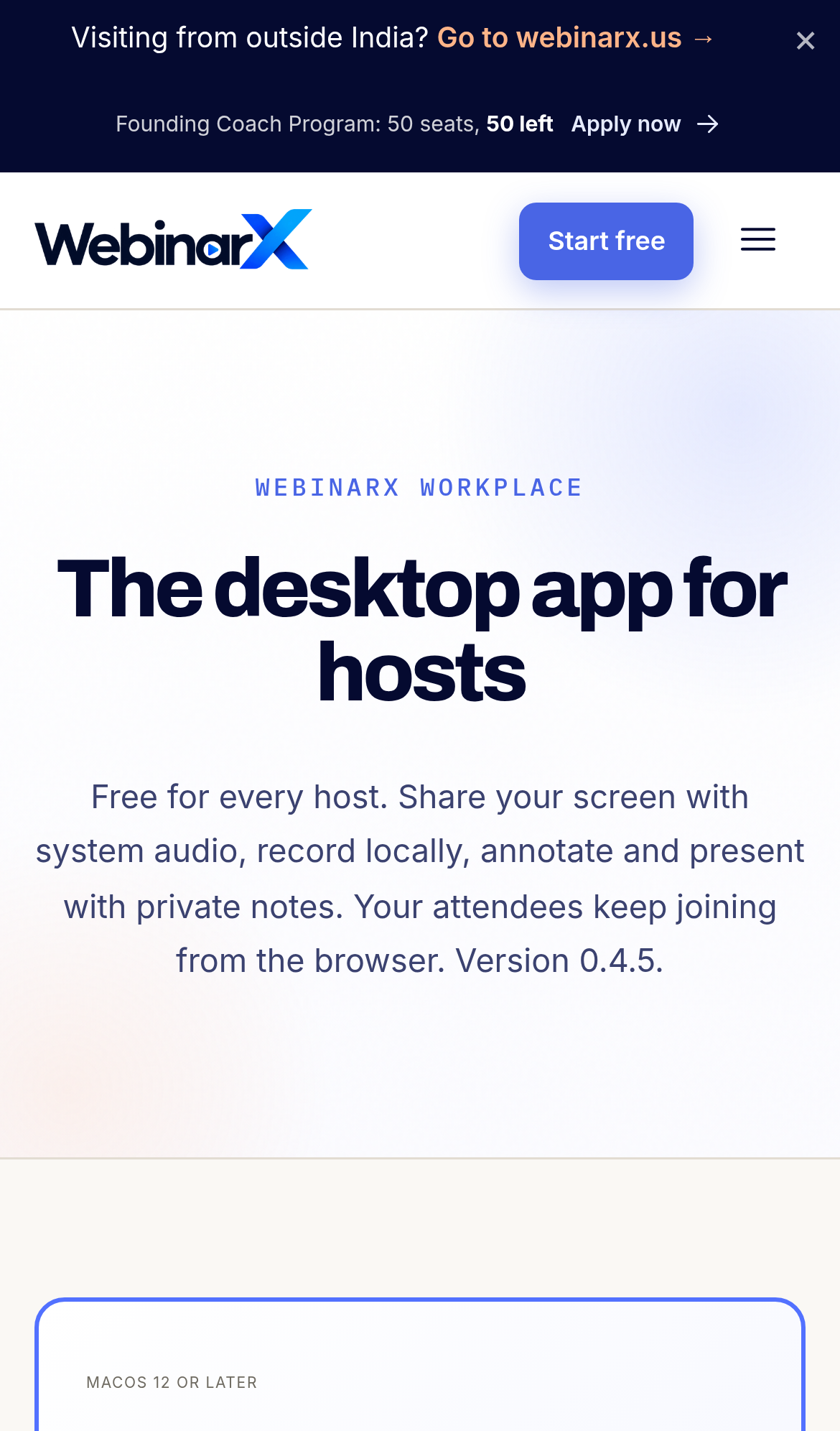
Try it: Open https://webinarx.in/download and hover or long-press "Portable (.zip, no install)" in the Windows section. The target is /downloads/desktop/WebinarX-Workplace-0.4.5-win-arm64.zip.
The pricing table gives cheaper plans longer sessions
Coaches choosing a plan on /pricing cannot tell what the higher price buys, because the more expensive plans list shorter session limits.
The /pricing comparison table lists session lengths of 24 h for WebinarX Pro (Rs 2,999), 16 h for Growth (Rs 4,999) and 4 h for Webinar Plus (Rs 32,000). The Enterprise card also says "Custom session length" while the table says 32 h. Both Pro and the Rs 32,000 Webinar Plus are labelled "For solo creators", and other pages refer to "Starter" and "Business" plans that /pricing does not offer, so a buyer comparing plans at the pricing step meets limits and names that do not add up.
Try it: Open /pricing, scroll to "Compare plans" and read the Session length row: 24 h, 16 h, 32 h, 4 h. Then compare it with the plan cards above the table and with the "Starter" mention on /founding-coaches.
Five Learn more links on /features open the Live webinars page
Coaches who want details on reminders, registration pages, follow-ups or analytics before signing up land on a page about something else.
In the "Every tool works together" section of /features, the "Learn more" links under Smart reminders, Registration pages, Live room, Follow-ups and Useful analytics all point to /features/live-webinars. Only Webinar Plus has its own page, and the footer "Registration pages" link just reloads /features. A coach checking the WhatsApp and call reminders or the analytics before signing up gets sent to the live room page and does not find the details they clicked for.
Try it: Open /features, scroll to "Every tool works together", and hover over each card's "Learn more" link. Five of them show /features/live-webinars as the destination.
The home page has no Cross-Origin-Resource-Policy header
The response from https://webinarx.in/ is missing Cross-Origin-Resource-Policy.
Probie fixes this for you.
Stop customers hitting the same friction. Connect your codebase and Probie reproduces these failures, tests the fix, and opens a pull request for your review.
Sign up and get this fixedFree inspection
What should Probie inspect next?
Enter a project URL. There is nothing to install.
Probie checks every issue twice, respects robots.txt, and backs off at bot challenges.
Enter an address and we will email the report card link.