We found 4 issuescosting you saleson ts-saas.com.
Watch the inspection.
We navigate your site the way customers would. Idle time is skipped.
How the composite score works
The overall score is a weighted average of the categories: Getting the product 40%, Trust before buying 20%, Mobile 15%, Speed 15%, and Polish and audit 10%. It is never more than 10 points above the Getting the product score, because a product a visitor cannot get cannot score well on anything else, and never more than 25 points above the weakest category, so one badly broken area is not averaged away. Any issue in the main list caps it at 89, so a score above 90 means nothing worth fixing was found.
Each category starts at 100 and stays there when nothing was found in it, whether or not the inspection got that far. Each distinct verified finding deducts 60 points for a serious problem on the path from arriving to paying, 40 for another serious problem, 30, 15 or 8 by high, medium or low severity otherwise, and 4 for an audit finding. Each additional finding below the list takes 2 more points off the overall score, up to 10. Scores stop at zero and round to whole numbers. The formula is fixed and versioned, so the same saved evidence always receives the same score.
The $75 buy buttons open a checkout that charges $125.00
Buyers who click the advertised $75 founding offer are asked to pay $125.00 at checkout, and the project's FAQ says refunds are not offered.
The home page hero says "Founding price: $75. Regular price: $125." and its button reads "Get TS-SAAS - $75". The Dodo checkout that button opens shows Foundation $125.00, Subtotal $125.00, Total $125.00, with no discount applied and only an empty discount code box. The "Get Foundation access - $75 once" button on /pricing opens the same $125.00 total, so every buyer meets a $50 jump at the payment step.
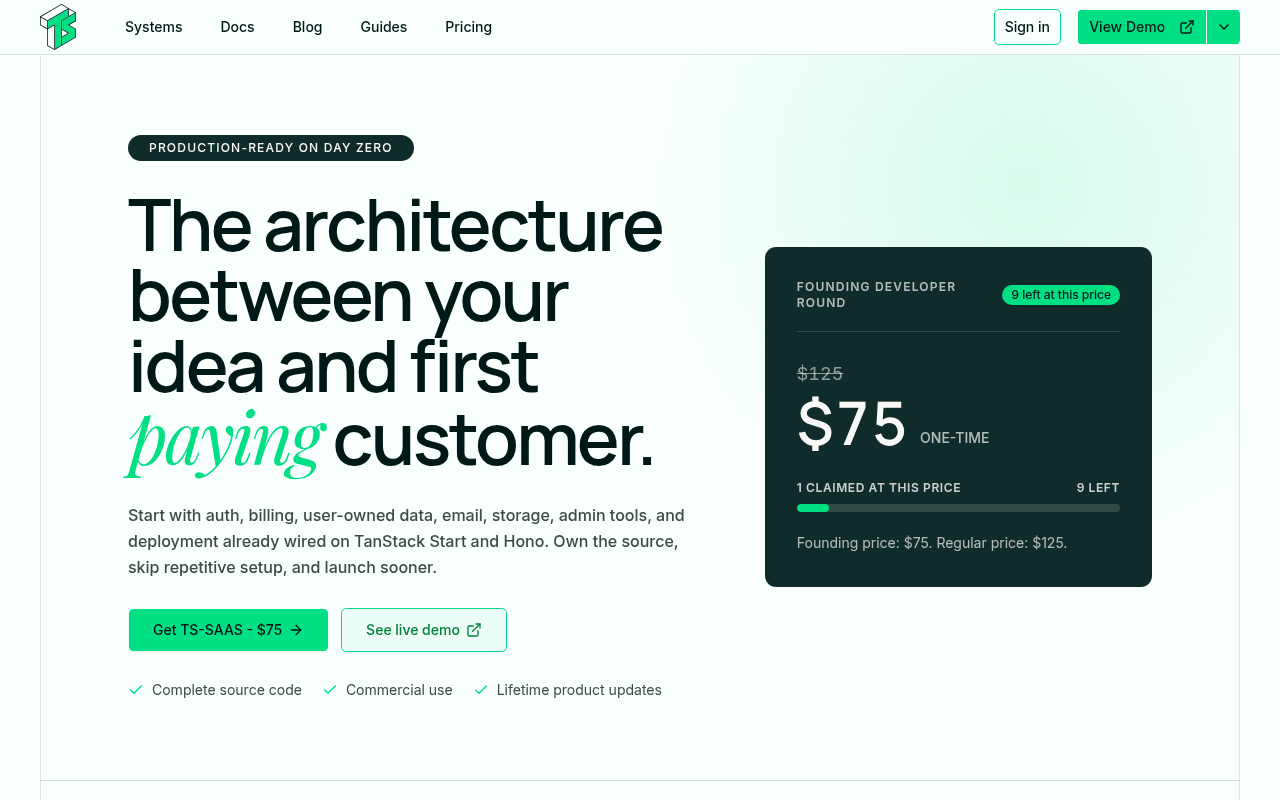
Try it: Open ts-saas.com, click "Get TS-SAAS - $75" in the hero, and read the order total on the Dodo checkout page. It shows $125.00.
The live demo's pricing plans stay blank because of a 500 error
Developers who open the live demo to check the billing engine before buying find empty pricing cards instead of working plans.
In the LaunchPilot demo linked from "See live demo", the pricing section on /#pricing and on /pricing shows three empty grey cards with no plans and no buy buttons. The request GET ts-demo-1-api.d.ts-saas.com/api/v1/bill/plans/public returns 500 "INTERNAL_SERVER_ERROR". A buyer meets this on the try step, where the demo is meant to show the subscriptions and billing engine that the home page sells.
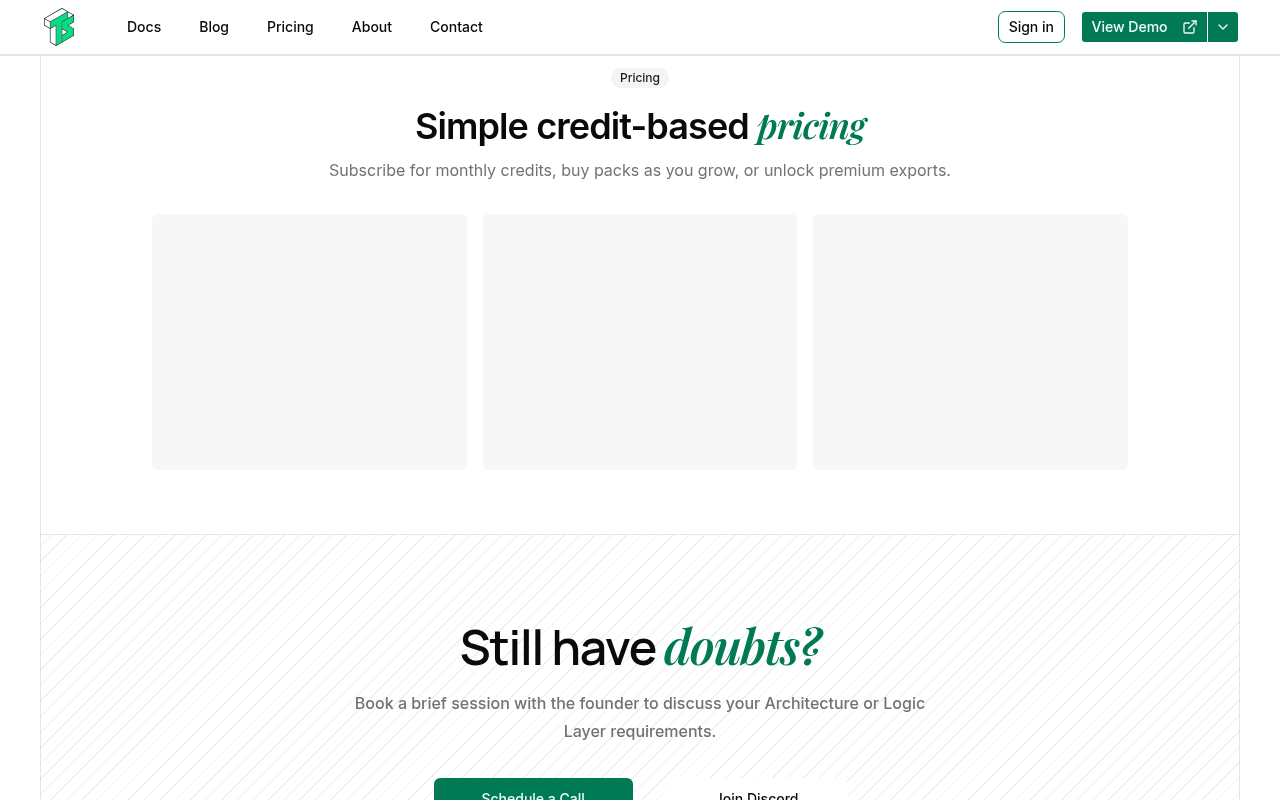
Try it: Open https://ts-demo-1-web.d.ts-saas.com/pricing and see that the three plan cards stay empty. In the network tab, /api/v1/bill/plans/public returns 500.
The "View User-owned Resources" demo never loads
Developers who want to try the second live demo before buying get a browser connection error.
The home page's "From purchase to a working codebase" section has two demo buttons. "View Business Planner" loads, but "View User-owned Resources" opens https://ts-demo-2-web.d.ts-saas.com/, and every request to that host failed with net::ERR_TUNNEL_CONNECTION_FAILED, so the browser could not connect at all. This is the try step, before a buyer pays, and the buyer sees a browser error page where the demo of the user-ownership model should be.
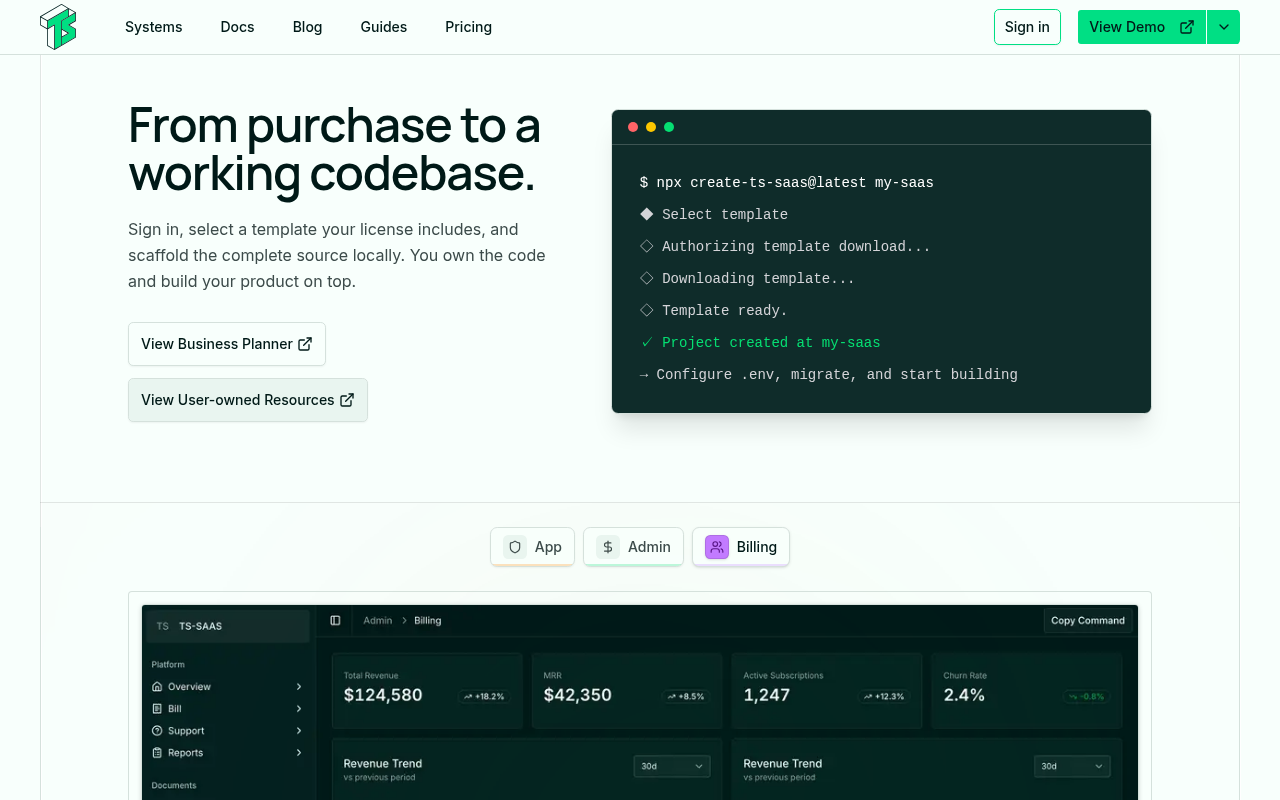
Try it: Open https://ts-saas.com/, scroll to "From purchase to a working codebase", and click "View User-owned Resources". Or open https://ts-demo-2-web.d.ts-saas.com/ directly and check whether it connects.
The B2B page says invitations are both excluded and prioritized
B2B founders who arrive from search cannot tell whether invitations and seat billing come with the license they are about to buy.
On /b2b-saas-starter-kit/, the "What ships and what you must add" section says the kit "does not silently introduce organizations, shared workspaces, invitations, seat billing". A few lines lower, "Why teams pick this foundation" says the kit "prioritizes checkout flows, invitation emails, and seat reconciliation". A buyer at the understand step, deciding whether team accounts are worth the purchase, gets two opposite answers on the same page.
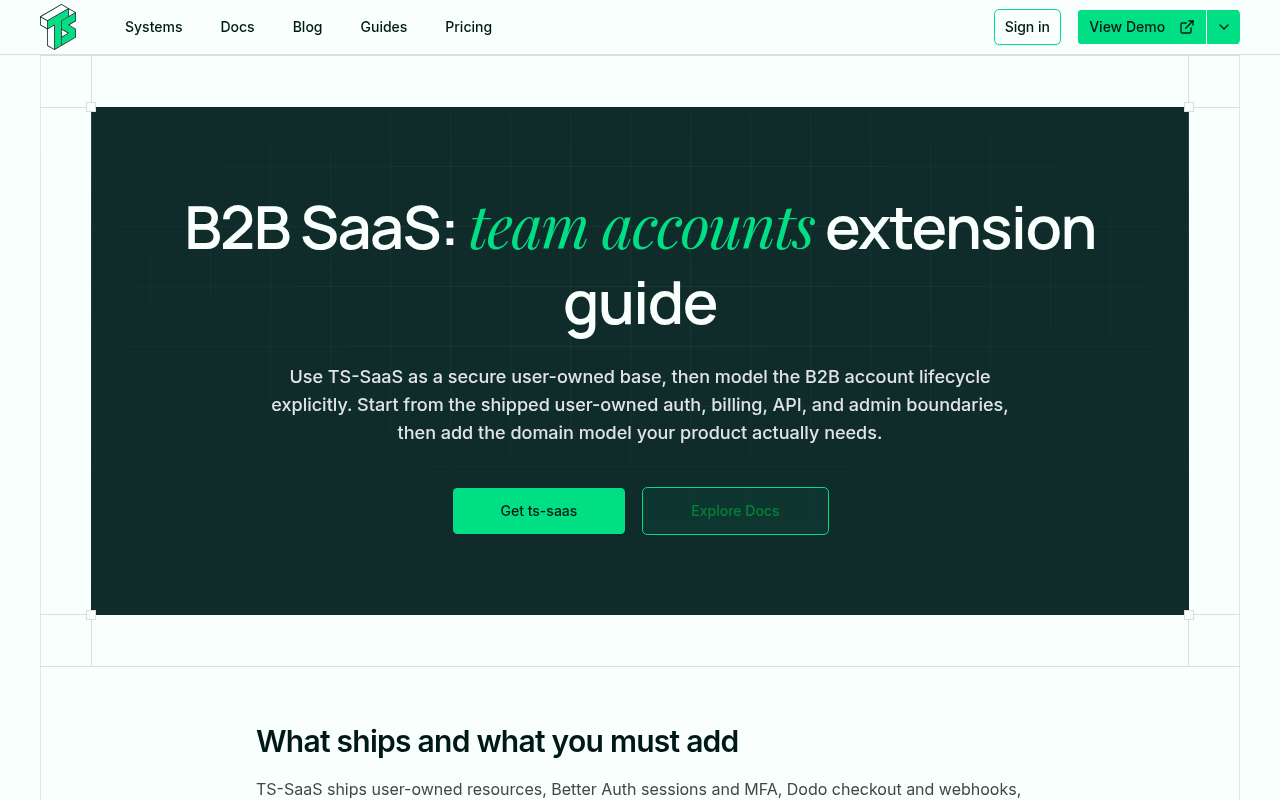
Try it: Open /b2b-saas-starter-kit/ and read the "What ships and what you must add" section. Then compare it with the "Why teams pick this foundation" paragraph just below.
A partners tab on the phone home page took 1.8 seconds to respond
On the home page at phone width, tapping the second partners tab (#partners-tab-2) took 1808ms to paint a response. Google classes any interaction slower than 500ms as poor. A visitor gets no feedback for that time while learning what the product includes, but the delay was measured once and did not happen again in a second session.
Focused screen-reader nav links sit under the mobile header logo
On the mobile home page, the links in the nav.sr-only list (Systems, Docs and others) receive focus at the top left of the page. At every sampled point the top painted element is the header logo image or the sticky header nav, not the link. The focused link is hidden while it has focus, so a keyboard user cannot see where they are.
The home page is missing HSTS and CORP response headers
The response from https://ts-saas.com/ is missing Strict-Transport-Security and Cross-Origin-Resource-Policy.
Green accent heading words on the home page fail contrast
On the home page, the green accent text (#00df84) sits on a near-white background at a contrast of 1.74 for the 60px heading words "Production." and "Ambition". The 20px label "300+ Hours (Hard Labor)" is at 1.66. WCAG AA requires 3:1 for large text.
Probie fixes this for you.
Stop customers hitting the same friction. Connect your codebase and Probie reproduces these failures, tests the fix, and opens a pull request for your review.
Sign up and get this fixedFree inspection
What should Probie inspect next?
Enter a project URL. There is nothing to install.
Probie checks every issue twice, respects robots.txt, and backs off at bot challenges.
Enter an address and we will email the report card link.