We found 1 issuecosting you saleson firmafast.cl.
Watch the inspection.
We navigate your site the way customers would. Idle time is skipped.
How the composite score works
The overall score is a weighted average of the categories: Getting the product 40%, Trust before buying 20%, Mobile 15%, Speed 15%, and Polish and audit 10%. It is never more than 10 points above the Getting the product score, because a product a visitor cannot get cannot score well on anything else, and never more than 25 points above the weakest category, so one badly broken area is not averaged away. Any issue in the main list caps it at 89, so a score above 90 means nothing worth fixing was found.
Each category starts at 100 and stays there when nothing was found in it, whether or not the inspection got that far. Each distinct verified finding deducts 60 points for a serious problem on the path from arriving to paying, 40 for another serious problem, 30, 15 or 8 by high, medium or low severity otherwise, and 4 for an audit finding. Each additional finding below the list takes 2 more points off the overall score, up to 10. Scores stop at zero and round to whole numbers. The formula is fixed and versioned, so the same saved evidence always receives the same score.
The mobile menu dialog has no accessible title
Opening the mobile navigation from the "Abrir menú" button on / logs a console error: "`DialogContent` requires a `DialogTitle` for the component to be accessible for screen reader users." The dialog that holds the mobile navigation renders without a title element, so screen reader users get no announced name for the panel when it opens. The error repeats on every open of that menu.
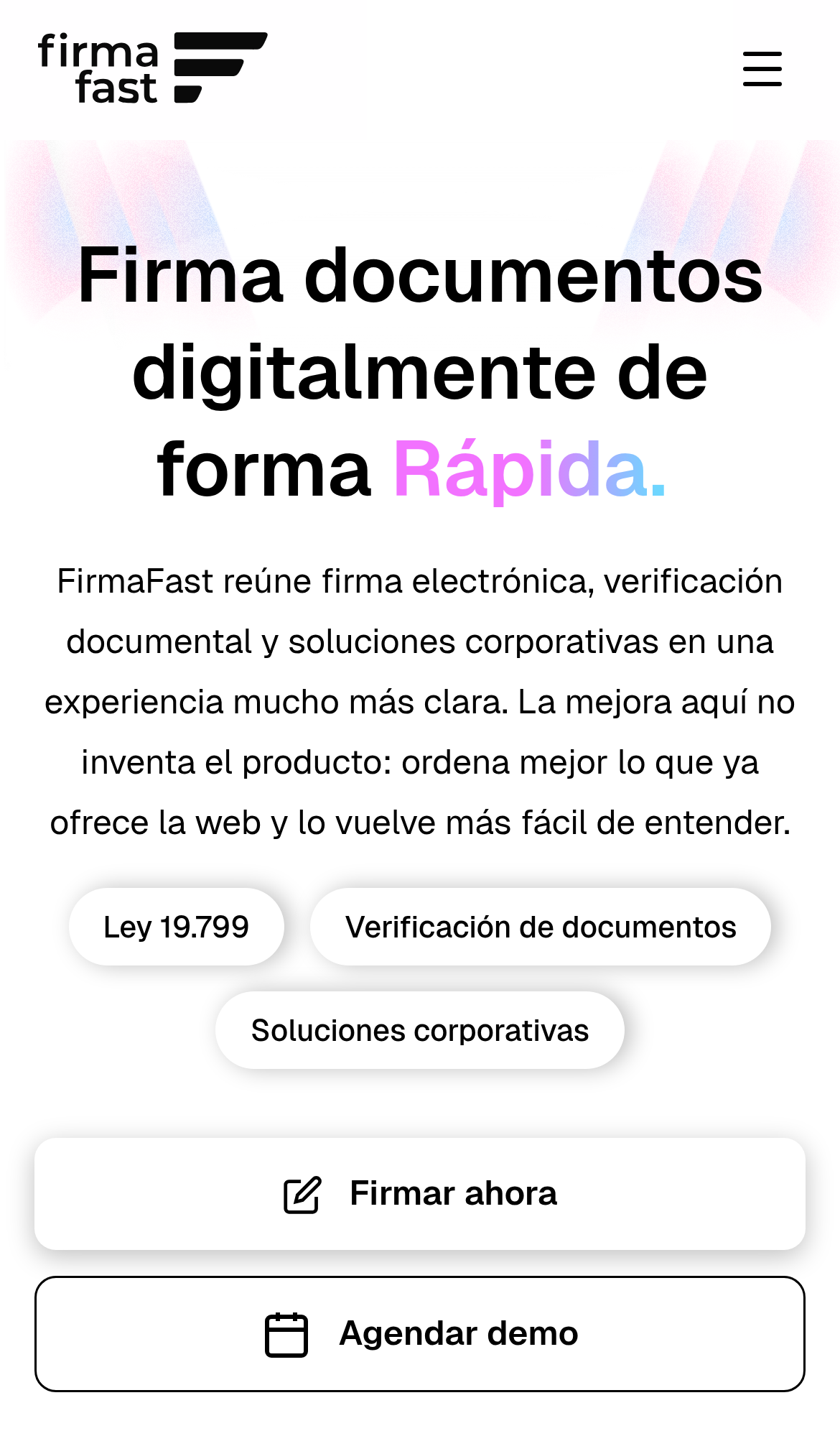
Try it: Open / on a phone viewport with the console visible and tap the hamburger button in the header; the DialogContent/DialogTitle error appears each time the menu opens.
The curl example is cut off in the terminal block
On /integraciones at a 390px viewport, the curl example in the terminal code block runs past the panel's right edge and stops mid-word: the line reads "curl -X POST https://api.firmafast.cl/v1/docume" and the rest of the endpoint path is not rendered. The panel shows no scrollbar, fade, or wrap, so the full request line cannot be read on a phone. The surrounding -H and -d lines fit, which makes the truncation on the endpoint line the only missing part of an otherwise copyable snippet.
A blank gray band fills the /integraciones page on mobile
On /integraciones at a 390px viewport, the area directly below the curl code block renders as an empty light gray band. It spans the full width and roughly 950 device pixels of height, about a viewport and a half, with no text, image, or control anywhere inside it. Content resumes above the band at the code sample, so a section between the code example and whatever follows is coming up empty.
The og:image URL returns HTML instead of an image
The home page declares og:image as https://firmafast.cl/og-image.png, but that URL responds 200 with content-type text/html rather than an image, which is the SPA fallback document. The twitter:card is set to summary_large_image, so the preview card has no valid image to render. For comparison, /favicon.ico on the same project returns image/x-icon correctly. Links shared to social networks and messaging apps will fall back to a text-only preview.
Five routes ship the same meta description
Five distinct routes on firmafast.cl serve an identical meta description: "Plataforma líder de firma electrónica en Chile. Firma documentos con validez legal en segundos. Soluciones para empresas, notarías, salud e instituciones públicas." The routes are /, /integraciones, /v, /hablemos and /partners, which cover different topics: integrations, contact, and partners. Search results and link previews for these pages carry no distinguishing summary.
Five security response headers are missing
The response from https://firmafast.cl/ is missing Content-Security-Policy, CSP frame-ancestors or X-Frame-Options, X-Content-Type-Options: nosniff, Referrer-Policy, and Cross-Origin-Resource-Policy.
The logo home link has no accessible name
A second logo link inside the animated section markup fails the same way. The same failure appears on /integraciones, /v, /hablemos and /partners, where the link is in the tab order but exposes no name to screen readers.
Terminal label text fails the AA contrast threshold
On /integraciones the "terminal" caption in the code window header renders at a contrast ratio of 2.69:1 (foreground #5c5f64 on background #161b22, 12px normal weight), below the 4.5:1 required by WCAG 2.1 AA. The same failure appears on /v, /hablemos and /partners, with 10 further similar nodes suppressed in this report.
The curl example is cut off in the code panel
On /integraciones at a 390px viewport, the curl example inside the dark code panel runs past the panel's right edge. The endpoint line renders as "curl -X POST https://api.firmafast.cl/v1/docume" and stops at the panel border, so the rest of the URL and any following arguments are not visible, and no scrollbar or other affordance marks the line as scrollable. The same clipping appears on a second load at the same scroll position.
Probie fixes this for you.
Stop customers hitting the same friction. Connect your codebase and Probie reproduces these failures, tests the fix, and opens a pull request for your review.
Sign up and get this fixedFree inspection
What should Probie inspect next?
Enter a project URL. There is nothing to install.
Probie checks every issue twice, respects robots.txt, and backs off at bot challenges.
Enter an address and we will email the report card link.