We found 3 issuescosting you saleson crustdata.com.
Watch the inspection.
We navigate your site the way customers would. Idle time is skipped.
How the composite score works
The overall score is a weighted average of the categories: Getting the product 40%, Trust before buying 20%, Mobile 15%, Speed 15%, and Polish and audit 10%. It is never more than 10 points above the Getting the product score, because a product a visitor cannot get cannot score well on anything else, and never more than 25 points above the weakest category, so one badly broken area is not averaged away. Any issue in the main list caps it at 89, so a score above 90 means nothing worth fixing was found.
Each category starts at 100 and stays there when nothing was found in it, whether or not the inspection got that far. Each distinct verified finding deducts 60 points for a serious problem on the path from arriving to paying, 40 for another serious problem, 30, 15 or 8 by high, medium or low severity otherwise, and 4 for an audit finding. Each additional finding below the list takes 2 more points off the overall score, up to 10. Scores stop at zero and round to whole numbers. The formula is fixed and versioned, so the same saved evidence always receives the same score.
The home page "Get an API key" button opens a sales demo form
Developers who are ready to try the API from the home page reach a six-question sales form, and the free key with $20 in credits never appears on that path.
On the home page, the "Get an API key →" button and the "docs.crustdata.com" label in the "Build On Top Of Crustdata" section both link to crustdata.com/demo. That page is "See How Real-Time Data Can Power Your Next Move", a sales form that asks for name, organization, business email, a service choice, a use case and how the visitor found the company, and it has no link to a key or the docs. The pricing page offers the same visitor a self-serve key with "$20 in free credits" at app.crustdata.com, so a developer at the signup step gets sent to sales instead.
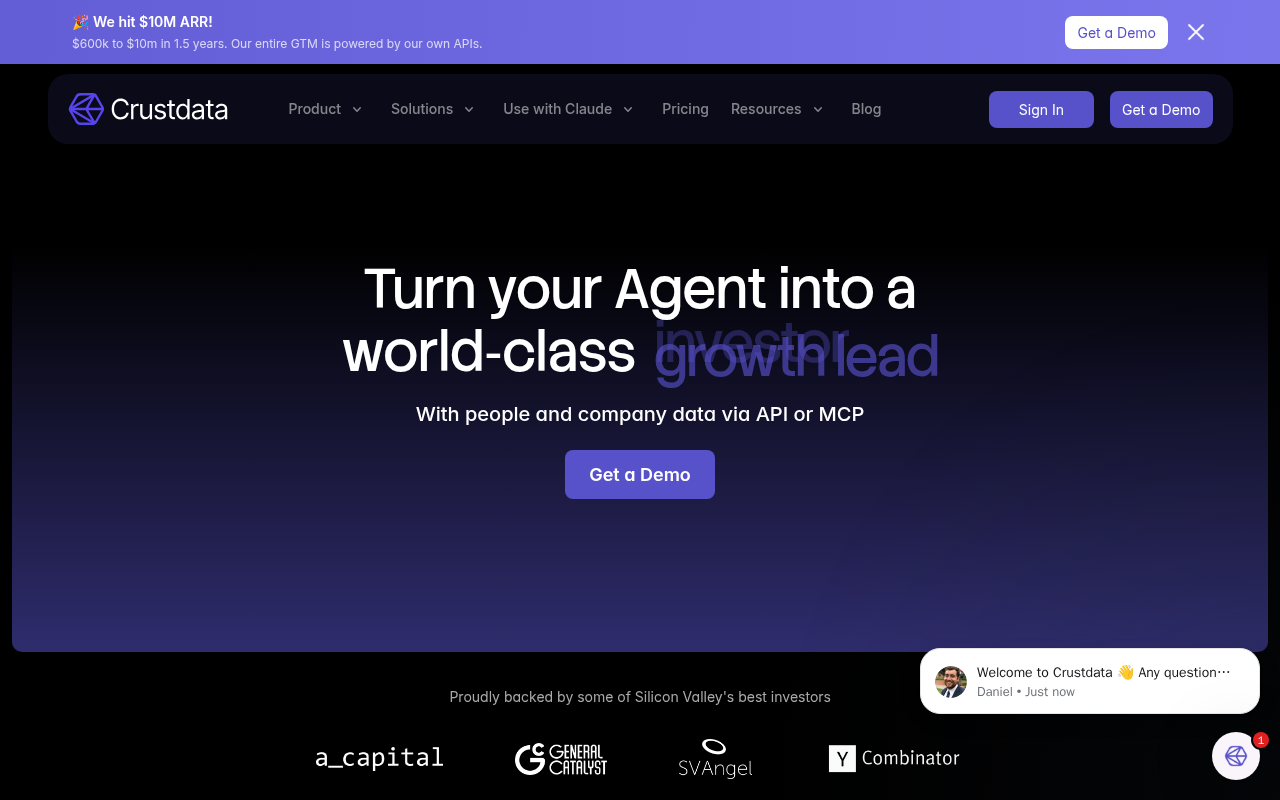
Try it: Open https://crustdata.com/, scroll to "Build On Top Of Crustdata", and click "Get an API key →". You land on /demo, not on the app.crustdata.com signup.
The pricing page never says what a credit costs in dollars
Developers evaluating Crustdata on /pricing cannot work out what a search or enrichment costs in money unless they sign up first.
On /pricing, every endpoint is priced only in credits: "0.03 per result" for people search, "1 to 4 per person" for enrich, and a worked example totalling 100 credits. The free offer is the only figure in dollars ("Start free with $20 in credits"), and the page says "Buy a pack when you need it" without listing pack sizes or prices. The docs pricing page also leaves package prices to the credits page in the dashboard, so a buyer at the pricing step cannot see a dollar price until after signup.
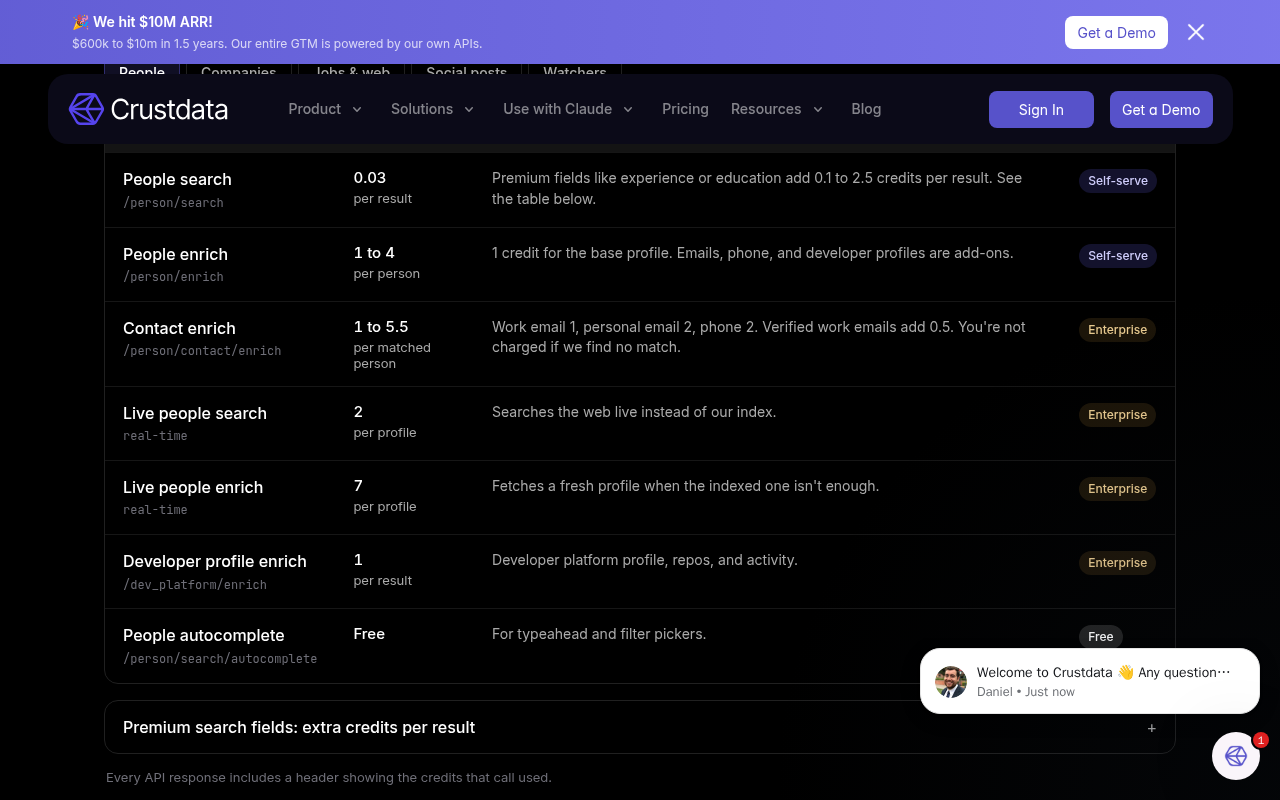
Try it: Open https://crustdata.com/pricing and scroll through the endpoint tables and the 100-credit example. Look for a dollar price per credit or per pack.
The footer Pricing link does not open the pricing page
Buyers who scroll to the footer to find the price get no pricing page and must find the header link instead.
In the footer on /, /pricing and /demo, "Pricing" under Company is drawn in dimmer grey than its neighbours and points to https://crustdata.com/ instead of /pricing. Clicking it on /demo changed nothing on the page and sent no request. "Contact Us" in the same column also points to the home page, so a buyer at the pricing step who checks the footer finds neither the price nor a contact route there.
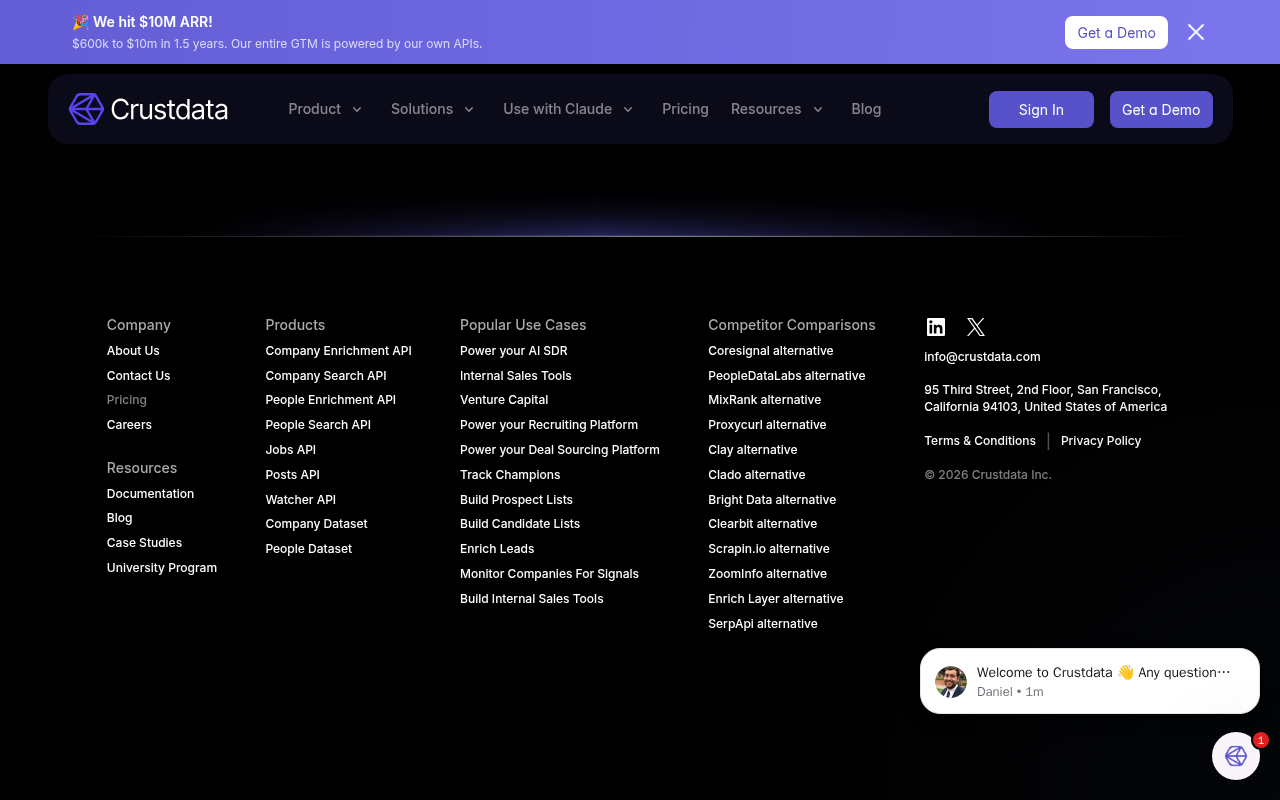
Try it: Open https://crustdata.com/demo, scroll to the footer and click "Pricing" under Company. The page does not move to /pricing. Then hover "Contact Us" and note that it links to the home page.
The chat greeting covers the phone field on the mobile demo form
On /demo at phone width, the Intercom greeting "Welcome to Crustdata" is a fixed overlay. It sits on top of the focused phone number input at every point measured inside the field. A visitor booking a demo has to close the greeting before they can see what they type in that field.
The home page is missing four security headers
The response from https://crustdata.com/ is missing Content-Security-Policy, CSP frame-ancestors or X-Frame-Options, Referrer-Policy, and Cross-Origin-Resource-Policy. intercom-session-qdlqnirv lack Secure or HttpOnly.
Hidden carousel slide and social links stay keyboard focusable
On / and /demo, the carousel item li[aria-label="4 of 4"] and the LinkedIn and X icon links in the footer have aria-hidden="true", yet they still contain or are focusable links. A keyboard user can tab onto these links while a screen reader gives no name for them.
The home page search demo's result count has low contrast
The "Found 2311 result" line in the home page search demo is 14px green text (#2e7f6f) on a #121212 background. That gives a contrast ratio of 3.9:1, and WCAG AA requires 4.5:1. It is a decorative status line in a mock search interface, so the effect on visitors is small.
The header logo link has no accessible name
Screen reader users hear only "link" with no destination. The link goes to the home page, and every pricing, demo and sign-in control remains reachable.
Probie fixes this for you.
Stop customers hitting the same friction. Connect your codebase and Probie reproduces these failures, tests the fix, and opens a pull request for your review.
Sign up and get this fixedFree inspection
What should Probie inspect next?
Enter a project URL. There is nothing to install.
Probie checks every issue twice, respects robots.txt, and backs off at bot challenges.
Enter an address and we will email the report card link.