We found 3 issuescosting you truston stationify.fi.
The home page says Kilpi has no in-app purchases, but the App Store says it does.
Watch the inspection.
We navigate your site the way customers would. Idle time is skipped.
How the composite score works
The overall score is a weighted average of the categories: Getting the product 40%, Trust before buying 20%, Mobile 15%, Speed 15%, and Polish and audit 10%. It is never more than 10 points above the Getting the product score, because a product a visitor cannot get cannot score well on anything else, and never more than 25 points above the weakest category, so one badly broken area is not averaged away. Any issue in the main list caps it at 89, so a score above 90 means nothing worth fixing was found.
Each category starts at 100 and stays there when nothing was found in it, whether or not the inspection got that far. Each distinct verified finding deducts 60 points for a serious problem on the path from arriving to paying, 40 for another serious problem, 30, 15 or 8 by high, medium or low severity otherwise, and 4 for an audit finding. Each additional finding below the list takes 2 more points off the overall score, up to 10. Scores stop at zero and round to whole numbers. The formula is fixed and versioned, so the same saved evidence always receives the same score.
The home page says Kilpi has no in-app purchases, but the App Store says it does
Visitors who install Kilpi from the home page see the App Store contradict the studio's "no in-app purchases" promise right as they install.
The Kilpi section of the home page says the app comes "with no account, no ads and no in-app purchases." Its "Download on the App Store" button opens a listing headed "Free · In‑App Purchases". The Kilpi page at /apps/kilpi/ mentions "an optional one-off payment in the app's Settings; it unlocks nothing", so a buyer at the install step sees a pricing claim that the store listing contradicts.
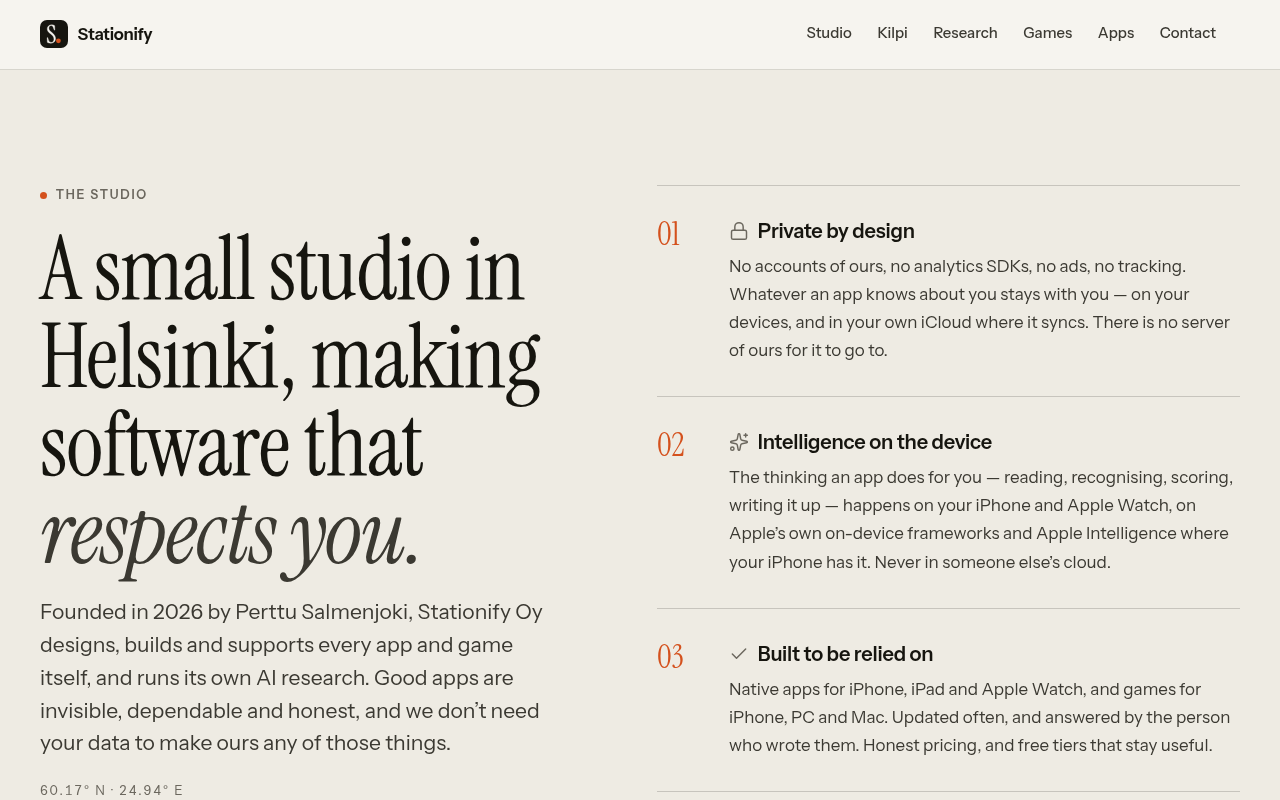
Try it: Open stationify.fi, scroll to the Kilpi section and read the line ending "no in-app purchases", then click "Download on the App Store" and look at the line under the app name.
Yonward's "Get notified" opens an email draft instead of a signup
People who want to hear when Yonward launches have no form to join, so anyone without a desktop mail app has no working way to sign up.
All three "Get notified" buttons on /games/yonward/ link to "mailto:[email protected]?subject=Yonward", and the page has no email field. Visitors with a desktop mail app get a blank email that they have to write and send themselves. In a browser with no mail handler set up, the click opens nothing in the page. The Runo 51 page has a one-field "NOTIFY ME" form that confirms "You're on the list." Yonward's launch list, the only action on this coming-soon page, has no form like it.
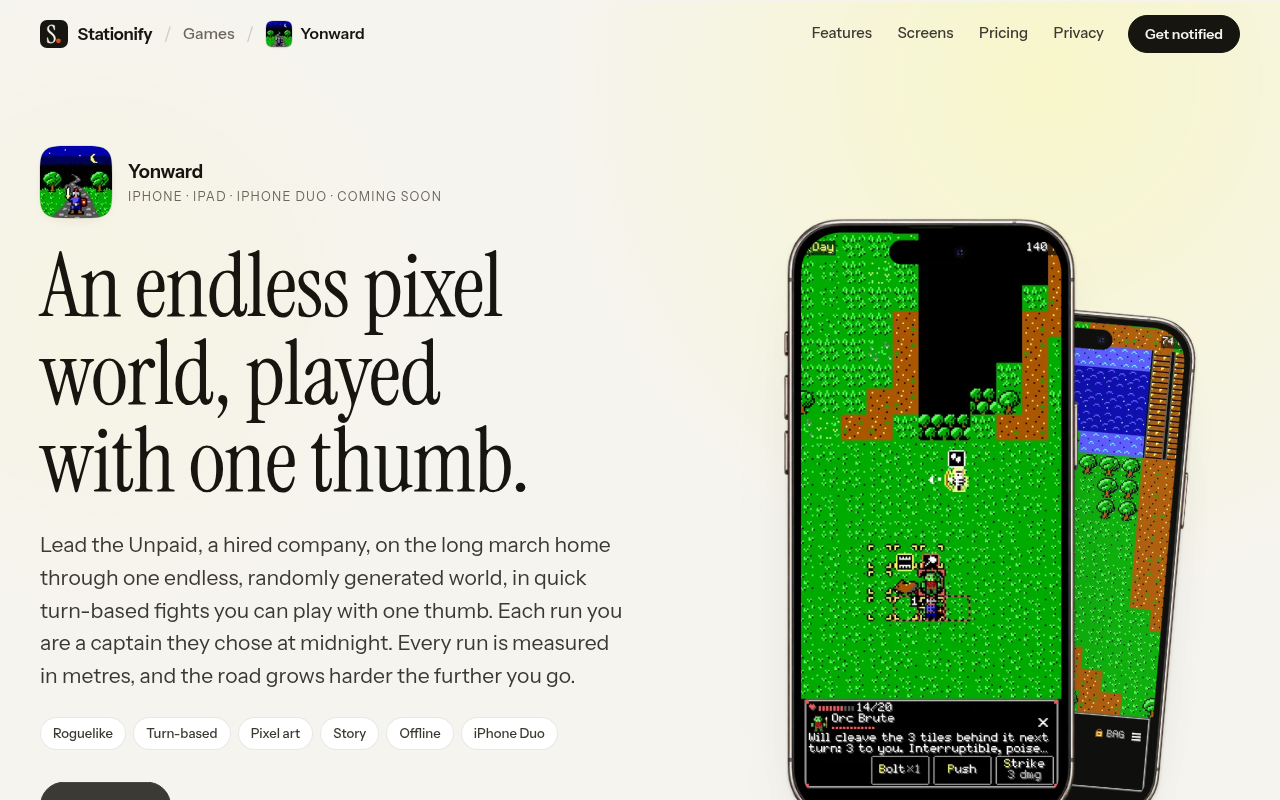
Try it: Open https://stationify.fi/games/yonward/ in a desktop browser that has no mail app set up and click "Get notified" in the header. Inspect the link and you will see a mailto: target with no signup form on the page.
The Cues page sells Cues Pro without giving its price
Visitors weighing the free tier's limits against Cues Pro cannot learn what any of the three Pro options costs before they install.
On /apps/cues/, the FAQ answer to "Is Cues really free?" says Cues Pro is "a monthly or yearly subscription, or a one-time purchase" but gives no amount for any of the three. The Drift, Kiito, PlantCoach and Sleep Talk pages each list US$ prices, but the Cues page has no pricing section, and the home card describes Cues only as "Free." A visitor comparing apps reaches the pricing step for Cues Pro without a price.
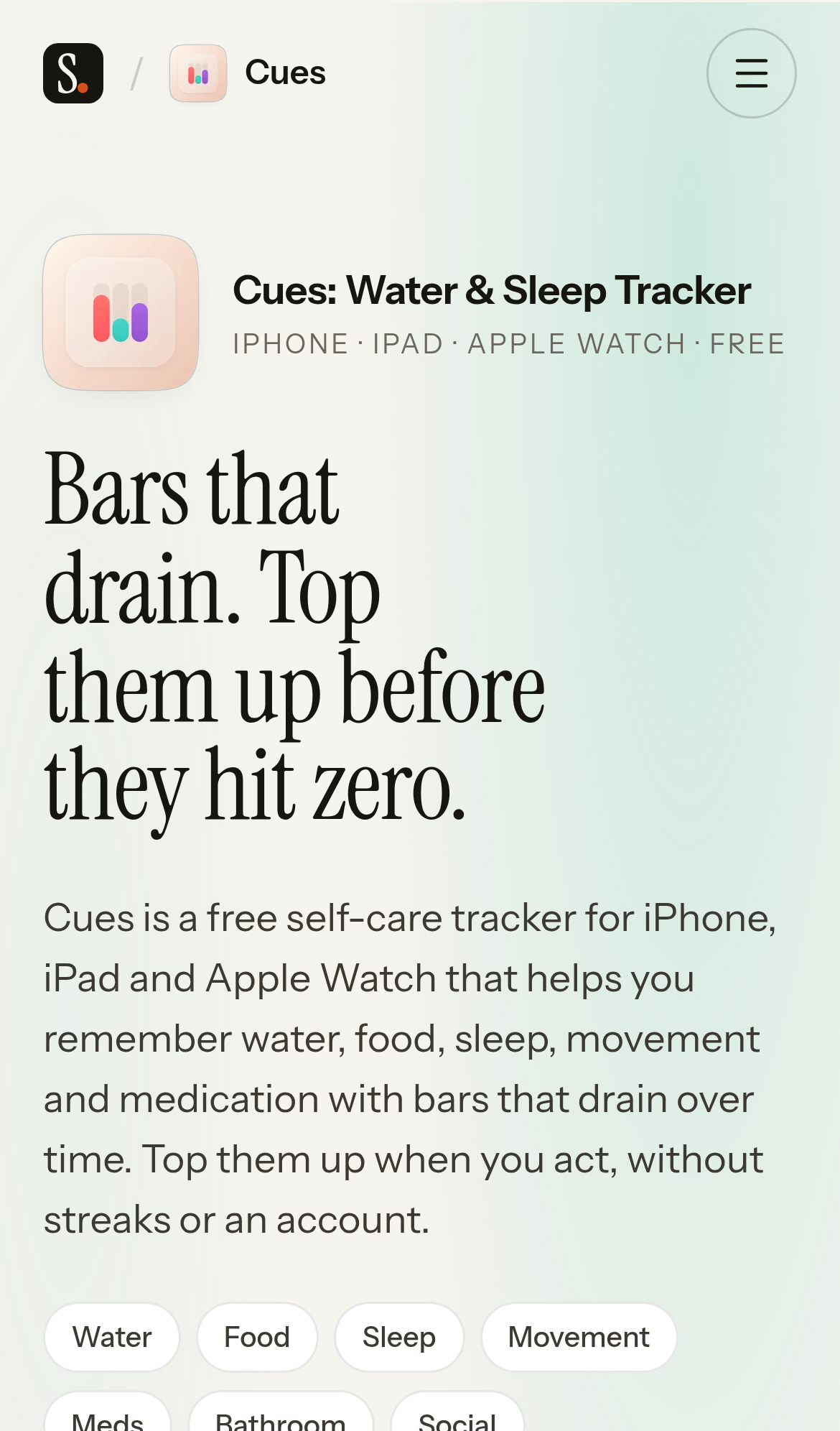
Try it: Open https://stationify.fi/apps/cues/ and expand the FAQ "Is Cues really free?". Then compare it with /apps/plantcoach/, which lists US$ prices.
The Kilpi "How it works" link logs an unhandled transition error
Clicking "How it works" in the Kilpi section of the home page logs an uncaught page error, "Transition was skipped". This message comes from the browser's View Transitions API when a transition is cancelled. Nothing in the evidence shows the link failing to scroll or navigate.
Two chart axis labels on /research/ fail colour contrast
The x-axis labels "13" and "16" on the quality score chart at /research/ have a contrast ratio of 2.2 (#aaa69f on #f6f4ef at 12.8px), while WCAG AA requires 4.5:1. The grey appears to be deliberate, because those two versions have no plotted score. The page is not part of installing or buying an app.
Probie fixes this for you.
Stop customers hitting the same friction. Connect your codebase and Probie reproduces these failures, tests the fix, and opens a pull request for your review.
Sign up and get this fixedFree inspection
What should Probie inspect next?
Enter a project URL. There is nothing to install.
Probie checks every issue twice, respects robots.txt, and backs off at bot challenges.
Enter an address and we will email the report card link.