We found 3 issuescosting you saleson apptionary.com.
Watch the inspection.
We navigate your site the way customers would. Idle time is skipped.
How the composite score works
The overall score is a weighted average of the categories: Getting the product 40%, Trust before buying 20%, Mobile 15%, Speed 15%, and Polish and audit 10%. It is never more than 10 points above the Getting the product score, because a product a visitor cannot get cannot score well on anything else, and never more than 25 points above the weakest category, so one badly broken area is not averaged away. Any issue in the main list caps it at 89, so a score above 90 means nothing worth fixing was found.
Each category starts at 100 and stays there when nothing was found in it, whether or not the inspection got that far. Each distinct verified finding deducts 60 points for a serious problem on the path from arriving to paying, 40 for another serious problem, 30, 15 or 8 by high, medium or low severity otherwise, and 4 for an audit finding. Each additional finding below the list takes 2 more points off the overall score, up to 10. Scores stop at zero and round to whole numbers. The formula is fixed and versioned, so the same saved evidence always receives the same score.
Desktop visitors have no way to get QuillCue onto their iPhone
Visitors who find QuillCue on a computer or Mac reach a download button that installs nothing there and offers no way to get the app onto their phone.
On /apps/quillcue, both "Download on the App Store" buttons open the App Store web listing for id6811385539, which says "Only for iPhone". Neither page has a QR code, a send-to-phone option or a reminder, so a desktop visitor at the get_product step cannot install the app from where they are. To get it, they have to remember QuillCue and search for it later on their iPhone.
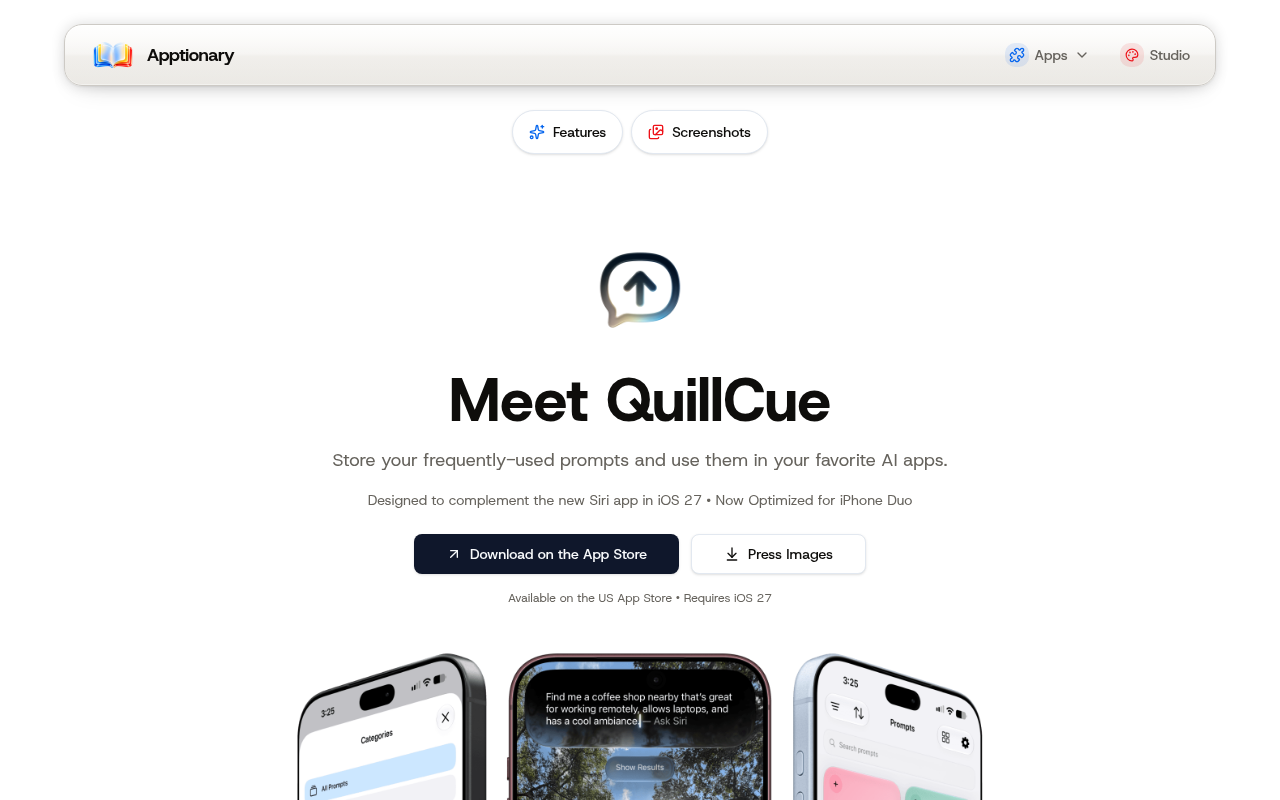
Try it: Open https://apptionary.com/apps/quillcue in a desktop browser and click "Download on the App Store". The listing says "Only for iPhone", and neither page offers a QR code or a way to send the app to a phone.
The QuillCue page promises iPad support the App Store listing lacks
iPad owners who read the page expecting to install QuillCue reach an App Store listing that says "Only for iPhone".
The first Features card on /apps/quillcue says "QuillCue now supports iPhone Duo and iPad" and describes multiple windows and a split column view on iPad. The same paragraph then ends with "iPad Support is coming soon", and the App Store listing the download button opens says "Only for iPhone". Visitors meet this contradiction right before they tap to get the app, and iPad owners who believe the first sentence cannot install it on their iPad.
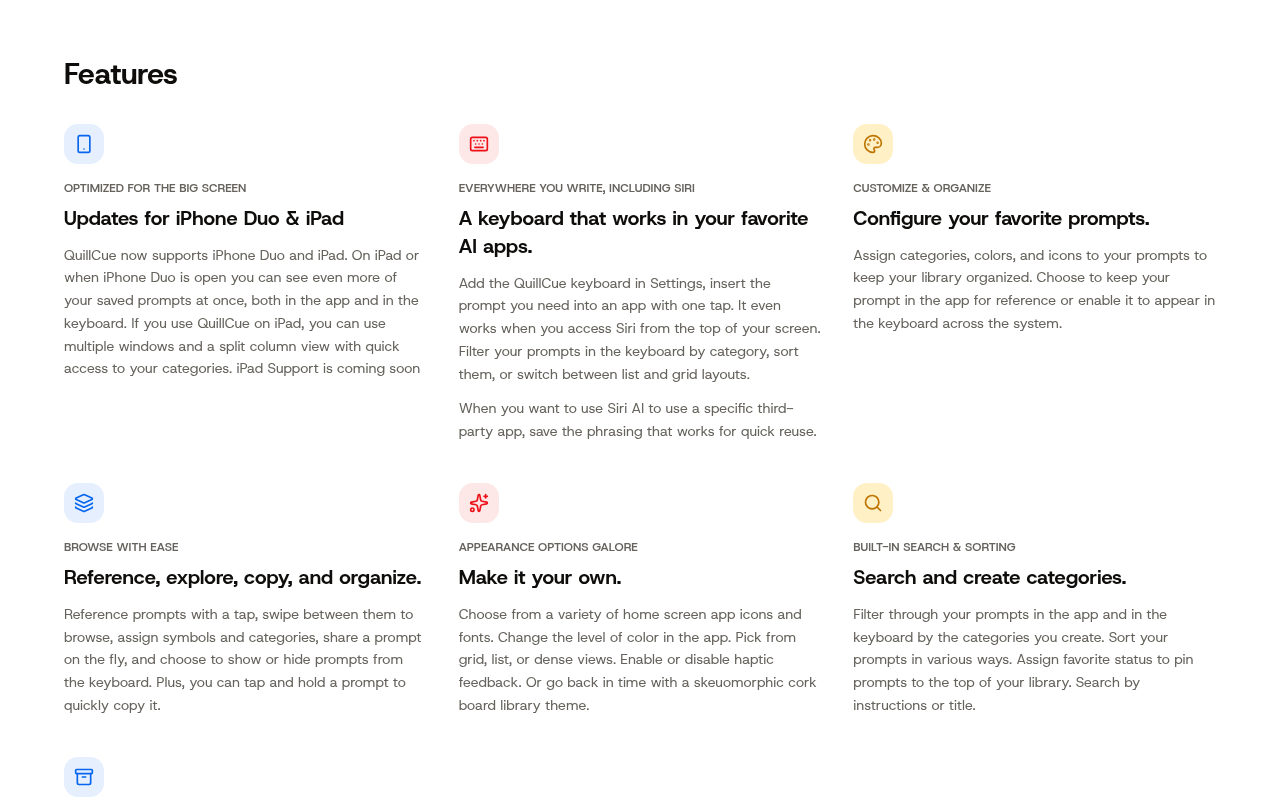
Try it: Open https://apptionary.com/apps/quillcue and read the first Features card, "Updates for iPhone Duo & iPad". Then click "Download on the App Store" and look at the "Only for iPhone" label under the app name.
The "Apps" menu button does nothing when tapped on a phone
Phone visitors who use the header menu to find QuillCue get no list of apps and must scroll the home page to find another way to its page.
On a phone, the "Apps" button in the home page header has a dropdown arrow, but tapping it opens no menu. It also makes no request and does not navigate, and the page looks the same before and after the tap. This header menu is how a phone visitor would reach the QuillCue page, so the tap fails at the point where they decide which app to read about.
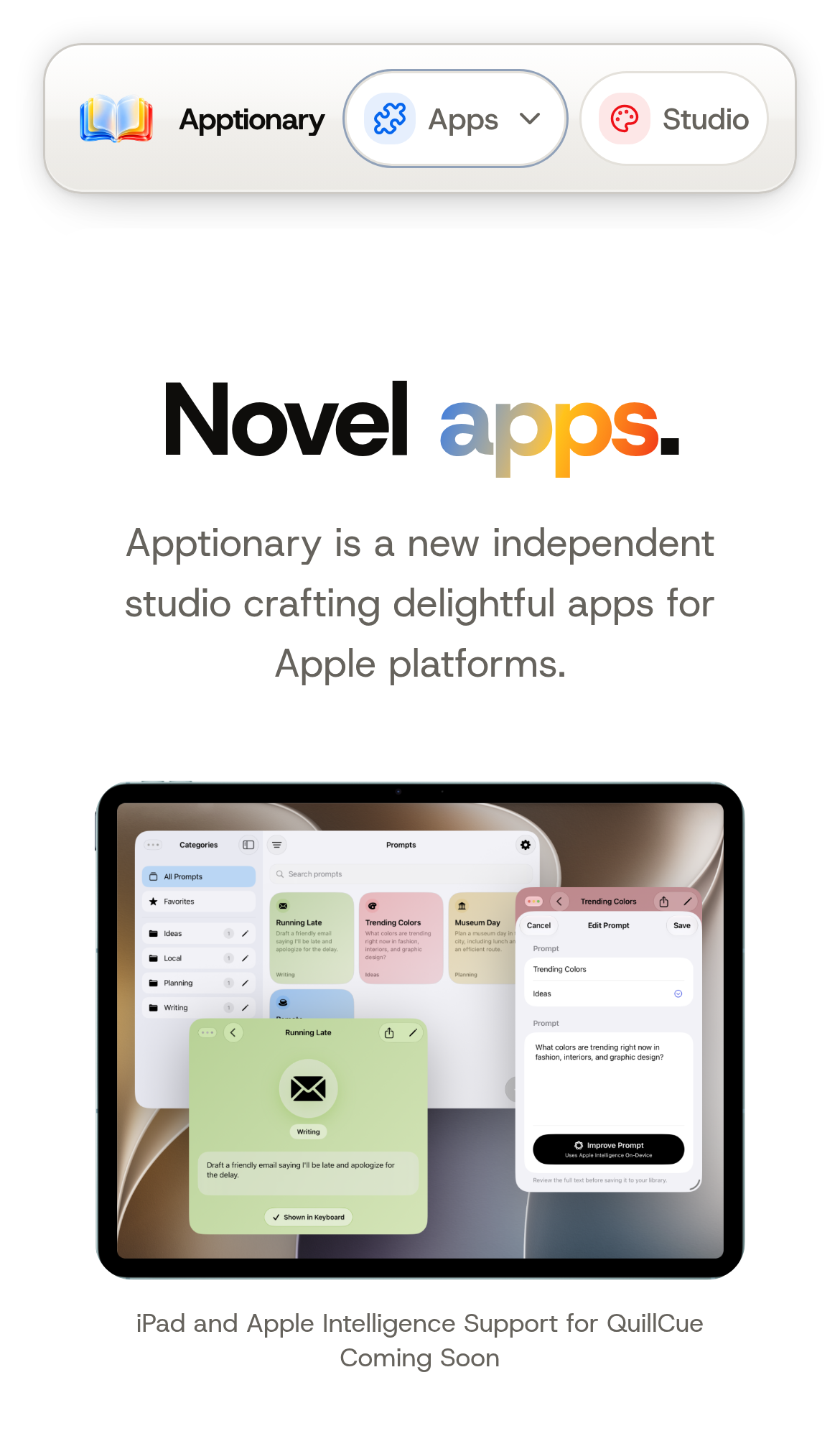
Try it: Open apptionary.com on a phone or in a 390px-wide mobile emulator and tap "Apps" in the header. No dropdown appears.
The Apps menu does not open on phones
On /studio at phone width, tapping the "Apps" button in the header, which shows a dropdown arrow, does nothing. No menu appears, the page does not change, and no request or navigation happens, and the result was the same on a second fresh load. The studio page has no other link to an app, so a phone visitor reading about the studio has no direct way from this page to QuillCue, the app they would download.
The "Apps" menu in the header does nothing on phones
The "Apps" button in the header on /apps/poour shows a dropdown chevron, but tapping it on a phone opens no menu and loads no page. Only a focus ring appears. Phone visitors reading about this upcoming app lose the menu route to QuillCue, the released app, and have to find another way back to it.
The "Apps" menu in the header does nothing when tapped on phones
On /apps/stowgle at phone width, tapping the "Apps" button in the header, which has a dropdown chevron, opens no menu. The page does not change, sends no request and does not navigate, and a second fresh load behaved the same way. A visitor who arrives on this in-development app's page has no working menu to reach QuillCue, the released app they could install.
The header Apps menu does not open on phones
On /apps/quillcue on a phone, the "Apps" header button has a dropdown chevron, but tapping it opens nothing. The tap produced no page change, no request and no navigation, and the result was the same on a second fresh load. Visitors who want to browse Apptionary's other apps from the header get no response.
The header logo downloads at 1536x1024 for a 48x32 slot
The header logo apptionary-book.png has a natural size of 1536x1024 and a transfer size of 255,164 bytes, but it renders at 48x32 on the home page. The page's largest paint still completed in 972 ms, so visitors reading about the apps meet no visible delay.
The studio logo is a 1536x1024 PNG shown at 48x32
On /studio, apptionary-book.png is 1536x1024 pixels and about 255 KB. It appears at 48x32 in the header and at 168x112 above the heading. The page's largest content renders in 1096 ms, so the extra weight costs little time.
The header logo downloads a 1536px file to show it at 48px
On /apps/quillcue, the header logo apptionary-book.png has a natural size of 1536x1024 and renders at 48x32, with a transfer size of 255,164 bytes. The hero image is also served at 1896x1436 for a 768x582 slot and costs 525,231 bytes. The page still reached LCP in 868 ms, so these files only add payload and do not delay what a visitor sees.
The home page head has no canonical URL
The home page at / has no link rel="canonical" in its head. A fresh load also had none. Everything else is in place: the title, description, Open Graph tags, the icon and the share image all load.
Probie fixes this for you.
Stop customers hitting the same friction. Connect your codebase and Probie reproduces these failures, tests the fix, and opens a pull request for your review.
Sign up and get this fixedFree inspection
What should Probie inspect next?
Enter a project URL. There is nothing to install.
Probie checks every issue twice, respects robots.txt, and backs off at bot challenges.
Enter an address and we will email the report card link.