We found 3 issuescosting you saleson deployxa.com.
Watch the inspection.
We navigate your site the way customers would. Idle time is skipped.
How the composite score works
The overall score is a weighted average of the categories: Getting the product 40%, Trust before buying 20%, Mobile 15%, Speed 15%, and Polish and audit 10%. It is never more than 10 points above the Getting the product score, because a product a visitor cannot get cannot score well on anything else, and never more than 25 points above the weakest category, so one badly broken area is not averaged away. Any issue in the main list caps it at 89, so a score above 90 means nothing worth fixing was found.
Each category starts at 100 and stays there when nothing was found in it, whether or not the inspection got that far. Each distinct verified finding deducts 60 points for a serious problem on the path from arriving to paying, 40 for another serious problem, 30, 15 or 8 by high, medium or low severity otherwise, and 4 for an audit finding. Each additional finding below the list takes 2 more points off the overall score, up to 10. Scores stop at zero and round to whole numbers. The formula is fixed and versioned, so the same saved evidence always receives the same score.
Enterprise "Contact Sales" buttons open the free signup form
Enterprise buyers who ask for a quote get a free account form and no way to reach sales from that path.
The Enterprise plan on /pricing is a "Custom quote", and its "Contact sales" button leads to /use-cases/enterprise. On that page, "Contact Sales" in the hero and "Contact Sales Team" at the bottom both open a "Create your account. Free to start." modal that asks for name, email and password, with nowhere to describe requirements or book a call. Buyers meet this at the only step that leads to buying Enterprise, and the working /contact form is not linked from any of these buttons.
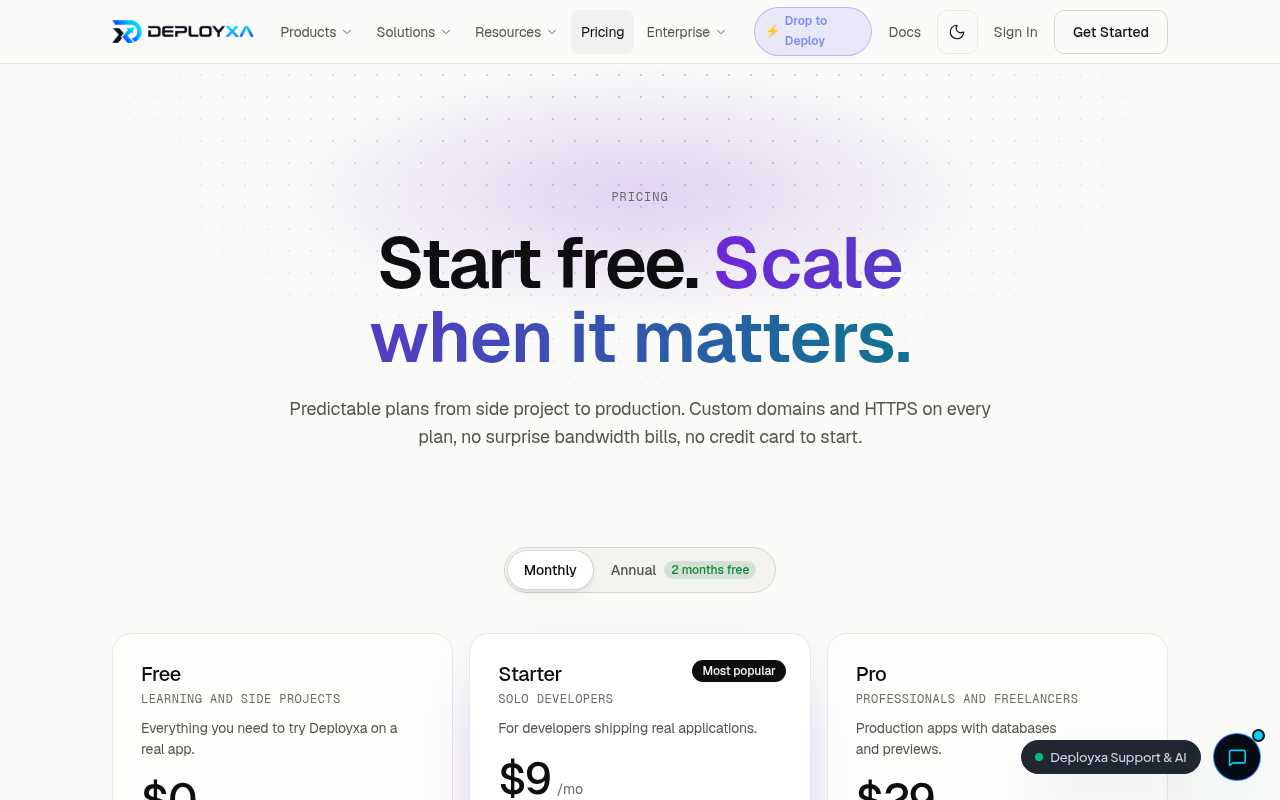
Try it: Open /pricing and click "Contact sales" under Enterprise. On /use-cases/enterprise, click "Contact Sales" and watch the free "Create your account" modal open.
Enterprise and pricing pages read like internal release notes
Enterprise buyers who follow Contact sales see the page say SSO is unavailable and no certification is held, right next to claims of full identity control and SOC 2 help.
The /use-cases/enterprise hero reads "Dedicated capacity after verified provisioning and assignment... Organization SAML/OIDC SSO is unavailable; no third-party certification is held," yet the same page promises "complete control over networking, data residency, and identity management" and lists SOC2 Type II and ISO 27001 among the problems it solves. On /pricing, the comparison table shows SSO as "Unavailable" even for Enterprise while the Enterprise card offers "Compliance and SOC 2 assistance", and the free-plan FAQ answer reads "Idle sleep requires an explicit opt-in on an eligible public web service with one replica and complete activity telemetry." Buyers meet this wording on the pricing step and on the page they reach just before contacting sales.
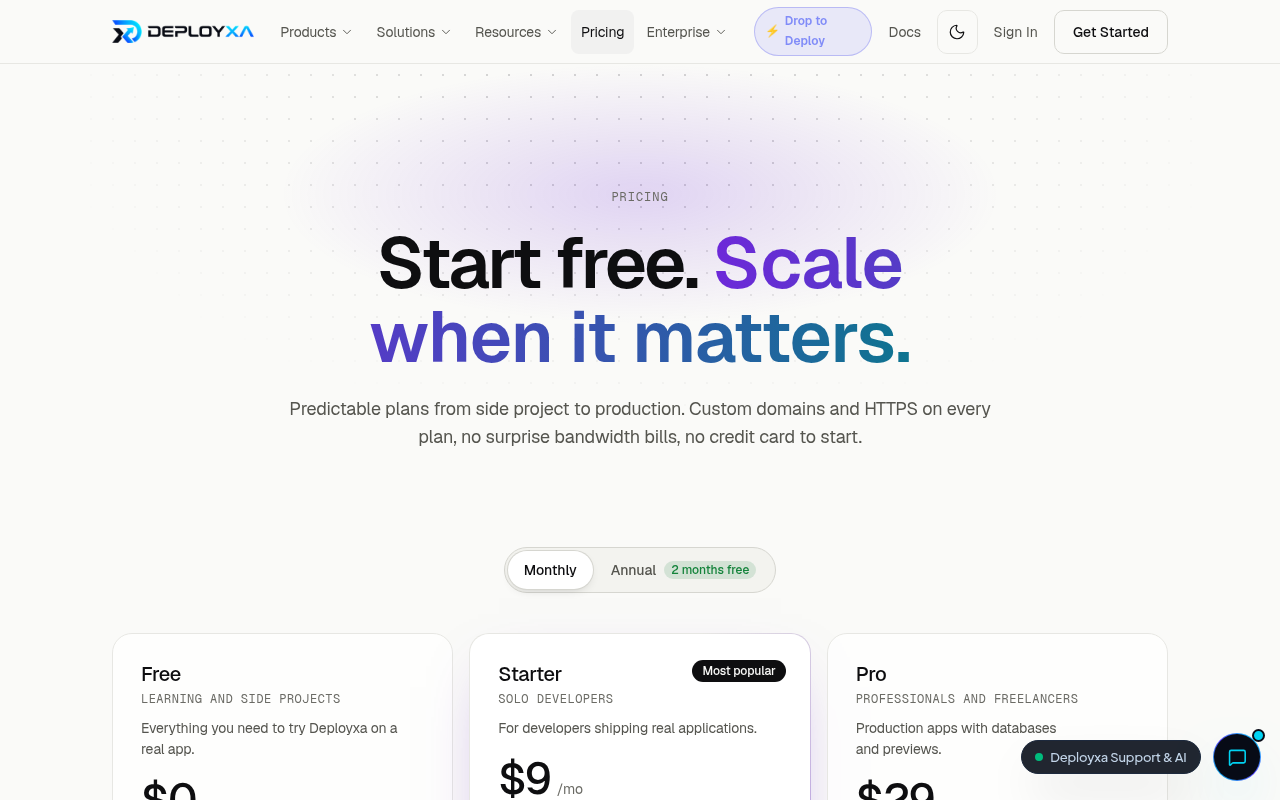
Try it: Open /use-cases/enterprise and read the hero subtitle and the IDENTITY & SSO card. Then open /pricing, read the SSO row in the comparison table, and expand the FAQ "Will my free app go offline?".
The header Drop to Deploy link fails contrast at 2.45:1
Low-vision visitors may have trouble reading the header link to the no-account drop preview.
The Drop to Deploy link in the home page header (.x-drop-badge, linking to /drop) has light indigo #818cf8 text on a #e8e8f7 background. That gives a contrast ratio of 2.45:1 at 12px, and WCAG AA requires 4.5:1. This link is a visible entry point to the try step, where visitors drop a .zip to get a preview without an account.
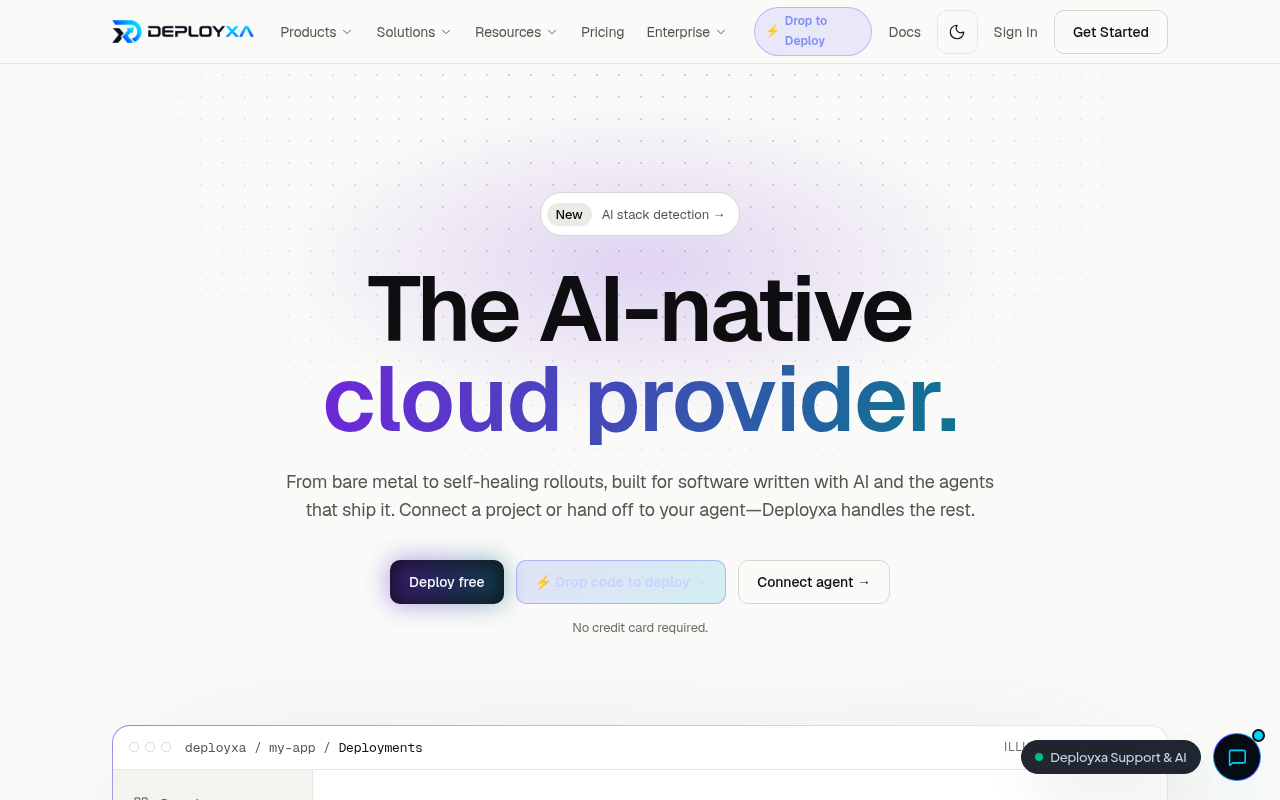
Try it: Look at the .x-drop-badge "Drop to Deploy" link in the header, which is flagged at 2.45:1.
The home page lacks CSP and CORP headers
The response from https://deployxa.com/ is missing Content-Security-Policy and Cross-Origin-Resource-Policy.
Probie fixes this for you.
Stop customers hitting the same friction. Connect your codebase and Probie reproduces these failures, tests the fix, and opens a pull request for your review.
Sign up and get this fixedFree inspection
What should Probie inspect next?
Enter a project URL. There is nothing to install.
Probie checks every issue twice, respects robots.txt, and backs off at bot challenges.
Enter an address and we will email the report card link.