We found 3 issuescosting you saleson coursetube.online.
Watch the inspection.
We navigate your site the way customers would. Idle time is skipped.
How the composite score works
The overall score is a weighted average of the categories: Getting the product 40%, Trust before buying 20%, Mobile 15%, Speed 15%, and Polish and audit 10%. It is never more than 10 points above the Getting the product score, because a product a visitor cannot get cannot score well on anything else, and never more than 25 points above the weakest category, so one badly broken area is not averaged away. Any issue in the main list caps it at 89, so a score above 90 means nothing worth fixing was found.
Each category starts at 100 and stays there when nothing was found in it, whether or not the inspection got that far. Each distinct verified finding deducts 60 points for a serious problem on the path from arriving to paying, 40 for another serious problem, 30, 15 or 8 by high, medium or low severity otherwise, and 4 for an audit finding. Each additional finding below the list takes 2 more points off the overall score, up to 10. Scores stop at zero and round to whole numbers. The formula is fixed and versioned, so the same saved evidence always receives the same score.
Start Learning sends new visitors to a returning-user login form
New visitors who click the main button or a library course land on a form that assumes they already have an account.
The home page's "Start Learning" button and every course card on /explore link to /courses. That page redirects to accounts.coursetube.online/sign-in, which says "Welcome back! Please sign in to continue". A first-time visitor sees no course and gets no explanation that a free account is needed. The only way into signup is the small "Don't have an account? Sign up" link below the form, which leads to the branded "Join CourseTube" page at /sign-up.
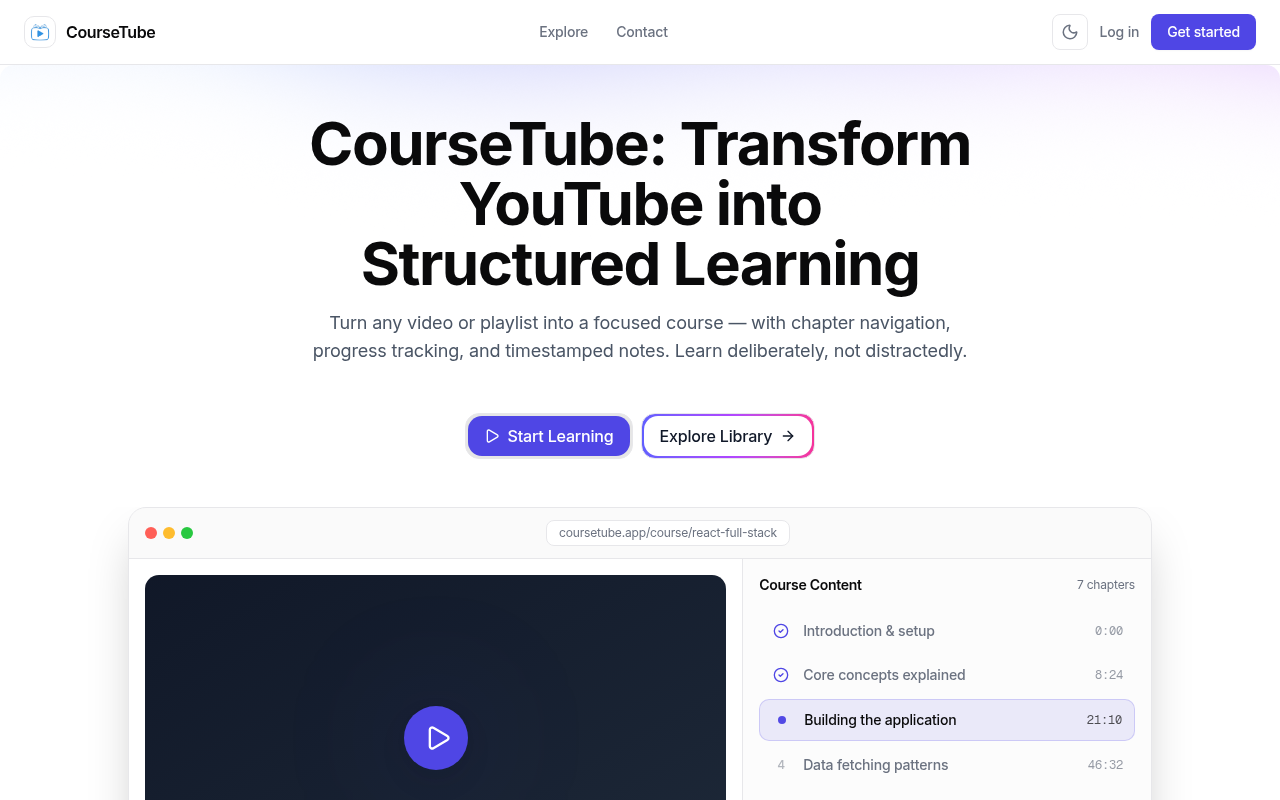
Try it: Open coursetube.online in a private window and click "Start Learning". You land on the "Welcome back! Please sign in" page instead of the course or the sign-up page.
The phone sign-up form jumps while the page loads
Phone visitors trying to create a free account see the form move under their finger before they can start typing.
On a phone, /sign-up records a cumulative layout shift of 0.334 while it loads, and Google rates anything above 0.25 as poor. Most of the movement comes from the main sign-up container (div.max-w-md.relative.w-full.z-10), which holds the Google button and the email and password fields. A new visitor meets this at the signup step, and a tap made while the form is still moving can land on the wrong field or button.
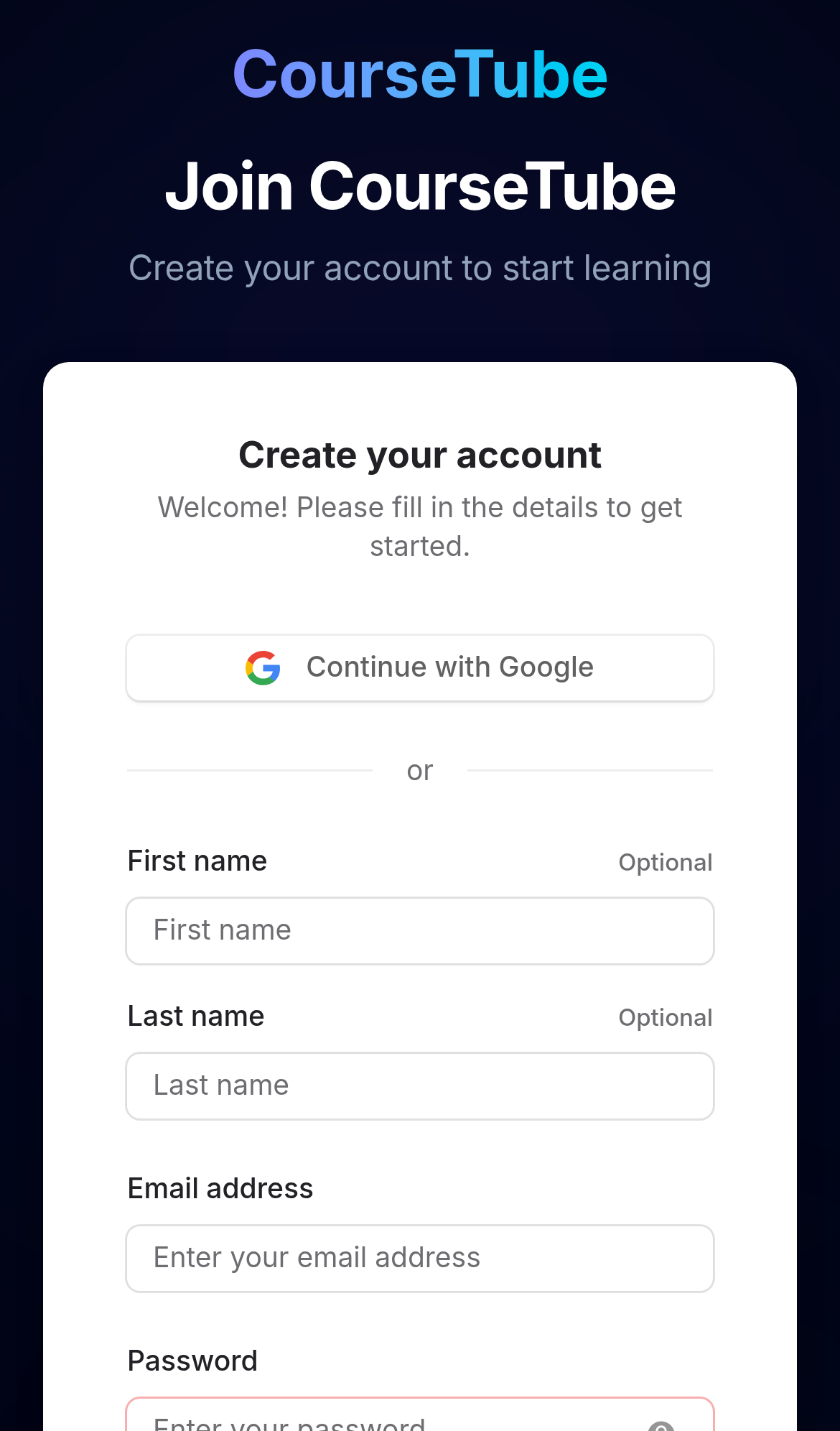
Try it: Open /sign-up in Chrome DevTools with a phone profile and a cold cache. Watch the sign-up card move as it renders, or read the CLS value in the Performance panel.
The /explore course list moves while phone visitors read it
Phone visitors browsing courses to try the player see the list move under them while the page loads, so they can tap the wrong course or lose their place.
On a phone, /explore has a cumulative layout shift of 0.262. Google rates anything above 0.25 as poor. Most of the movement comes from the main course section below the search box, and it happened before any scrolling or tapping. Visitors meet this on the page where they choose a course to try, so the cards can move just as they reach for one.
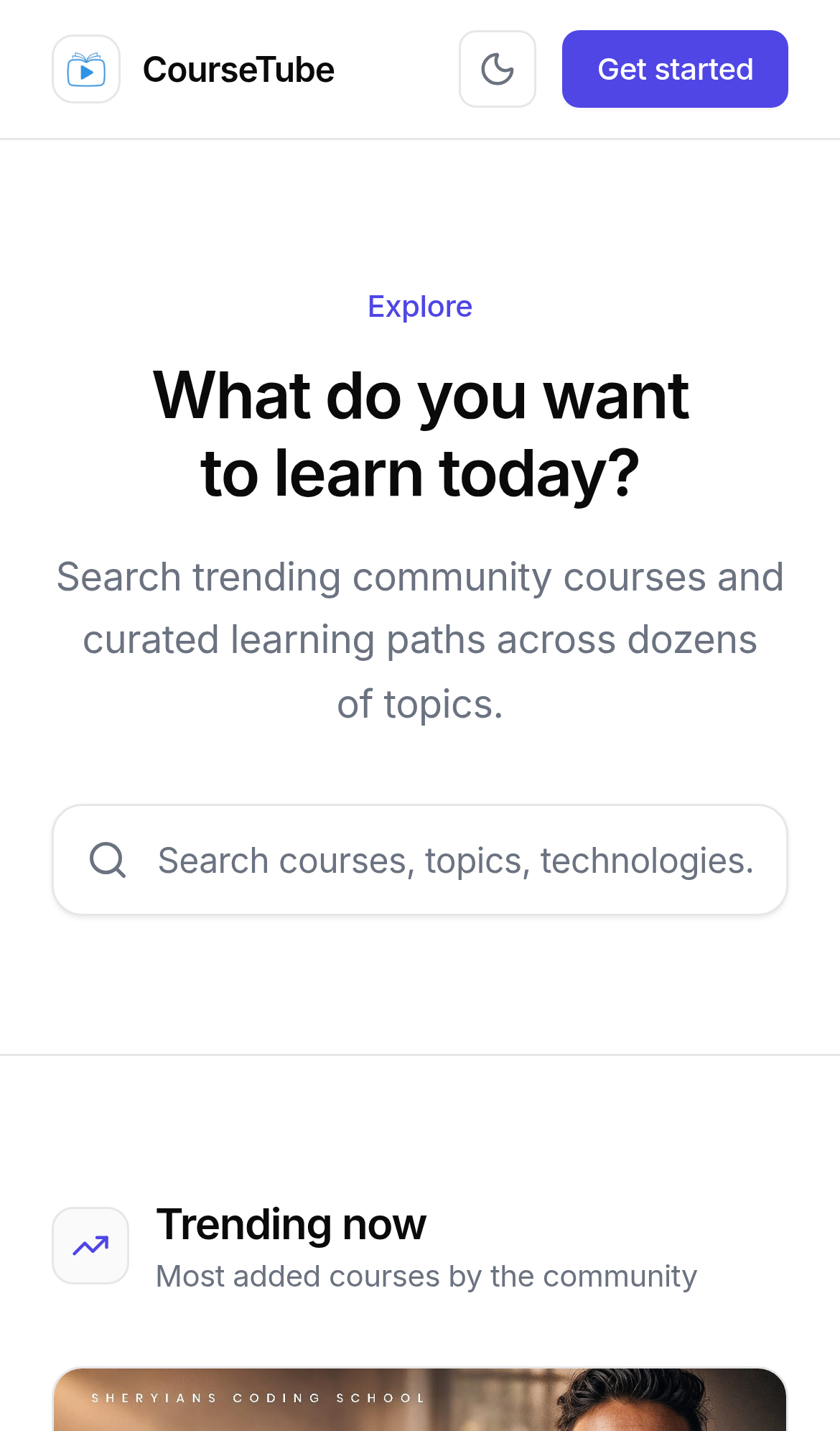
Try it: Open coursetube.online/explore on a phone or in a mobile emulator with the cache cleared, and watch the Trending now section move down as the page loads.
Seven pages share the home page title
The routes /, /explore, /contact, /sign-up, /privacy, /terms and /cookies all use the same title, "CourseTube, Turn YouTube into structured courses". Search results and browser tabs show identical names for pages with different purposes, so the library and signup pages cannot be identified by title alone.
Seven pages share the same meta description
The routes /, /explore, /contact, /sign-up, /privacy, /terms and /cookies all carry the same meta description: "CourseTube transforms YouTube videos and playlists into structured learning courses with chapter navigation, progress tracking, and timestamped notes." Search result snippets for these pages read the same, so the explore and sign-up pages have no summary of their own.
The 20px header logo downloads as a 137 KB image
The header logo at /newlogo.png is a 524x476 image that renders at 20x20 pixels on a 1x display, and it transfers 137,637 bytes. The home page's largest content still paints in about 300 ms, so visitors do not see a delay.
The header logo downloads 137 KB to display at 20 pixels
On /explore, the header logo /newlogo.png has a natural size of 524x476 and transfers 137,637 bytes, but it displays at 20x20 on a 1x screen. The YouTube thumbnails are 480x360 images shown at 298x168, which is proportionate, and the page's largest paint landed at 536 ms.
The home page has no canonical URL or Open Graph image
The head of the home page at / declares no canonical link and no og:image, while the title, description, og:title, og:description and icon are all present. Links shared on social or chat apps will show a text-only "summary" card.
The signup email and name fields have no autocomplete hints
On /sign-up, the "Email address" field (input#emailAddress-field) is type text with no autocomplete value. "First name" and "Last name" also have no autocomplete value. Visitors at the signup step may have to type details that the browser could otherwise fill in, although the email field does set inputmode email.
The home page is missing five security response headers
The response from https://www.coursetube.online/ is missing Content-Security-Policy, CSP frame-ancestors or X-Frame-Options, X-Content-Type-Options: nosniff, Referrer-Policy, and Cross-Origin-Resource-Policy.
The home page preview player buttons have no accessible names
They sit inside the demo mockup below the hero, and the "Start Learning" and "Get started" buttons are not affected.
Probie fixes this for you.
Stop customers hitting the same friction. Connect your codebase and Probie reproduces these failures, tests the fix, and opens a pull request for your review.
Sign up and get this fixedFree inspection
What should Probie inspect next?
Enter a project URL. There is nothing to install.
Probie checks every issue twice, respects robots.txt, and backs off at bot challenges.
Enter an address and we will email the report card link.