We found 3 issuescosting you truston firstuser.app.
Watch the inspection.
We navigate your site the way customers would. Idle time is skipped.
How the composite score works
The overall score is a weighted average of the categories: Getting the product 40%, Trust before buying 20%, Mobile 15%, Speed 15%, and Polish and audit 10%. It is never more than 10 points above the Getting the product score, because a product a visitor cannot get cannot score well on anything else, and never more than 25 points above the weakest category, so one badly broken area is not averaged away. Any issue in the main list caps it at 89, so a score above 90 means nothing worth fixing was found.
Each category starts at 100 and stays there when nothing was found in it, whether or not the inspection got that far. Each distinct verified finding deducts 60 points for a serious problem on the path from arriving to paying, 40 for another serious problem, 30, 15 or 8 by high, medium or low severity otherwise, and 4 for an audit finding. Each additional finding below the list takes 2 more points off the overall score, up to 10. Scores stop at zero and round to whole numbers. The formula is fixed and versioned, so the same saved evidence always receives the same score.
The free-account button promises re-tests that need a paid plan
Builders who click through from a free report expecting free re-tests learn on the signup page that adding an app requires a paid plan.
The free test report ends with "Create a free account to save this report and test again when you ship." and a "Create free account →" button. That button opens /signup?from=report-cta, which says "The account is free until you subscribe. Adding an app requires Starter, Pro, or Team.", and the FAQ says "The free test runs once, when you submit it." Builders meet this contradiction at signup, the step just before they decide whether to pay.
Try it: Open any free report, such as https://firstuser.app/r/fpHtr92_S8dbfw, and scroll to the bottom. Click "Create free account →" and read the line under "Create an account".
The free report blames login for an account that was never created
Builders trying the free test get fix prompts that send their AI builder after the wrong problem, at the moment they decide whether to pay.
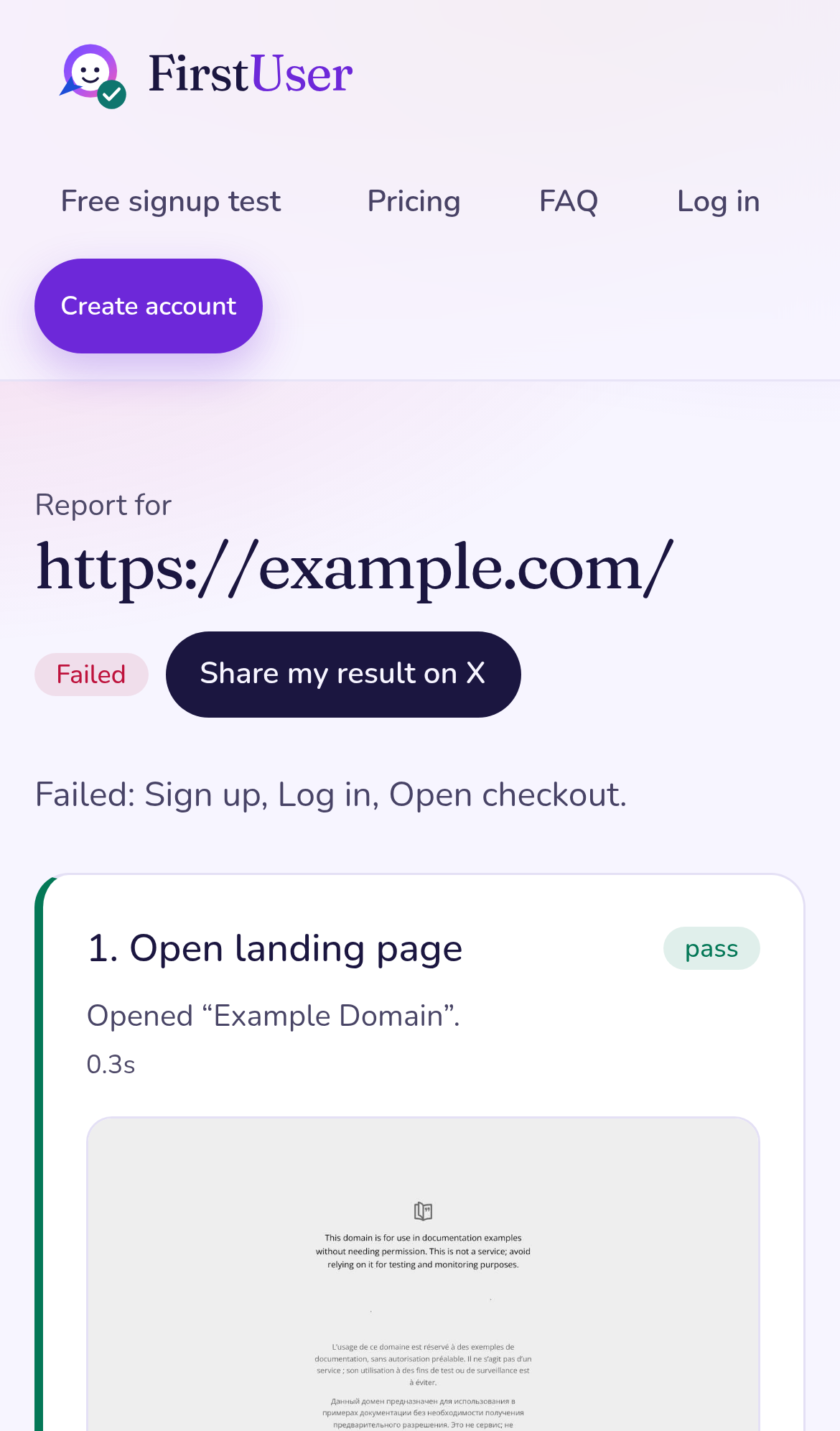
In a free test report for https://example.com, sign-up failed with "No sign-up form was found" and Confirm email was "Skipped because sign-up did not succeed". Log in was still marked failed, and its fix prompt says "A test user created an account" and asks the builder to "Make email-and-password login work for an account that just signed up". The Open checkout diagnosis gives only a bare URL, "What happened: https://example.com/checkout", so a builder trying the free test gets a prompt that describes nothing.
Try it: Run the free signup test at /free-test against https://example.com and open the finished report. Read the step 4 Log in fix prompt and the step 6 Open checkout diagnosis.
No price shows in the first three phone screens of /pricing
Phone buyers who open the pricing page to compare plans have to scroll through a full sample report before they see a single price.
On a 390px wide phone, /pricing shows the heading "Pricing that stays out of the way." and then a "Before you subscribe" box with the complete "What your report shows" example: the Open and Sign up steps, an example screenshot, a diagnosis and a fix prompt. After about three screens of scrolling, no price and no Starter, Pro or Team card has appeared, because the plan cards come after that whole block. Buyers on a phone meet this exactly when they are trying to compare plans.
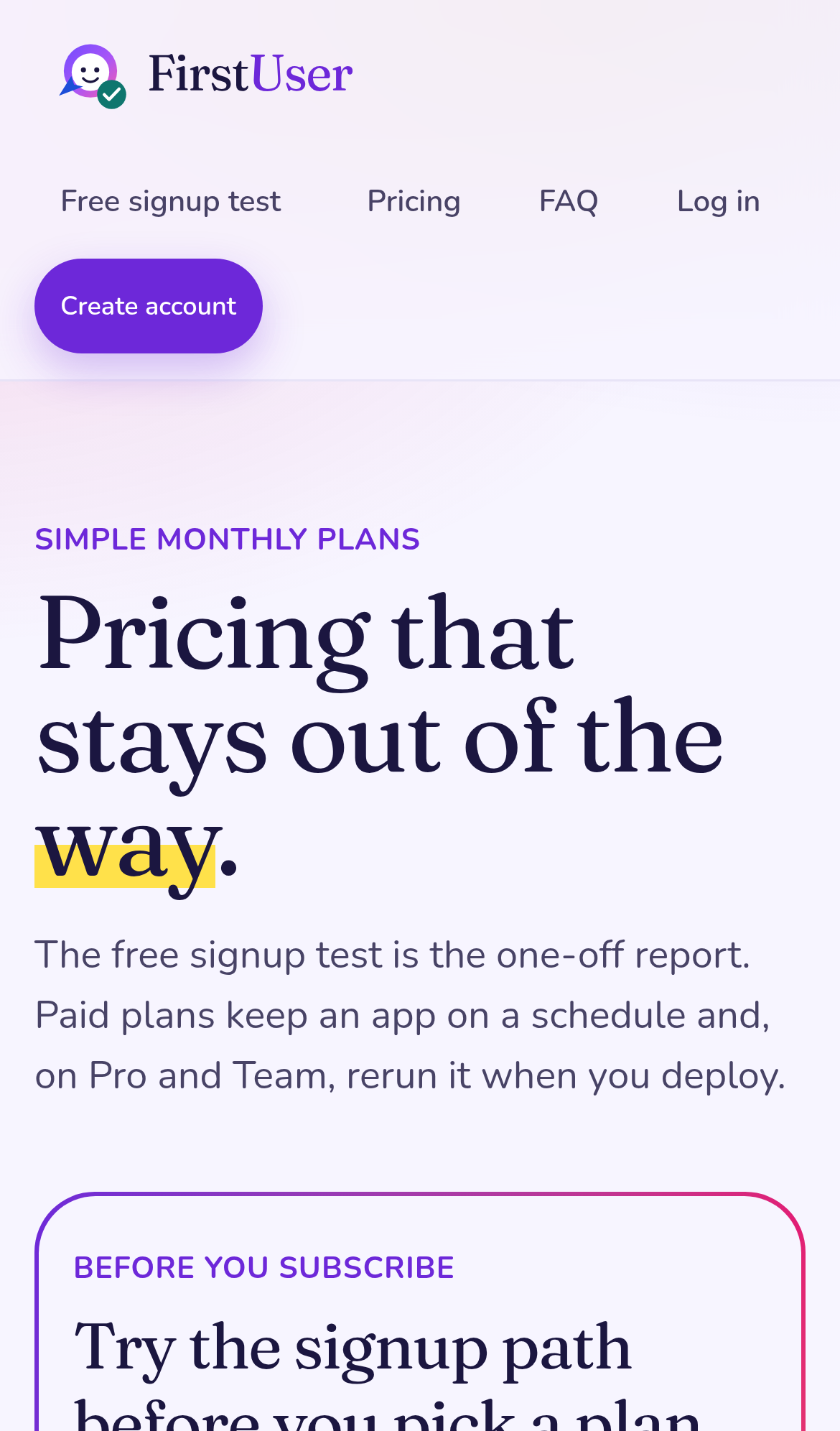
Try it: Open https://firstuser.app/pricing on a phone or in a 390px wide responsive view and scroll down three screens. You will still be inside the example report, with no plan price showing yet.
The home page is missing five security response headers
The response from https://firstuser.app/ is missing Content-Security-Policy, CSP frame-ancestors or X-Frame-Options, X-Content-Type-Options: nosniff, Referrer-Policy, and Cross-Origin-Resource-Policy.
Probie fixes this for you.
Stop customers hitting the same friction. Connect your codebase and Probie reproduces these failures, tests the fix, and opens a pull request for your review.
Sign up and get this fixedFree inspection
What should Probie inspect next?
Enter a project URL. There is nothing to install.
Probie checks every issue twice, respects robots.txt, and backs off at bot challenges.
Enter an address and we will email the report card link.