We found 2 issuescosting you saleson ui.amines.fun.
Watch the inspection.
We navigate your site the way customers would. Idle time is skipped.
How the composite score works
The overall score is a weighted average of the categories: Getting the product 40%, Trust before buying 20%, Mobile 15%, Speed 15%, and Polish and audit 10%. It is never more than 10 points above the Getting the product score, because a product a visitor cannot get cannot score well on anything else, and never more than 25 points above the weakest category, so one badly broken area is not averaged away. Any issue in the main list caps it at 89, so a score above 90 means nothing worth fixing was found.
Each category starts at 100 and stays there when nothing was found in it, whether or not the inspection got that far. Each distinct verified finding deducts 60 points for a serious problem on the path from arriving to paying, 40 for another serious problem, 30, 15 or 8 by high, medium or low severity otherwise, and 4 for an audit finding. Each additional finding below the list takes 2 more points off the overall score, up to 10. Scores stop at zero and round to whole numbers. The formula is fixed and versioned, so the same saved evidence always receives the same score.
The CLI install command for free components returns a 500 error
Developers trying a free component with the default install command get a server error instead of the component.
The Installation section on free component pages opens on the CLI tab and shows `npx shadcn@latest add https://ui.amines.fun/registry/ink-bloom-text.json`. That registry URL, and the matching one for Button, return HTTP 500 with "Unable to retrieve the component.", so the copied command cannot install the component. A developer meets this at the first hands-on step of trying the library, before they reach Pro components or pricing.
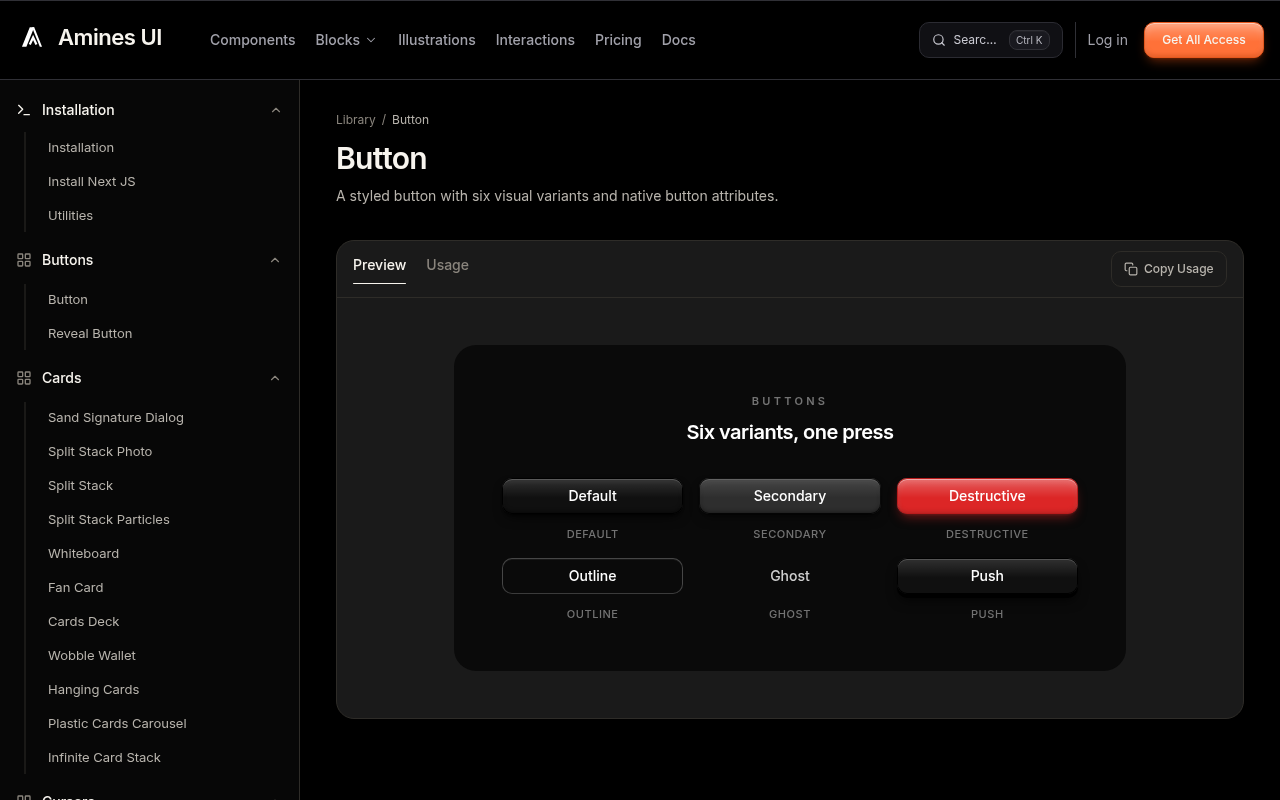
Try it: Open https://ui.amines.fun/registry/ink-bloom-text.json or /registry/button.json in a browser and check for the 500 JSON error. You can also run `npx shadcn@latest add https://ui.amines.fun/registry/button.json` in a Next.js project.
The phone menu's "Get Amines" button opens a 404 page
Phone visitors who tap the menu's main buy button land on an error page instead of the plans they meant to compare.
In the phone menu, the orange "Get Amines" button links to /icons, which returns a 404 page that reads "ERROR 404 · NOT FOUND". On desktop the matching "Get All Access" button goes to /pricing, and the phone hero has no buy button, so this is the most prominent route to the plans on a phone. A buyer meets this at the pricing step. The plain "Pricing" link in the same menu still works.
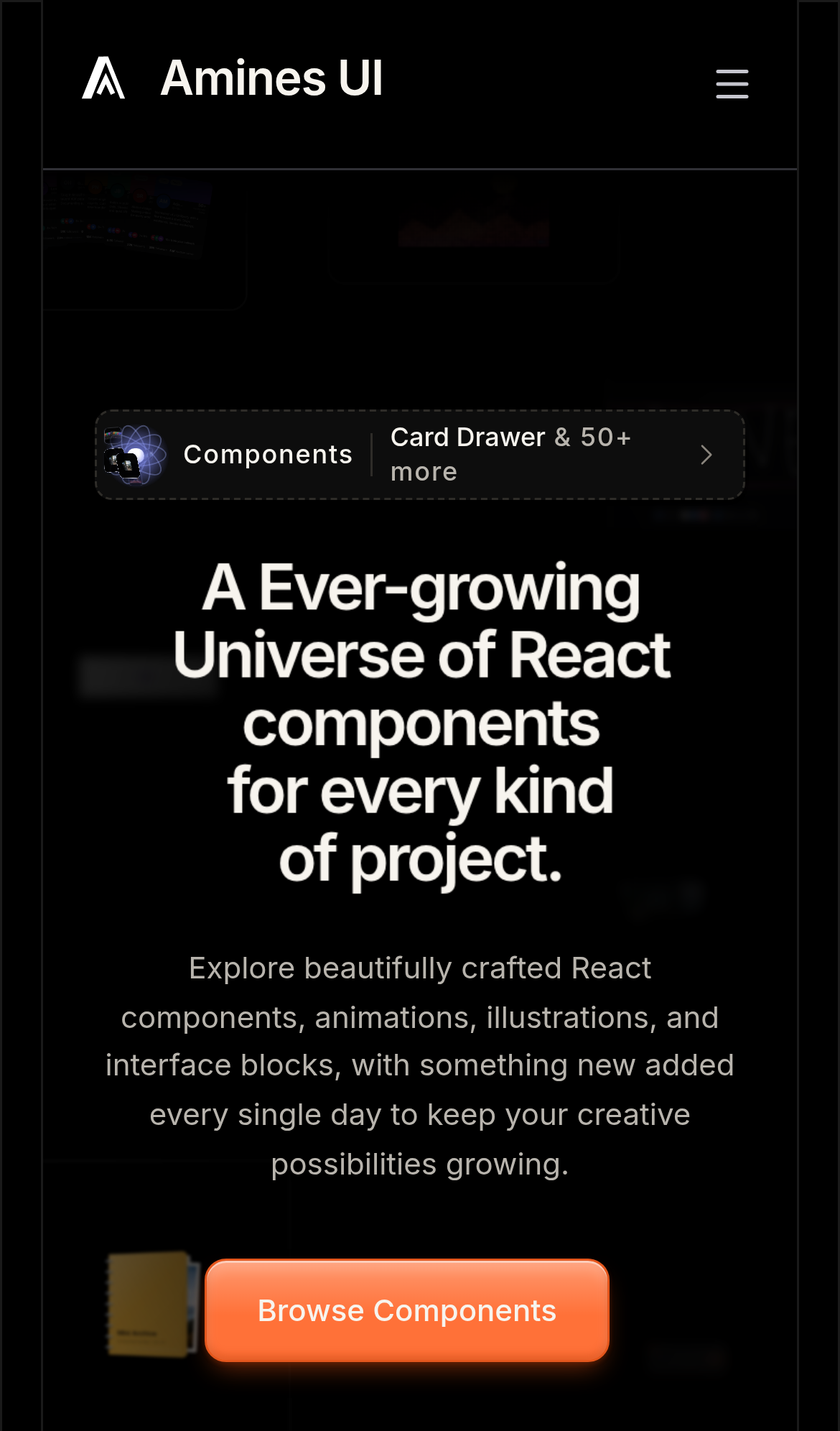
Try it: Open https://ui.amines.fun/ at phone width, tap the menu icon, then tap "Get Amines". The 404 page opens at /icons.
The home page "View all" links are 20px tall on phones
On the phone home page, the "View all components", "View all illustrations" and "View all blocks" links are 20px tall. They also have no spacing from nearby targets, so they fail the 24 by 24px minimum touch target size. A visitor browsing samples uses these links to open the full catalogs.
Home hero loads full-size PNGs for tiny background tiles
The home page hero background uses 1920x1080 PNGs that render at about 110x80 pixels. split-stack.png transfers 958,569 bytes, glow-bars-background.png transfers 821,854 bytes and clavis-keyboard.png transfers 194,165 bytes. Measured LCP on desktop was 3,336 ms.
Component preview images on /components are low resolution on phones
The Button and Reveal Button preview images on /components have source files 390 by 219 pixels wide. On a phone they render at 348 by 261 CSS pixels with object-fit cover at a device pixel ratio of 3, so each is stretched well past its native size. The previews stay readable but look slightly soft on a high-density screen.
The search palette requests a logo file that returns 404
Clicking "Search pages and components" on the home page requests /AminesLogo.svg, and the server answers with a 404. The image does not load wherever the search panel uses it. Search itself still opens, so browsing and buying are unaffected.
The home page is missing five security response headers
The response from https://ui.amines.fun/ is missing Content-Security-Policy, CSP frame-ancestors or X-Frame-Options, X-Content-Type-Options: nosniff, Referrer-Policy, and Cross-Origin-Resource-Policy.
Home page showcase buttons contain nested focusable controls
Assistive technology can announce such a control inconsistently, and keyboard users may meet two tab stops for one action. Mouse visitors are not affected.
Probie fixes this for you.
Stop customers hitting the same friction. Connect your codebase and Probie reproduces these failures, tests the fix, and opens a pull request for your review.
Sign up and get this fixedFree inspection
What should Probie inspect next?
Enter a project URL. There is nothing to install.
Probie checks every issue twice, respects robots.txt, and backs off at bot challenges.
Enter an address and we will email the report card link.