We found 6 issuescosting you saleson ferrow.framer.website.
Watch the inspection.
We navigate your site the way customers would. Idle time is skipped.
How the composite score works
The overall score is a weighted average of the categories: Getting the product 40%, Trust before buying 20%, Mobile 15%, Speed 15%, and Polish and audit 10%. It is never more than 10 points above the Getting the product score, because a product a visitor cannot get cannot score well on anything else, and never more than 25 points above the weakest category, so one badly broken area is not averaged away. Any issue in the main list caps it at 89, so a score above 90 means nothing worth fixing was found.
Each category starts at 100 and stays there when nothing was found in it, whether or not the inspection got that far. Each distinct verified finding deducts 60 points for a serious problem on the path from arriving to paying, 40 for another serious problem, 30, 15 or 8 by high, medium or low severity otherwise, and 4 for an audit finding. Each additional finding below the list takes 2 more points off the overall score, up to 10. Scores stop at zero and round to whole numbers. The formula is fixed and versioned, so the same saved evidence always receives the same score.
The "Continue with Google" button on /login does nothing
Customers who sign in with Google cannot get back into their Ferrow workspace from the login page.
The login page shows a full-width "Continue with Google" button under the "or" divider. It is not a link or a button, it is missing from the page's interactive controls on desktop and iPhone, and tapping it does nothing. Password reset is also switched off ("Email reset isn't enabled yet"), so a returning customer who relies on Google has no self-serve way back into their workspace to finish onboarding or upgrade.
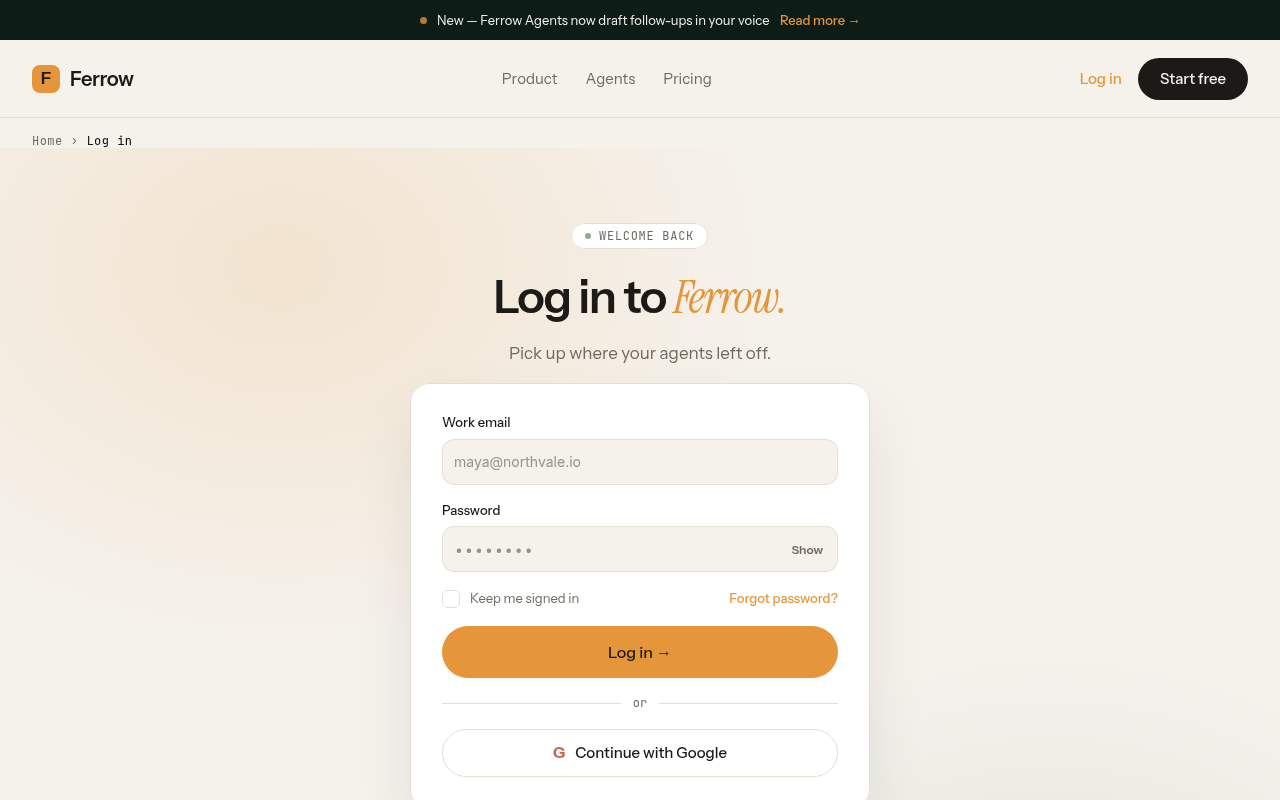
Try it: Open https://ferrow.framer.website/login and click "Continue with Google" under the "or" divider. Nothing opens and no Google sign-in starts.
The forgot-password page cannot send a password reset
Users locked out of their workspace, including trial users close to upgrading, cannot reset their password themselves and have to wait for support.
The "Forgot password?" link on /login opens a page that says "Enter your work email to request a password reset." It then says "Email reset isn't enabled yet," and its only button, "Contact support →", goes to /contact. A returning user who forgets their password cannot get back into the product without contacting support, and the request for an email the page cannot use makes the account flow look unfinished.
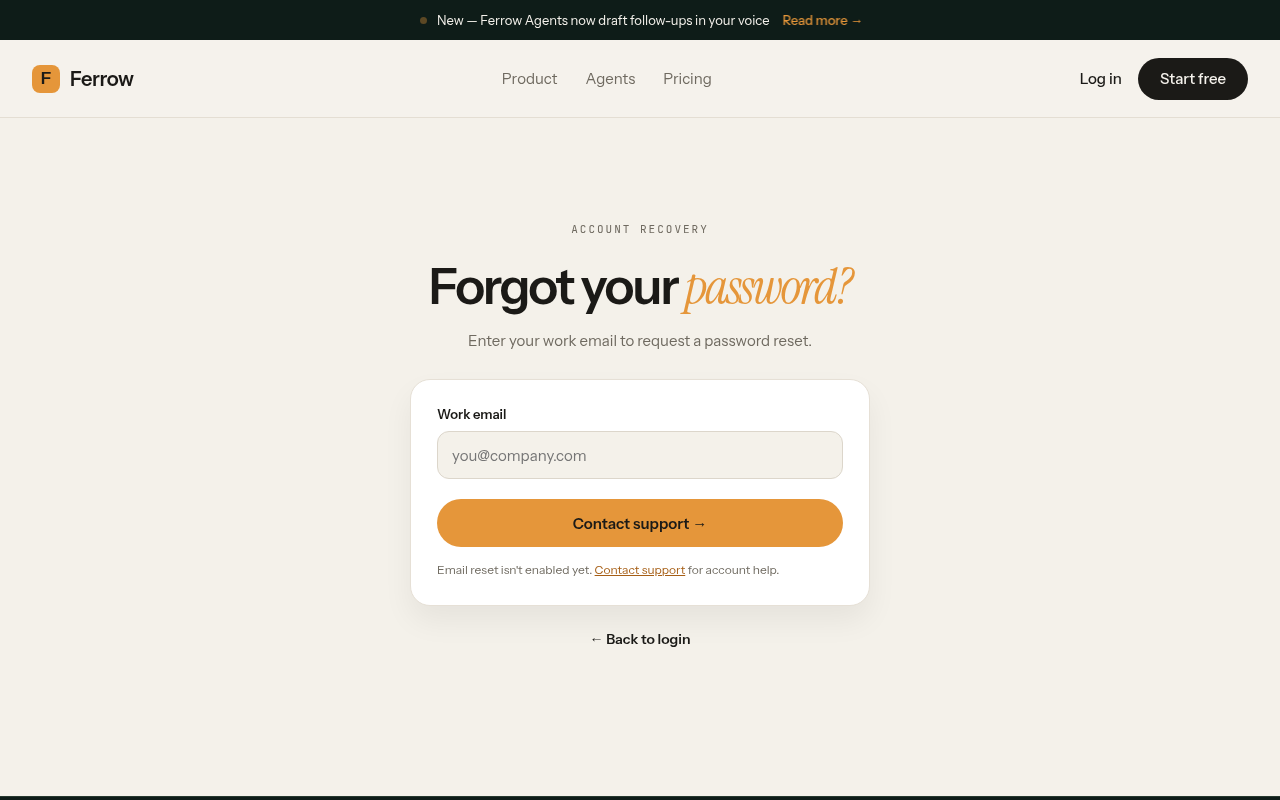
Try it: Open /login and click "Forgot password?". The page asks for a work email, but the only button is "Contact support →" and the small print says "Email reset isn't enabled yet."
The Growth trial button opens a free-plan signup with no trial
Teams that choose the Growth trial on pricing reach a signup page that offers only a free plan capped at 3 seats, with no sign of the trial they chose.
On /pricing, the Growth card's "Start 14-day trial" button and the other trial buttons all link to /signup, the same page as "Start free". That page reads "FREE FOR TEAMS UP TO 3" and "Free forever up to 3 seats · No credit card". It says nothing about a trial or the Growth plan and has no plan choice, so a buyer at the signup step cannot tell whether the trial they clicked is what they are signing up for.
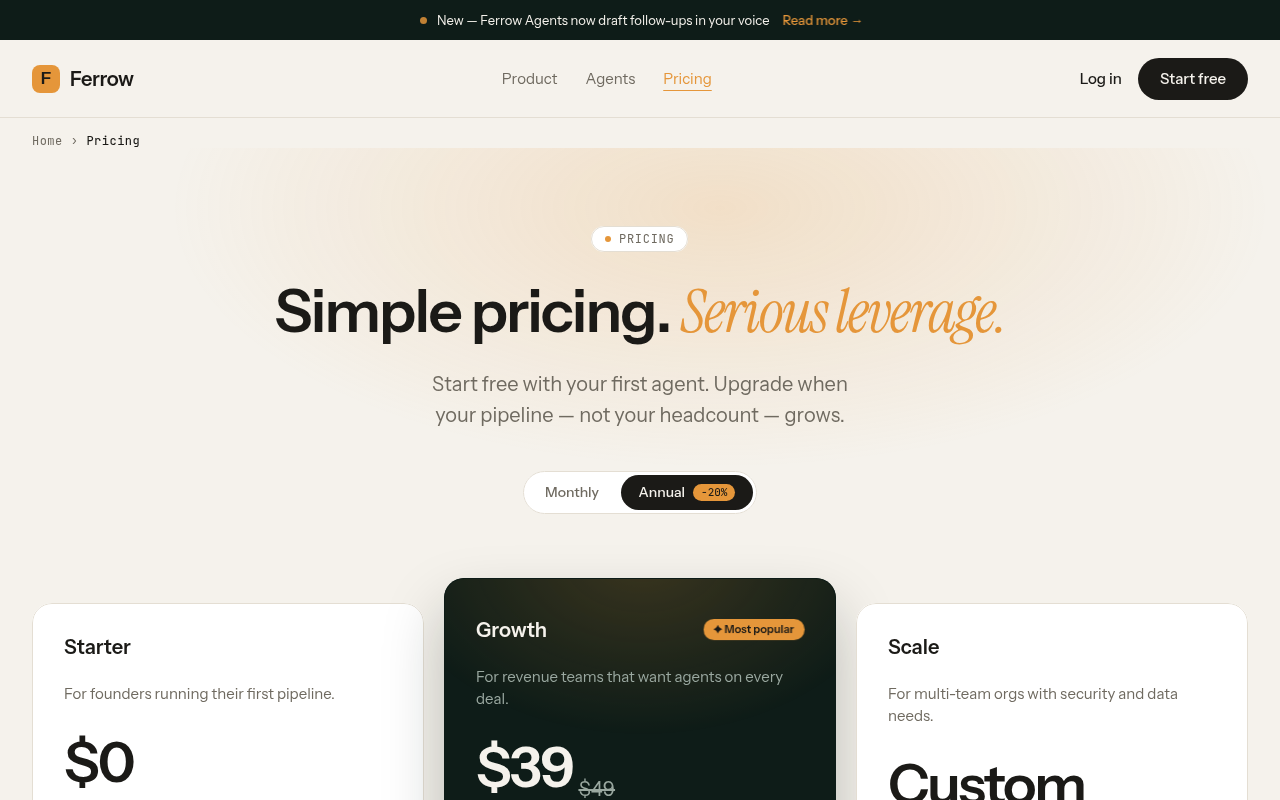
Try it: Open /pricing and click "Start 14-day trial" on the Growth card. The page that opens is /signup, and it shows only the free plan for up to 3 seats with no mention of a trial.
The Product tour button opens an empty video placeholder
Buyers who want to see Ferrow before signing up get an unfinished placeholder from the product page's main secondary button.
On /product, the "Product tour" button next to "Start free" opens a modal with an empty dashed frame labelled "VIDEO PLACEHOLDER · NOT YET AVAILABLE" and the heading "Tour video coming soon". Buyers who are trying to understand the product before they sign up get placeholder text where they expected a tour. The same page already says its UI, figures and certifications are illustrative.
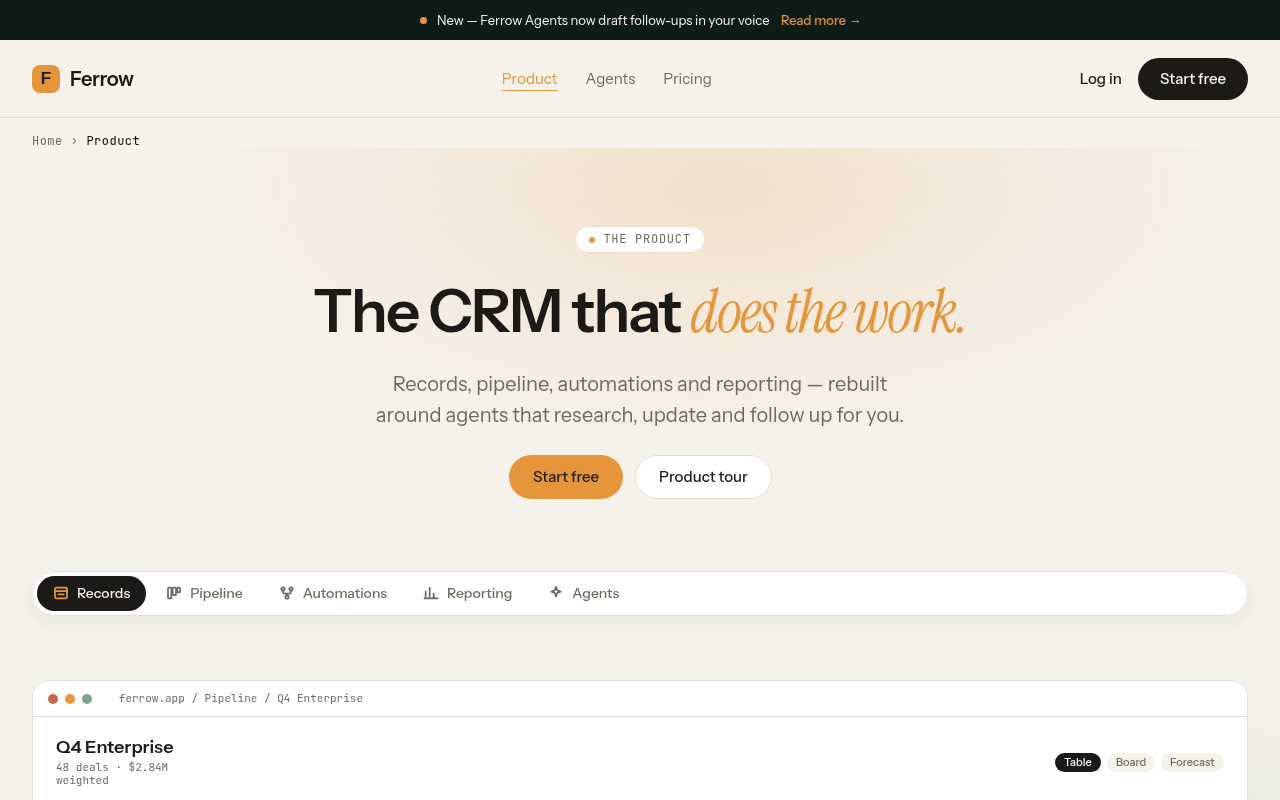
Try it: Open https://ferrow.framer.website/product and click "Product tour" in the hero. The modal shows "VIDEO PLACEHOLDER · NOT YET AVAILABLE".
The "Read the docs →" link on /agents opens the home page
Developers who want to check the SDK and MCP server before their team adopts Ferrow find no documentation.
The "Build your own agents on Ferrow." section of /agents promotes "A typed SDK, real-time webhooks and an MCP server" and offers a "Read the docs →" link. That link points to https://ferrow.framer.website/, the marketing home page, and the project has no docs page. Buyers meet this while they are working out what the product does, and a technical evaluator ends up back on the home page with nothing about the API.
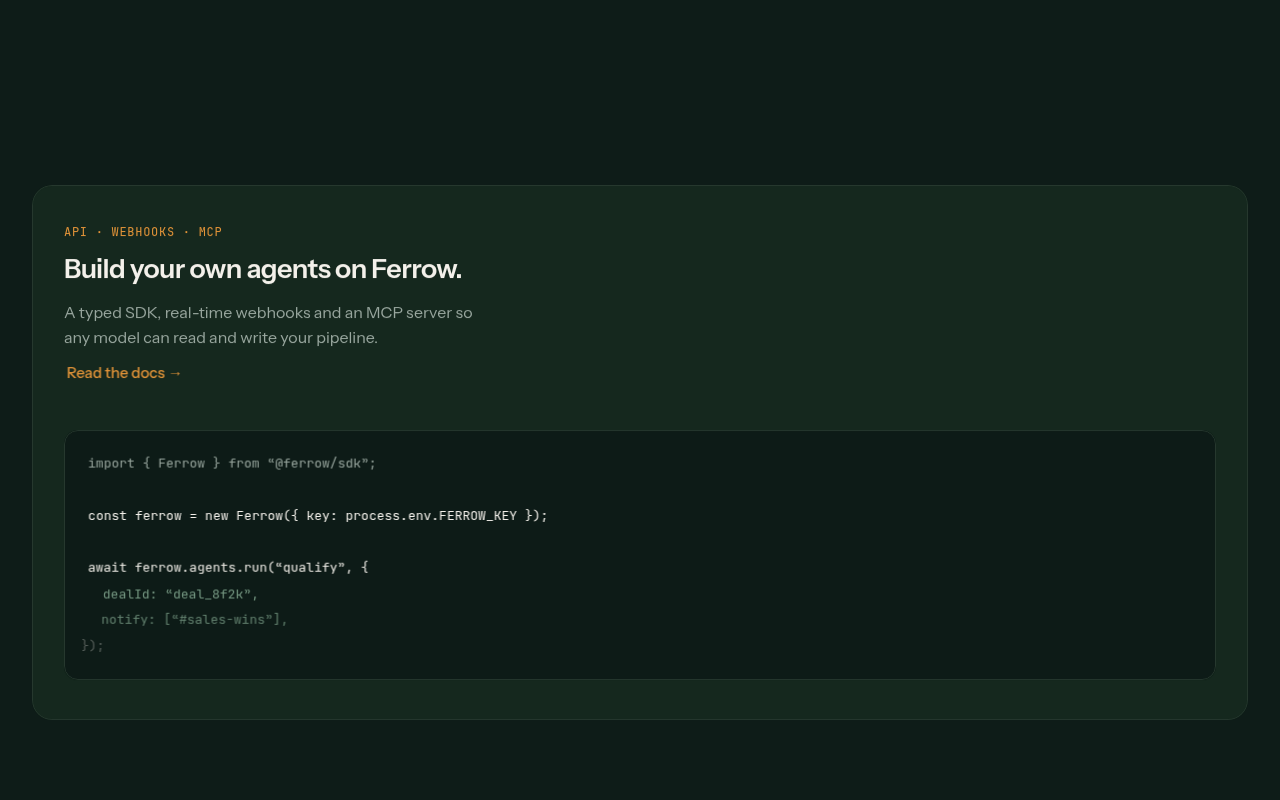
Try it: Open /agents, scroll to "Build your own agents on Ferrow." and click "Read the docs →". The home page loads instead of any documentation.
Pricing, contact and walkthrough pages promise different reply times
Buyers who contact sales about the Scale plan or book a demo are told different things about how soon they will hear back.
The pricing FAQ says sales replies in under an hour. The contact page, where every Talk to sales button leads, says "a real person replies, usually within four hours". The walkthrough page says "Usually replies within 1 hour" and also says "We'll confirm by email within one working day." Scale is sold only through sales, so a buyer at the pricing step meets these conflicting promises right when they reach out.
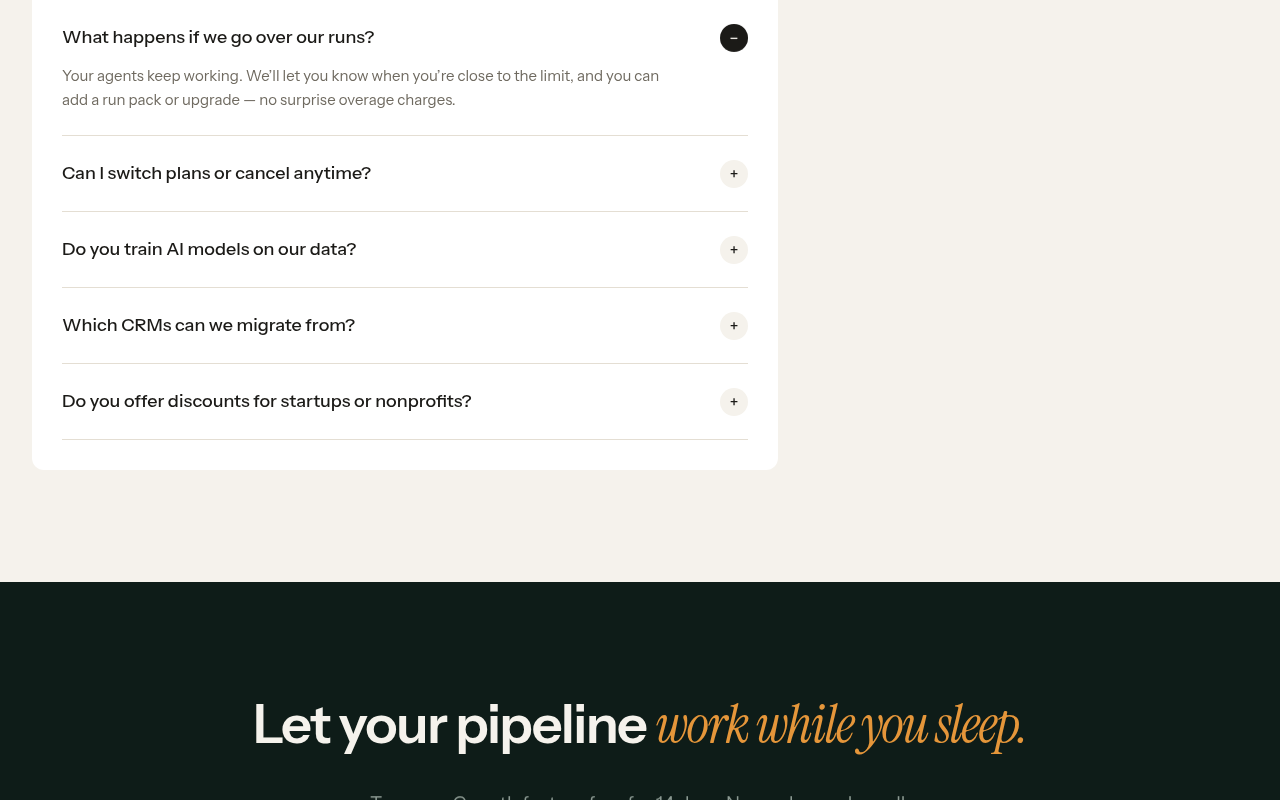
Try it: Read the sales answer in the /pricing FAQ, then the subheading on /contact and the text under the submit button on /book-walkthrough, and compare the reply times.
Shared links to the home page show no preview image
The head of the home page has no og:image tag, but it does declare twitter:card "summary_large_image". The title and description tags are present, so link previews will show text with no picture.
The signup name and company fields have no autocomplete hints
On /signup, the "name" and "company" text inputs have no autocomplete attribute. That is the form a buyer fills in to create a free workspace. Browsers usually still fill these fields from their names, so the effect is minor.
The home page omits four recommended security headers
The response from https://ferrow.framer.website/ is missing Content-Security-Policy, CSP frame-ancestors or X-Frame-Options, Referrer-Policy, and Cross-Origin-Resource-Policy.
Probie fixes this for you.
Stop customers hitting the same friction. Connect your codebase and Probie reproduces these failures, tests the fix, and opens a pull request for your review.
Sign up and get this fixedFree inspection
What should Probie inspect next?
Enter a project URL. There is nothing to install.
Probie checks every issue twice, respects robots.txt, and backs off at bot challenges.
Enter an address and we will email the report card link.