We found 2 issuescosting you saleson wpengine.com.
Watch the inspection.
We navigate your site the way customers would. Idle time is skipped.
How the composite score works
The overall score is a weighted average of the categories: Getting the product 40%, Trust before buying 20%, Mobile 15%, Speed 15%, and Polish and audit 10%. It is never more than 10 points above the Getting the product score, because a product a visitor cannot get cannot score well on anything else, and never more than 25 points above the weakest category, so one badly broken area is not averaged away. Any issue in the main list caps it at 89, so a score above 90 means nothing worth fixing was found.
Each category starts at 100 and stays there when nothing was found in it, whether or not the inspection got that far. Each distinct verified finding deducts 60 points for a serious problem on the path from arriving to paying, 40 for another serious problem, 30, 15 or 8 by high, medium or low severity otherwise, and 4 for an audit finding. Each additional finding below the list takes 2 more points off the overall score, up to 10. Scores stop at zero and round to whole numbers. The formula is fixed and versioned, so the same saved evidence always receives the same score.
The Business and Enterprise plan buttons open nothing
When the chat script does not load, buyers who want the $400/month Business plan or an Enterprise plan click the only button on the card and get nothing.
On /plans/, "Get in touch" under Business and "Talk to sales" under Enterprise both link to /plans/#chat. They depend on the Qualified chat widget, and its script (js.qualified.com/qualified.js) failed with net::ERR_BLOCKED_BY_ORB on every load. Clicking either button only added #chat to the URL. No chat, form or phone number appeared on desktop or iPhone, so a buyer at the purchase step for these plans was given no way to contact sales.
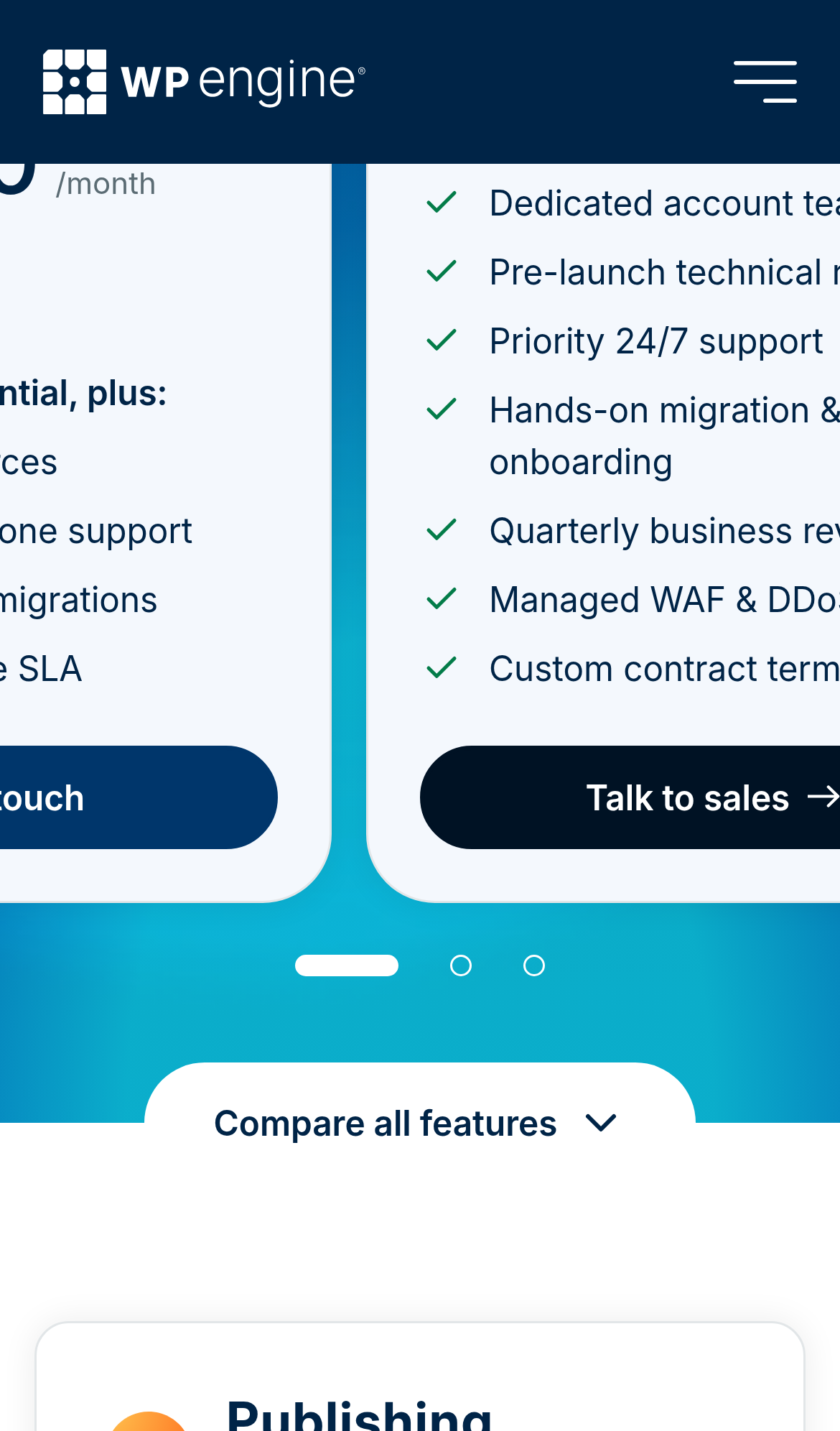
Try it: Open https://wpengine.com/plans/ with an ad or privacy blocker that blocks js.qualified.com, then click "Get in touch" under Business. Nothing opens and the URL only gains #chat.
Checkout names the Essential plan "Startup" and lists it at $420
Buyers who chose Essential at $336 reach the card form and see a plan name and a price they were never shown.
On /plans/ the only self-serve plan is "Essential", "Starting at $28.00 USD /month. Billed annually. Pay $336.00 today", and the Build your plan panel also says "Essential" with "Today's total $336.00". On the payment page, the Cart's first line reads "Startup ..... $420.00", followed by the code "WPE20YEARONE (20%)" and "Auto-renews annually at $420.00 / year". The plans page never shows the word "Startup" or the $420 renewal figure. A buyer meets this at the payment step, where they have to decide whether this is the plan they chose before they enter a card.
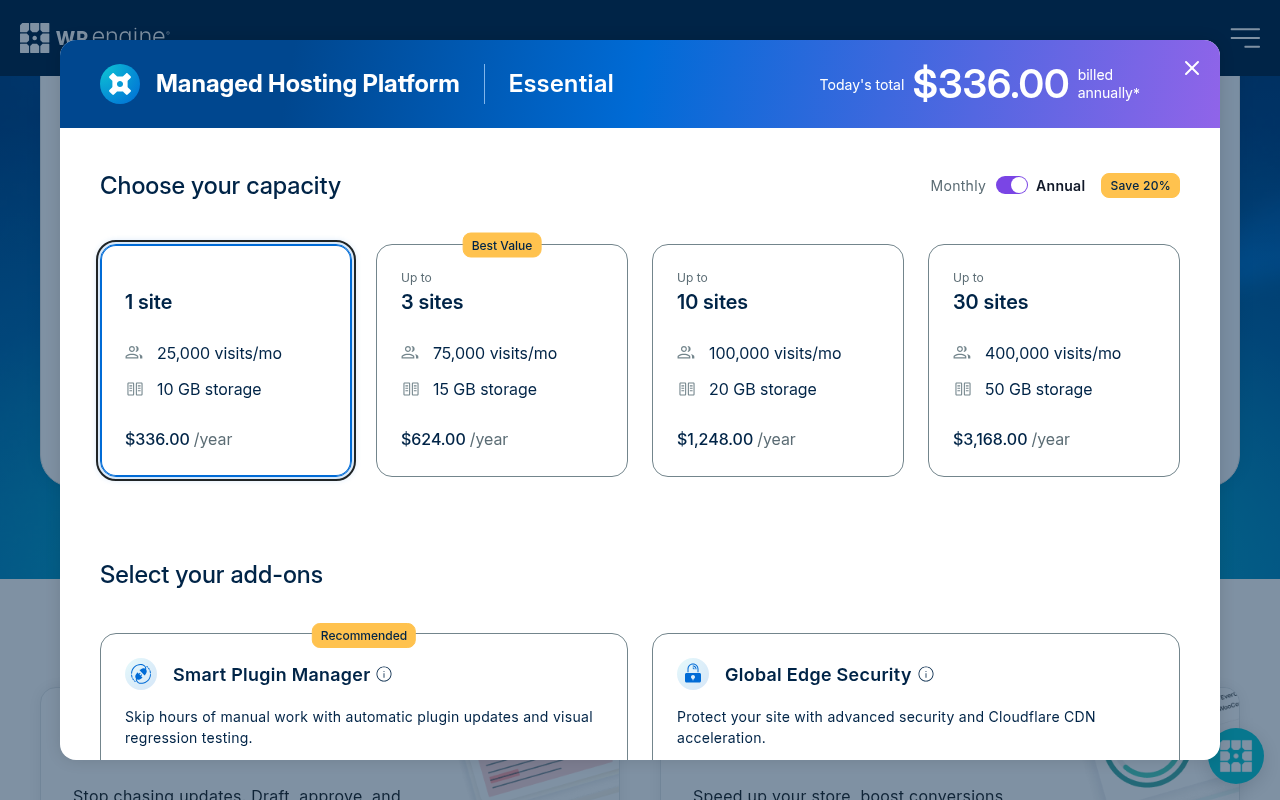
Try it: On wpengine.com/plans/, click Build your plan on Essential, choose 1 project, add it to the cart and click Secure checkout. Read the Cart panel on payments.wpengine.com, which shows "Startup $420.00".
Oversized images make a 2018 blog post scroll sideways on phones
On phones, the post /blog/wp-engine-makes-waves-in-2018-tylers-dam-that-cancer/ measures 4016px wide in a 390px viewport. The inline images in the post body are not scaled to the screen: one is 748px wide, one captioned figure is 960px and another is 4000px. The images run off the right edge, so the page scrolls sideways.
The 2018 charity blog post took 4.6s to paint on mobile
On a phone, Largest Contentful Paint on /blog/wp-engine-makes-waves-in-2018-tylers-dam-that-cancer/ measured 4,572 ms, which is past Google's 4,000 ms poor threshold. A second load did not repeat the delay, so this may be intermittent. The page is a company culture post and is not part of the plans, signup or checkout steps.
The home page carousel dots are 8px tap targets on phones
The home page carousel's "Slide 2" and "Slide 3" progress-dot buttons are 8px by 8px on a phone. Each one has only 8px of clear space around it, and the WCAG 2.5.8 minimum is 24px. This makes switching slides fiddly on a phone, but it does not block the hero or bottom "View Plans" buttons.
The home page is missing four security header and cookie checks
The response from https://wpengine.com/ is missing X-Content-Type-Options: nosniff, Referrer-Policy, and Cross-Origin-Resource-Policy. session_start, _primer_sid lack Secure or HttpOnly.
Home page accent text fails color contrast checks
On the home page, the "1.5M+" stat measures a 2.18 contrast ratio (#bda2f2 on white) against the required 3:1. The "Built for your success" label measures 2.06 and an agency paragraph measures 3.2, both against the required 4.5:1. The rest of the headline and the plan links stay readable.
A home page scroll region cannot be scrolled by keyboard
The scrollable region `div._3tni0a1` with aria-live="polite" on the home page is not focusable and has no focusable content inside it, so a keyboard user cannot scroll it. The plans and signup links elsewhere on the page are unaffected.
Probie fixes this for you.
Stop customers hitting the same friction. Connect your codebase and Probie reproduces these failures, tests the fix, and opens a pull request for your review.
Sign up and get this fixedFree inspection
What should Probie inspect next?
Enter a project URL. There is nothing to install.
Probie checks every issue twice, respects robots.txt, and backs off at bot challenges.
Enter an address and we will email the report card link.