We found 3 issuescosting you saleson sutda.org.
Watch the inspection.
We navigate your site the way customers would. Idle time is skipped.
How the composite score works
The overall score is a weighted average of the categories: Getting the product 40%, Trust before buying 20%, Mobile 15%, Speed 15%, and Polish and audit 10%. It is never more than 10 points above the Getting the product score, because a product a visitor cannot get cannot score well on anything else, and never more than 25 points above the weakest category, so one badly broken area is not averaged away. Any issue in the main list caps it at 89, so a score above 90 means nothing worth fixing was found.
Each category starts at 100 and stays there when nothing was found in it, whether or not the inspection got that far. Each distinct verified finding deducts 60 points for a serious problem on the path from arriving to paying, 40 for another serious problem, 30, 15 or 8 by high, medium or low severity otherwise, and 4 for an audit finding. Each additional finding below the list takes 2 more points off the overall score, up to 10. Scores stop at zero and round to whole numbers. The formula is fixed and versioned, so the same saved evidence always receives the same score.
The Services page offers training but gives no way to book it
Employers and public-sector teams who want to book the training cannot find any way to contact SUTDA on the project.
The Services page describes the training ("The course is delivered over 2.5 hours and can be face to face or virtual and is cost effective") and then ends with no contact form, email address, phone number, booking button or price. The top menu has no Contact item, and /contact/ returns the theme's "No Results Found" page. The only outbound links are Facebook and Twitter icons, and Facebook asks a logged-out visitor to log in, so a buyer who is ready to book has no clear next step.
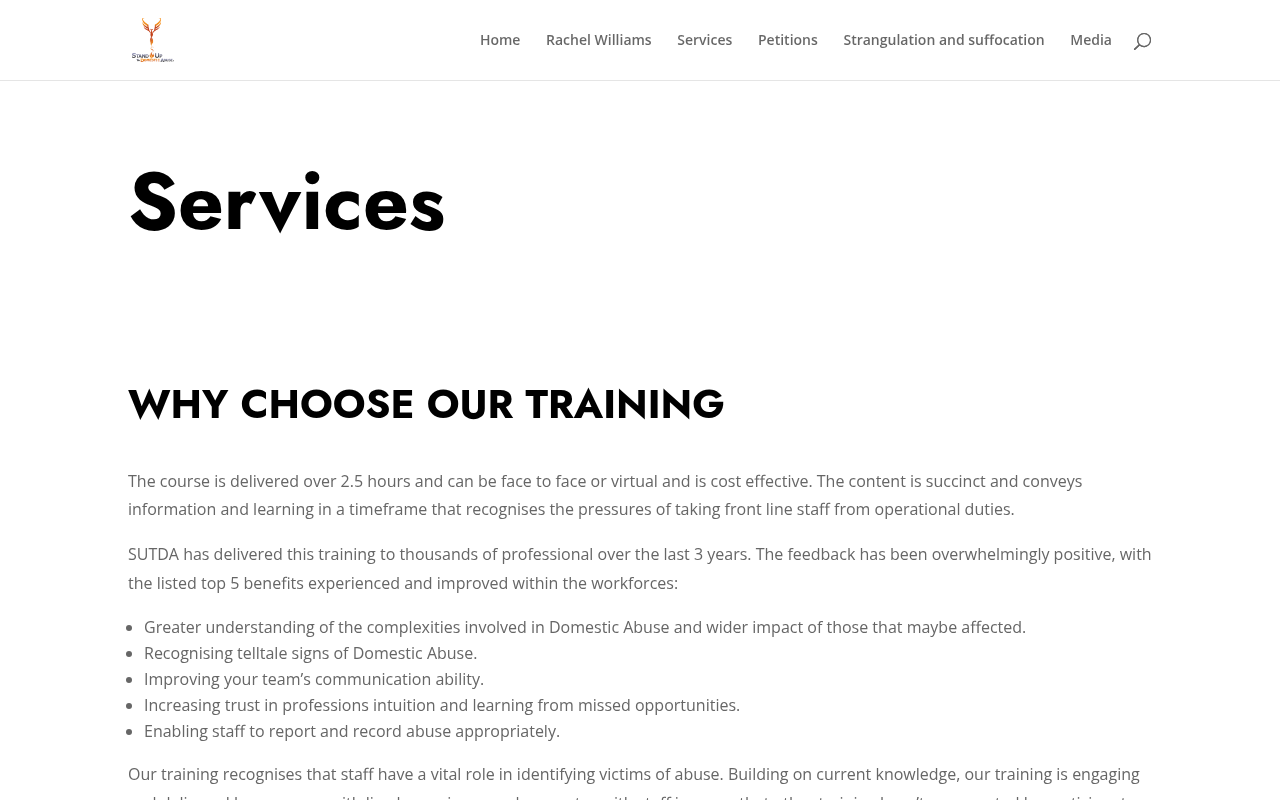
Try it: Open https://sutda.org/services/ and scroll to the bottom: there is no email, phone, form or booking button. Then open https://sutda.org/contact/ and see the 404 page.
The Petitions page still calls Boris Johnson the current PM
Commissioners and donors who check whether SUTDA is still active find copy from the Covid-19 lockdown period on a main menu page.
The Petitions page in the main menu says the petitions were "over shadowed by Brexit and now Covid-19" and that "I also aim to give this petition to our current PM Boris Johnson in due course". The linked campaign post, dated Sep 21, 2022, describes "other countries which are on lockdown" in the present tense. A visitor deciding whether to book a service or donate reads this as a sign that the project has not been updated since 2020.
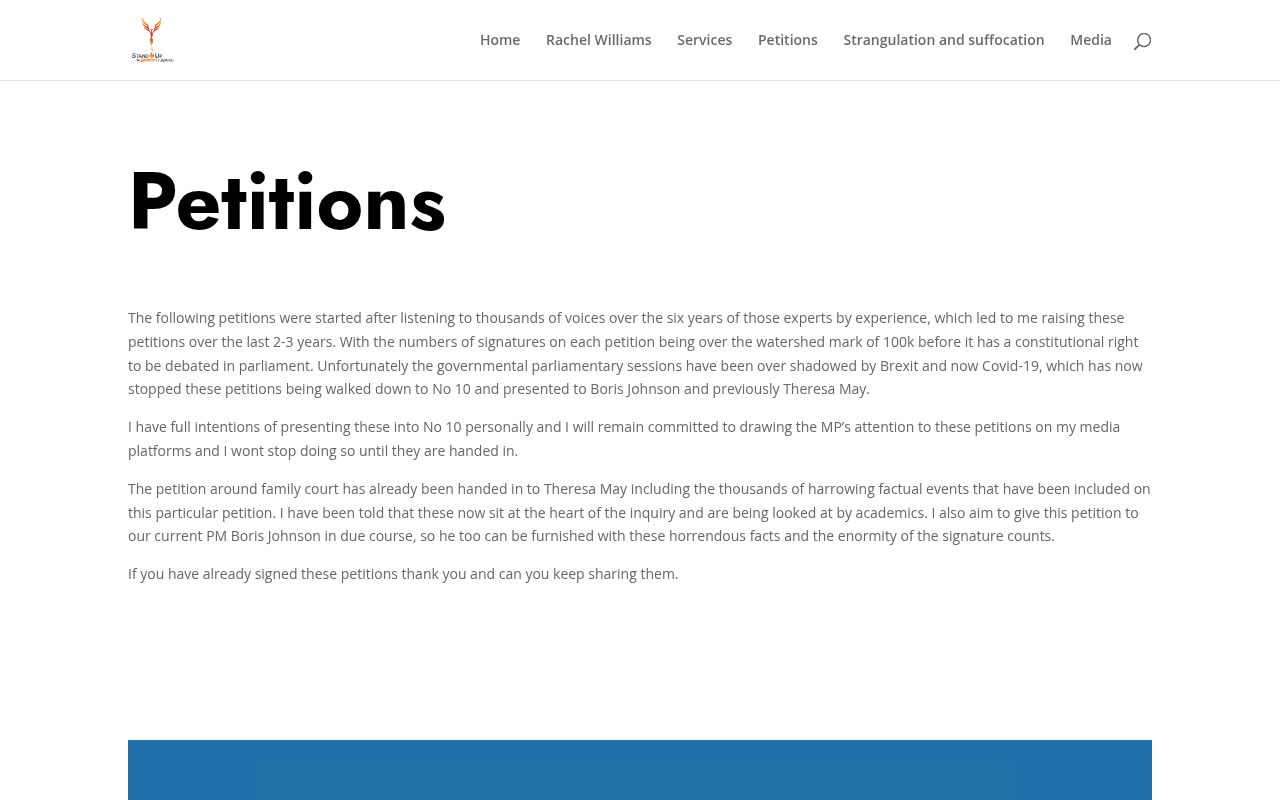
Try it: Open https://sutda.org/petitions/ and read the first and third paragraphs, which mention "now Covid-19" and "our current PM Boris Johnson".
The phone home page jumps while the hero video loads
Commissioners who open the home page on a phone see the introduction to SUTDA's training move while they start reading it.
On a phone, the home page measured a cumulative layout shift of 0.91 before any scrolling or clicking, and a second fresh load reproduced it. Google classes anything above 0.25 as poor. Most of the shift comes from the hero video player (#mep_0 .mejs-mediaelement), which sits directly above the paragraph saying SUTDA delivers safeguarding training, so that text moves while the page is still loading.
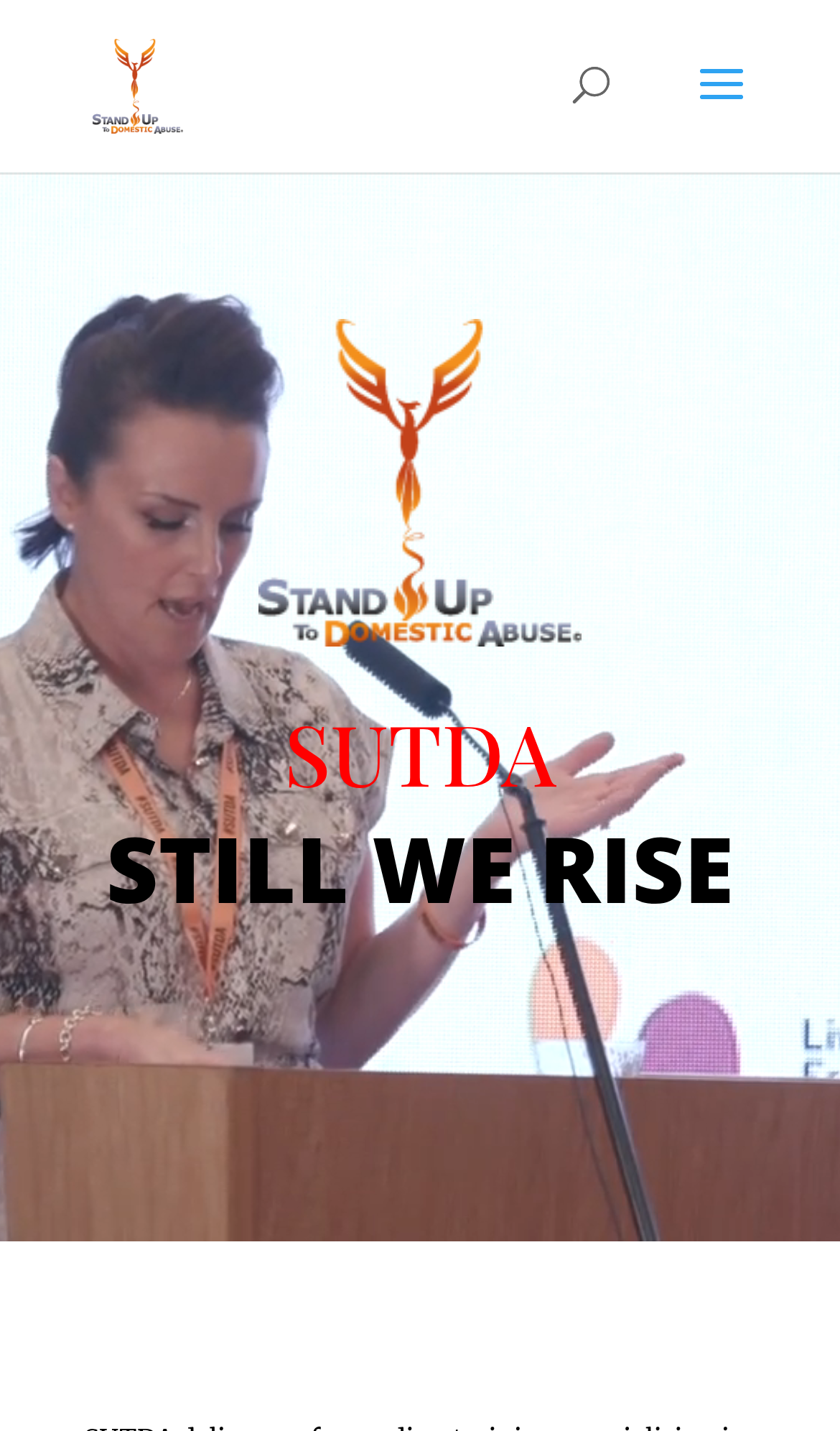
Try it: Open sutda.org on a phone with a cold cache and watch the "SUTDA delivers safeguarding training" paragraph as the hero video loads.
The home page has no meta description or social preview tags
The head of the home page at / has no meta description, og:title, og:description, og:image or twitter:card tags. The page title "SUTDA | Stand up to Domestic Abuse" and the favicon are present. Search results and shared links therefore have no summary text or preview image to show.
The home page response lacks six security headers
The response from https://sutda.org/ is missing Strict-Transport-Security, Content-Security-Policy, CSP frame-ancestors or X-Frame-Options, X-Content-Type-Options: nosniff, Referrer-Policy, and Cross-Origin-Resource-Policy.
The petition post comment fields have hidden labels
The fields show only placeholder text, so their names disappear once a visitor starts typing. The form is not part of the path to booking training.
Home page text about Rachel has low contrast
The paragraphs in the home page block that starts "From sitting on domestic abuse project boards" use #666666 text on a #cccccc background, a contrast ratio of 3.57:1, below the 4.5:1 that WCAG AA requires for 14px text. The same styling appears on three petition pages. Visitors with low vision who are reading about the trainer's background may find this text hard to read.
The Facebook and X icon links have no name for screen readers
Each link holds a "Facebook" or "X" span that is hidden from assistive technology, and the link has no aria-label. A screen reader user who tabs to these links hears no destination.
Probie fixes this for you.
Stop customers hitting the same friction. Connect your codebase and Probie reproduces these failures, tests the fix, and opens a pull request for your review.
Sign up and get this fixedFree inspection
What should Probie inspect next?
Enter a project URL. There is nothing to install.
Probie checks every issue twice, respects robots.txt, and backs off at bot challenges.
Enter an address and we will email the report card link.