We found 2 issuescosting you truston bloggity.io.
Watch the inspection.
We navigate your site the way customers would. Idle time is skipped.
How the composite score works
The overall score is a weighted average of the categories: Getting the product 40%, Trust before buying 20%, Mobile 15%, Speed 15%, and Polish and audit 10%. It is never more than 10 points above the Getting the product score, because a product a visitor cannot get cannot score well on anything else, and never more than 25 points above the weakest category, so one badly broken area is not averaged away. Any issue in the main list caps it at 89, so a score above 90 means nothing worth fixing was found.
Each category starts at 100 and stays there when nothing was found in it, whether or not the inspection got that far. Each distinct verified finding deducts 60 points for a serious problem on the path from arriving to paying, 40 for another serious problem, 30, 15 or 8 by high, medium or low severity otherwise, and 4 for an audit finding. Each additional finding below the list takes 2 more points off the overall score, up to 10. Scores stop at zero and round to whole numbers. The formula is fixed and versioned, so the same saved evidence always receives the same score.
The footer's contact, docs, terms and privacy links go nowhere
Founders deciding whether to subscribe cannot reach the company, read the docs or open the terms and privacy policy from the home page.
The home page footer links "about", "docs", "contact", "twitter", "privacy policy" and "terms and conditions" point to #about, #docs, #contact, #twitter, #privacy and #terms, and the page has no section for any of them. Clicking "contact" or "twitter" only changes the address bar, and the page does not move or open anything. Buyers meet this just after the pricing section asks them to "lock in founder pricing", so they have no way to ask a question or check the terms before they pay.
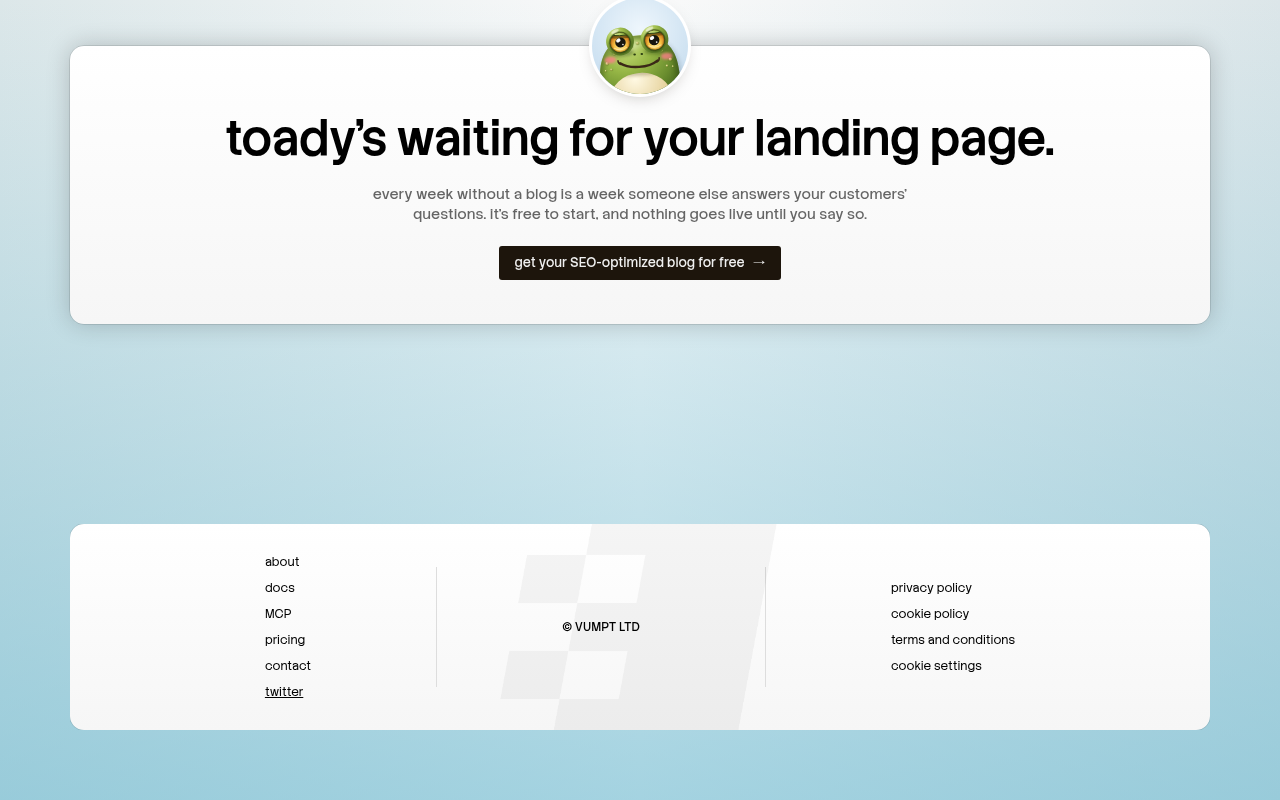
Try it: Open https://bloggity.io/, scroll to the footer and click "contact" or "terms and conditions". The URL gains #contact or #terms and nothing else happens.
The email confirmation page has no link into the app
Founders who just confirmed their email reach a dead end, and nothing on the page leads to onboarding.
The /verified/ page shows only the logo, a frog illustration, "you're on the list ✓" and "your email is confirmed. we'll let you know the moment bloggity opens up." It has no button or link to the app, the dashboard or the home page. A founder who confirms their email here, at the verify step right before onboarding, has no visible way to continue. The waitlist wording also suggests the product is not open yet.
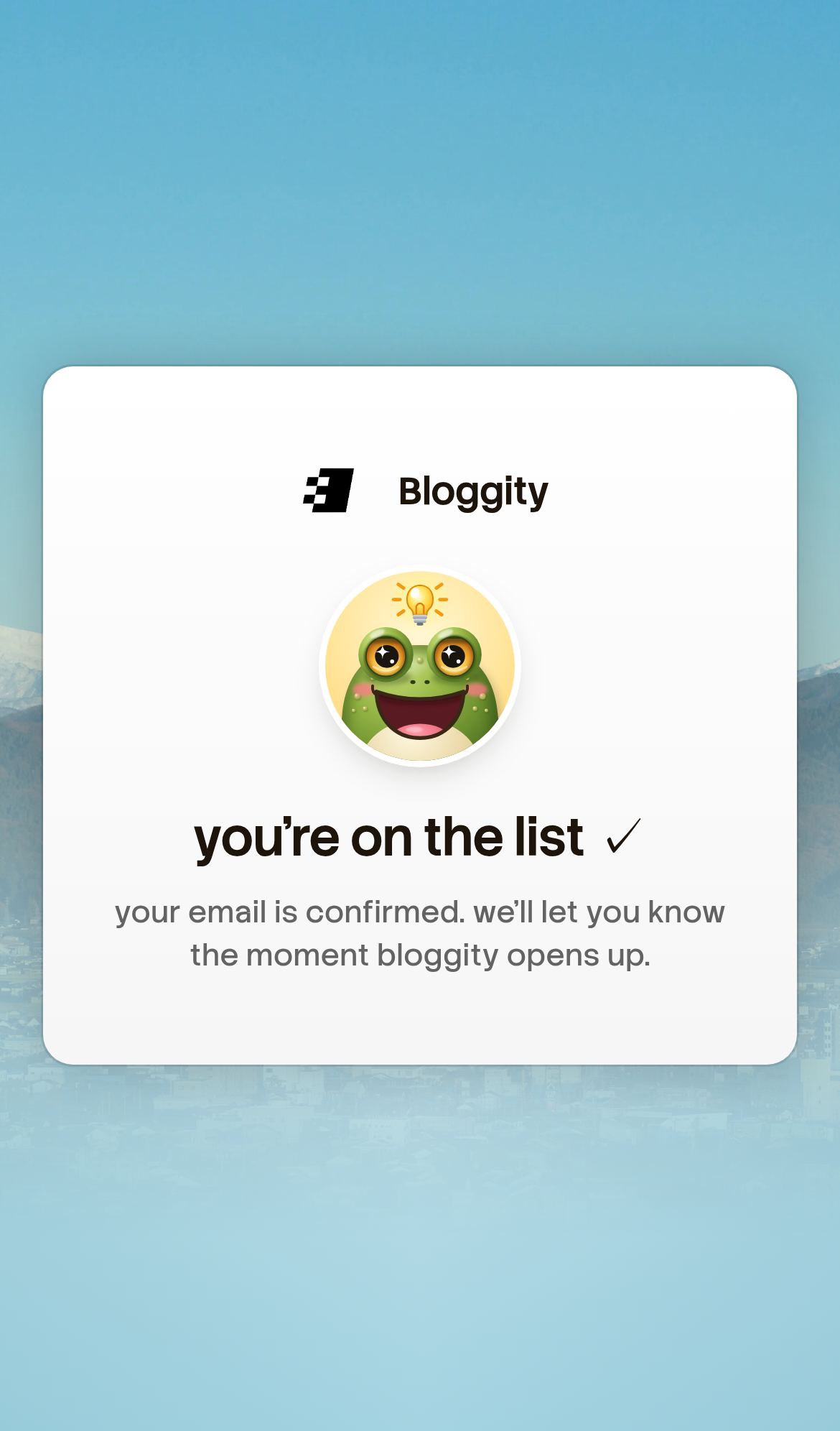
Try it: Open bloggity.io/verified/ on a phone. You will see only the confirmation card with no button or link to continue into app.bloggity.io.
The navbar logo ships at 2481px for a 35px slot
On /mcp/, the navbar logo bloggity_logo.DjEau8DC.png is 2481 by 2481 pixels and displays at 35 by 35, so it transfers 77,389 bytes. Largest contentful paint still measured 236 ms and 492 ms, so the page's install instructions appear without a noticeable delay.
The privacy link on the home page returns a 404
The home page links to https://bloggity.io/privacy, and that URL returns a 404 status. Visitors who want to read how their data is handled before they sign up land on an error page.
The privacy policy link at /privacy returns a 404 page
https://bloggity.io/privacy returns HTTP 404 and shows "this page doesn't exist on bloggity.io". The cookie policy points to this URL, and the footer on the 404 page also has a "privacy" link, so the project links to a policy that does not load.
The home page has no Open Graph or Twitter card tags
The head of the home page at / has no og:title, og:description, og:image or twitter:card tags. The page title, meta description, canonical and favicon are all present, so search listings are fine, but social and chat previews have to guess a title and show no image. A second fresh load returned the same result.
The home page is missing HSTS and CORP headers
The response from https://bloggity.io/ is missing Strict-Transport-Security and Cross-Origin-Resource-Policy.
Demo calendar meters use aria-label on plain spans
Three status meters in the home page demo calendar, such as the span labelled "post · posted", put an aria-label on a span with no role. Assistive technology may ignore that label, so screen reader users may not hear the demo's post and research status. No signup, pricing or checkout control is affected.
Demo sidebar captions fall below the minimum text contrast
The small captions in the toady demo sidebar on the home page measure below the 4.5:1 contrast minimum. "ask toady" and "ranked by clicks" measure 3.89:1 (#7c7c7d on #f7f7f9) at about 10px, and "3 open days" measures 3.15:1 (#4a8fff on white). The main prompt labels next to them stay readable.
The skill code block on /mcp/ cannot be scrolled by keyboard
The code block under the skill section of /mcp/ (.skill > .code > pre) is a scrollable region that neither takes focus nor contains focusable content. A keyboard user setting up the agent integration cannot scroll this block to read any of the snippet that is cut off.
Probie fixes this for you.
Stop customers hitting the same friction. Connect your codebase and Probie reproduces these failures, tests the fix, and opens a pull request for your review.
Sign up and get this fixedFree inspection
What should Probie inspect next?
Enter a project URL. There is nothing to install.
Probie checks every issue twice, respects robots.txt, and backs off at bot challenges.
Enter an address and we will email the report card link.