We found 2 issuescosting you truston notchdog.com.
Watch the inspection.
We navigate your site the way customers would. Idle time is skipped.
How the composite score works
The overall score is a weighted average of the categories: Getting the product 40%, Trust before buying 20%, Mobile 15%, Speed 15%, and Polish and audit 10%. It is never more than 10 points above the Getting the product score, because a product a visitor cannot get cannot score well on anything else, and never more than 25 points above the weakest category, so one badly broken area is not averaged away. Any issue in the main list caps it at 89, so a score above 90 means nothing worth fixing was found.
Each category starts at 100 and stays there when nothing was found in it, whether or not the inspection got that far. Each distinct verified finding deducts 60 points for a serious problem on the path from arriving to paying, 40 for another serious problem, 30, 15 or 8 by high, medium or low severity otherwise, and 4 for an audit finding. Each additional finding below the list takes 2 more points off the overall score, up to 10. Scores stop at zero and round to whole numbers. The formula is fixed and versioned, so the same saved evidence always receives the same score.
The changelog calls the version on sale a test build
Mac visitors who check the release notes before downloading or paying for the unlock read that the app they would pay for is still a test.
On /changelog/, the 0.9.1 entry marked "Current" starts with "Second test build of Notch Dog." The only earlier entry, 0.9.0, says "First test build of Notch Dog." and "It is only here to check that downloading from the website works and that the app can update itself." The /download and Older versions pages offer this same 0.9.1 build, so a buyer who reads the release notes before downloading or unlocking sees the paid app described as a test.
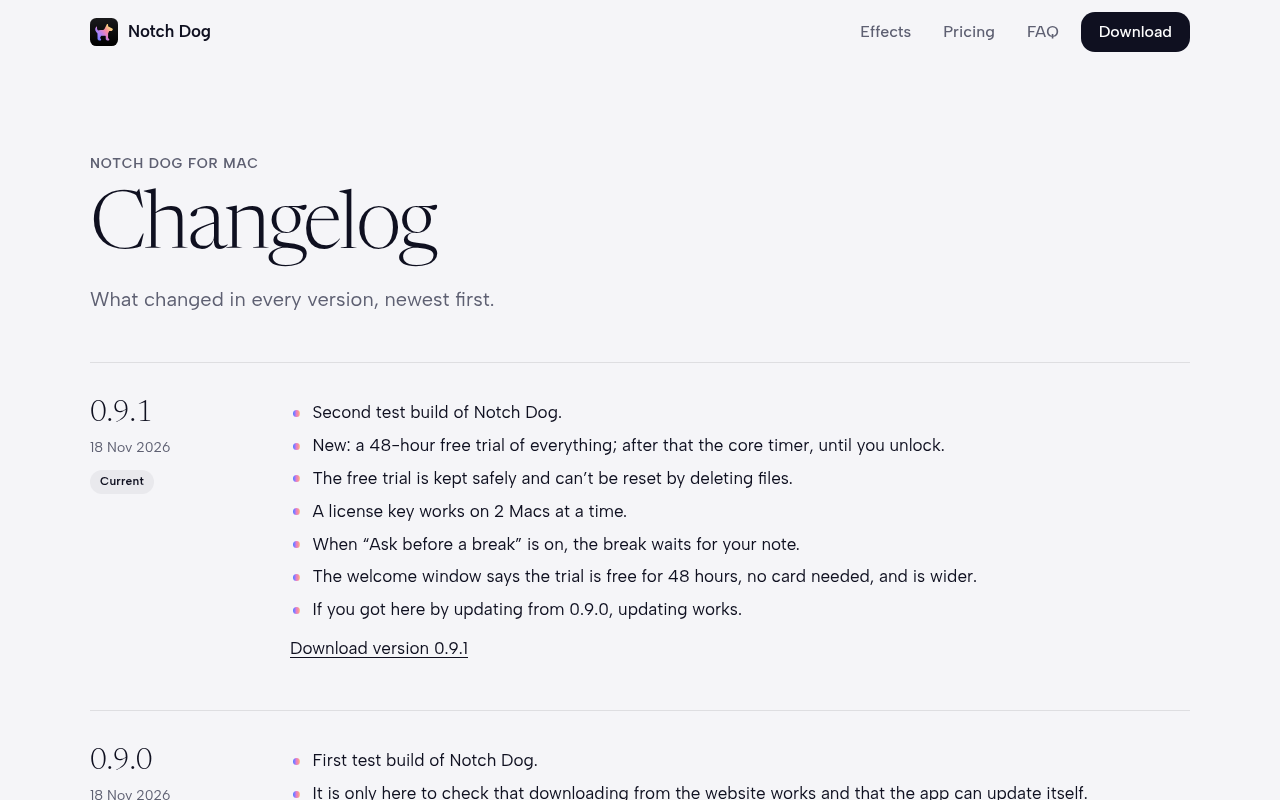
Try it: Open https://notchdog.com/changelog/ and read the first bullet under 0.9.1, which is marked Current.
Phone visitors get a .dmg button instead of a way to send it to their Mac
Visitors who find Notch Dog on their phone have no simple way to get the app onto their Mac to start the 48-hour trial.
On a phone, the "Send to my Mac" button on the product pages is a plain link to /download, and it sends nothing. The main button on /download still reads "Download for Mac" and links to NotchDog-0.9.1.dmg, a file a phone cannot use. The only hand-off is a "Copy link" button in a grey box further down, which changes to "Copied" and leaves the visitor to move the link to their Mac on their own before they can reach the 48-hour trial and the $9.99 unlock.
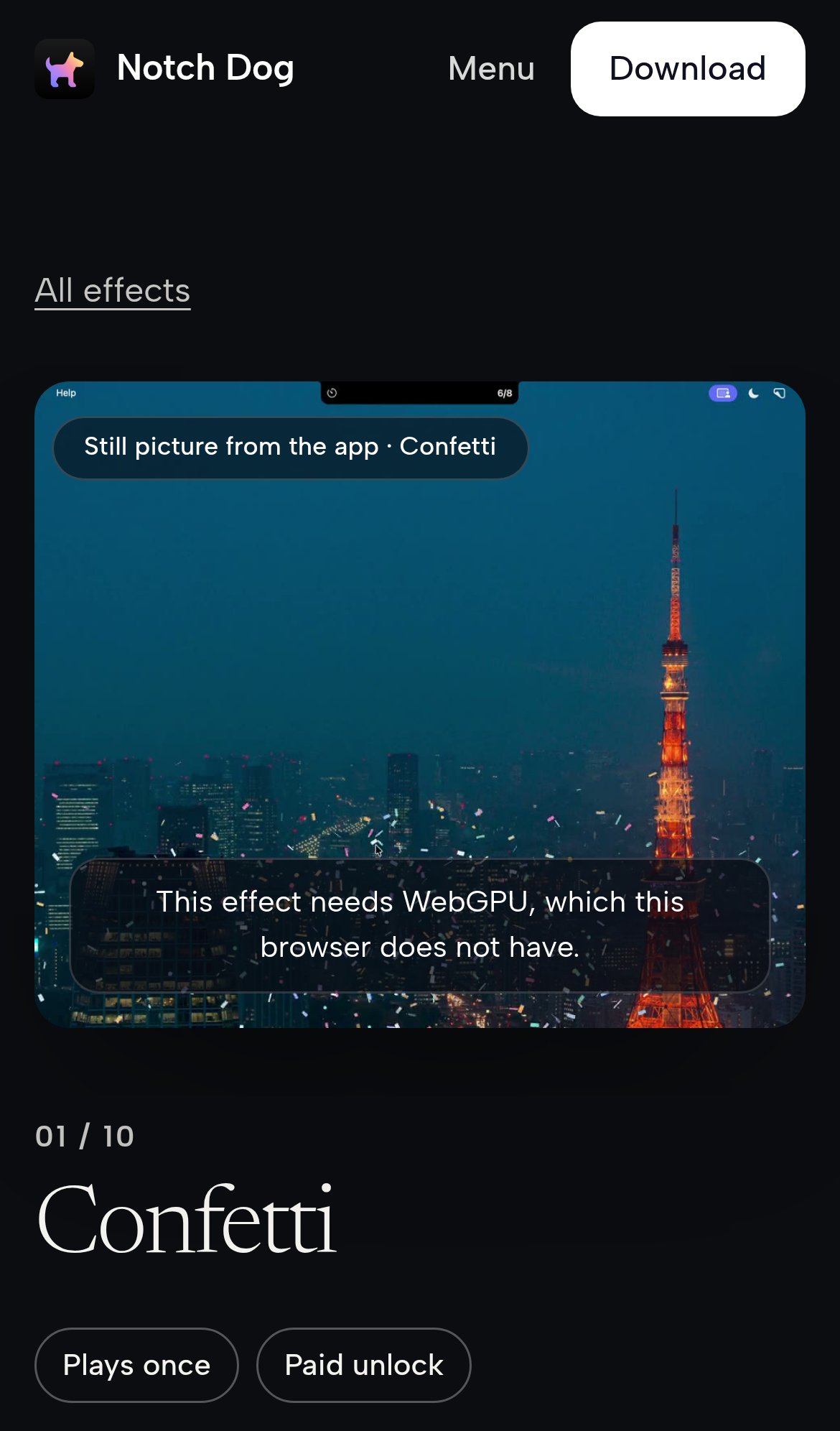
Try it: Open notchdog.com on an iPhone, tap "Send to my Mac", and look at what /download offers. The top button links to the .dmg, and the only hand-off is "Copy link".
The home page has no Content-Security-Policy or CORP header
The response from https://notchdog.com/ is missing Content-Security-Policy and Cross-Origin-Resource-Policy.
Probie fixes this for you.
Stop customers hitting the same friction. Connect your codebase and Probie reproduces these failures, tests the fix, and opens a pull request for your review.
Sign up and get this fixedFree inspection
What should Probie inspect next?
Enter a project URL. There is nothing to install.
Probie checks every issue twice, respects robots.txt, and backs off at bot challenges.
Enter an address and we will email the report card link.