We found 6 issueson ng-native.comworth fixing.
Watch the inspection.
We navigate your site the way customers would. Idle time is skipped.
How the composite score works
The overall score is a weighted average: Visual 18.75%, Accessibility 25%, Buttons and links 31.25%, Under the hood 12.5%, and Mobile 12.5%. Unassessed categories are excluded and the remaining weights are normalized.
Product categories start at 100. Each distinct verified finding deducts 30 points for a reproduced flow defect, or 18 for critical, 12 for high, 7 for medium, and 3 for low stored detector severity. Scores stop at zero and round to whole numbers. All verified findings count, including those beyond the displayed list. The formula is fixed and versioned, so the same saved evidence always receives the same score.
The metro.config.js code block cuts off its lines
On /guide/manual-setup at a 390px viewport, the metro.config.js code block clips its lines at the right edge of the rounded container. The two require lines end mid-token at "require('expo" and "require('@ng", and the module.exports line stops at "getDefau", with no scrollbar or other horizontal scroll affordance shown. Readers on a phone cannot see which packages the snippet imports or what arguments are passed to withAngularNative.
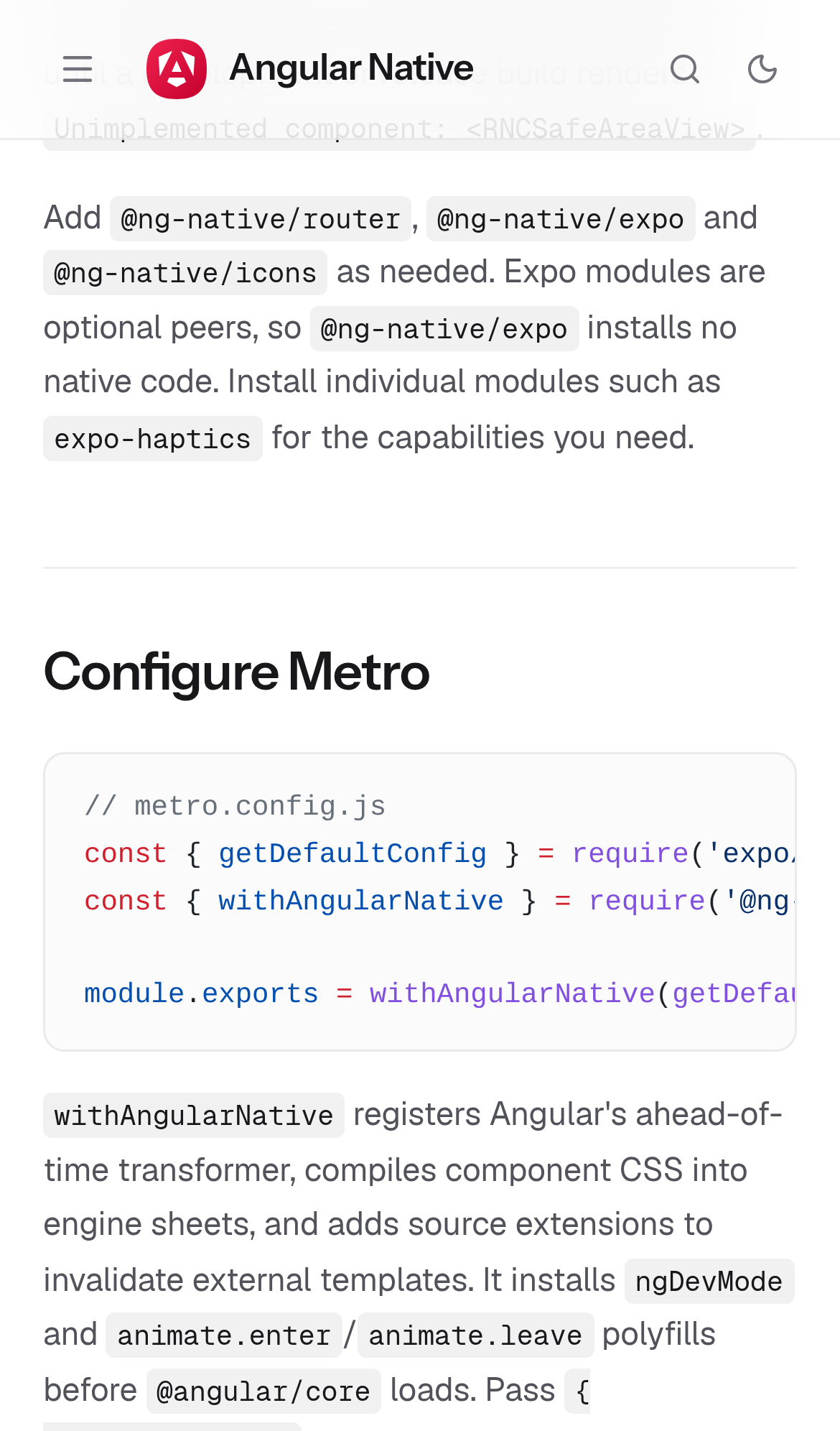
Try it: Open /guide/manual-setup on a phone or a 390px wide window and scroll to the Configure Metro section, then look at the right edge of the code block.
Code samples are cut off on the getting started guide
On /guide/getting-started at a 390px wide viewport, the long lines in the setup code block are clipped at the container's right edge. Lines such as the imports array, the title and hint text nodes, and the pressable element end mid character with no horizontal scrollbar or other affordance to reach the rest of the line. The code block itself renders at full container width, so the overflowing content is simply hidden. Readers on a phone cannot see the full snippet they are meant to copy.
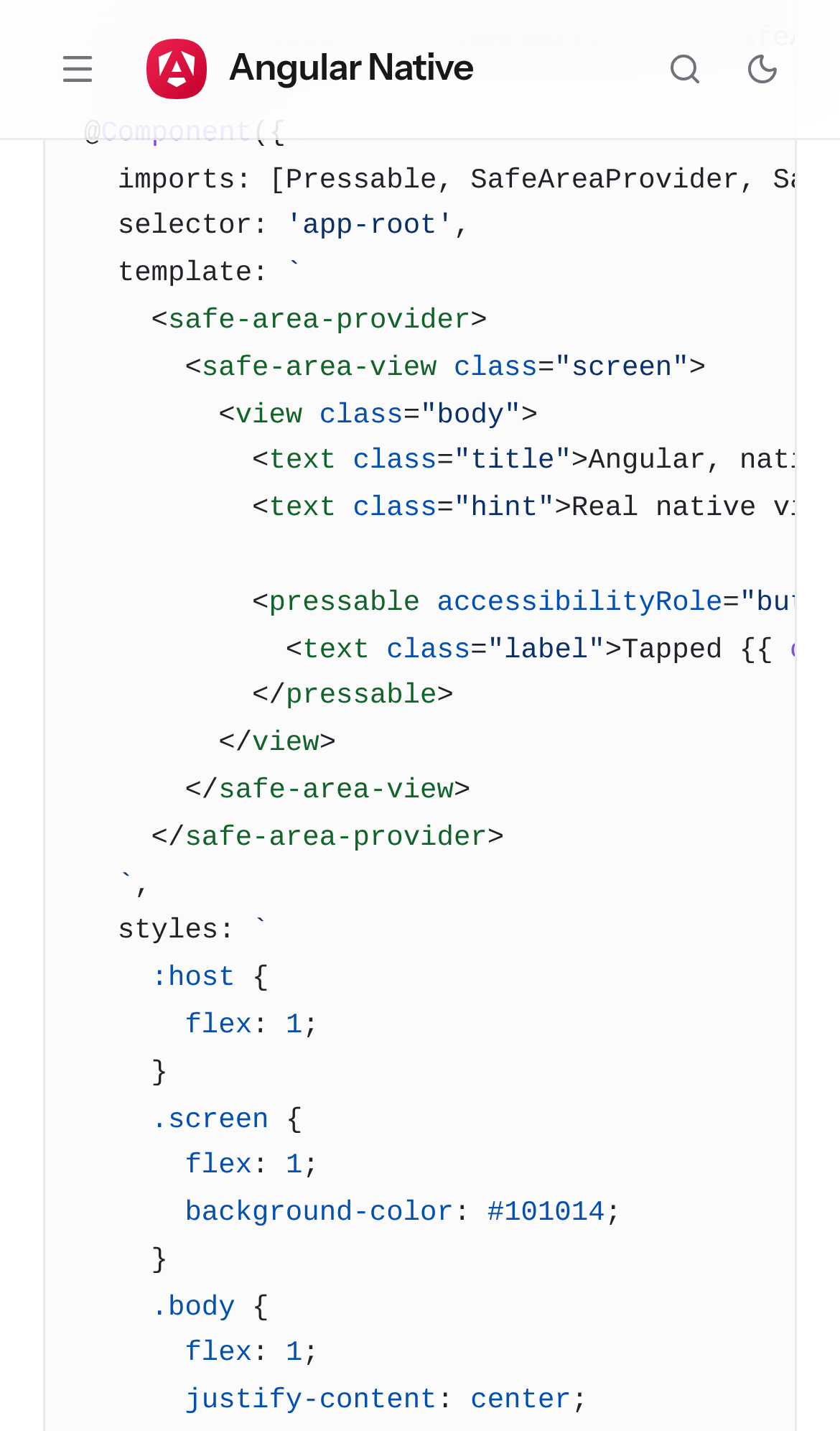
Try it: Open /guide/getting-started on a phone or a 390px wide window, scroll to the first component code block, and try to read the end of the "imports:" and "<text class="title">" lines.
The getting started guide shifts content while loading
On mobile, /guide/getting-started registers a cumulative layout shift of 0.25, which sits at Google's boundary for the "poor" band. The largest shift is attributed to the page footer (footer.border-border-subtle.border-t.flex.flex-col...text-xs), so the body content moves under the reader as the page finishes loading. The measurement is taken before any scrolling or clicking, and it reproduced on a second fresh load.
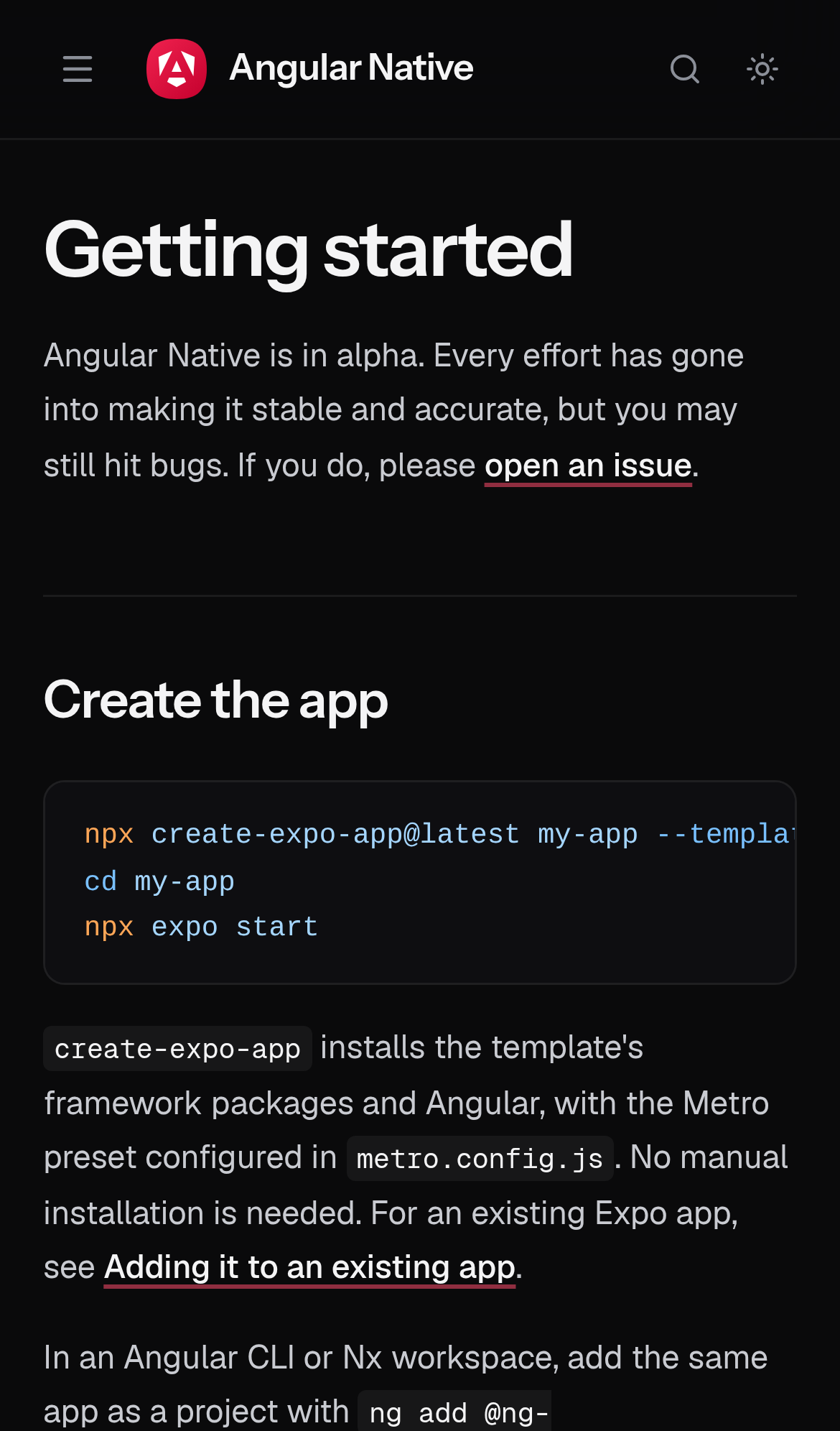
Try it: Open /guide/getting-started on a phone with a cold cache and watch the text move as the page settles, or run a Lighthouse mobile audit on that URL and read the CLS value.
The manual setup guide shifts content while loading
On /guide/manual-setup at a 390px viewport, content moves under the reader while the page finishes loading. Cumulative layout shift measures 0.25, which is the boundary of Google's "poor" band, and the largest single shift is attributed to the page footer element. The measurement is taken before any scrolling or clicking, so it reflects load alone.
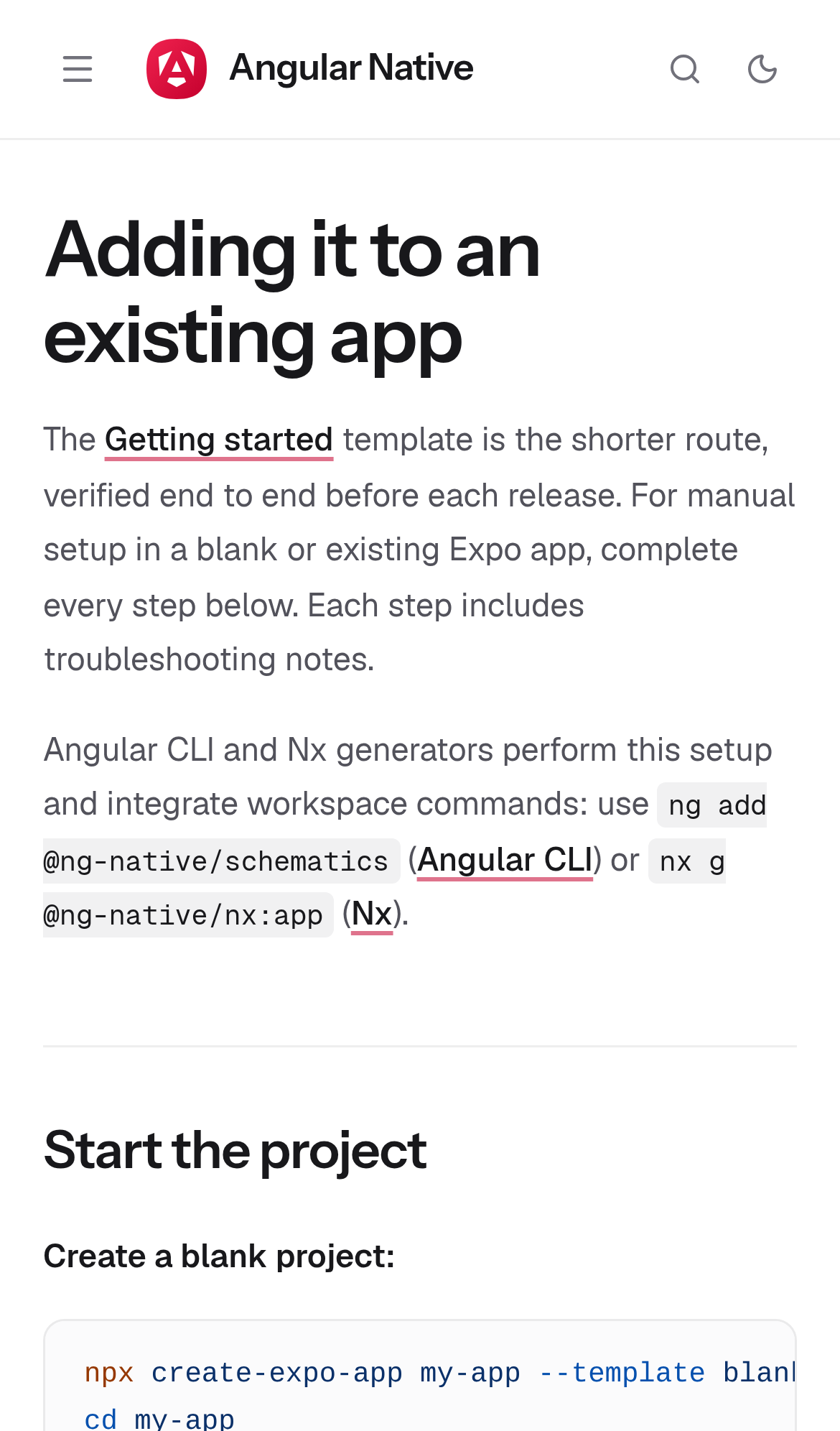
Try it: Open /guide/manual-setup on a phone-sized viewport with a cold cache and record Cumulative Layout Shift in Chrome DevTools Performance, or watch the body text jump as late content settles.
Four security response headers are missing
The response from https://ng-native.com/ is missing Strict-Transport-Security, Content-Security-Policy, CSP frame-ancestors or X-Frame-Options, and Cross-Origin-Resource-Policy.
Try it: Run curl -sI https://ng-native.com/ and check for Strict-Transport-Security, Content-Security-Policy, X-Frame-Options, and Cross-Origin-Resource-Policy.
The install command is clipped in the snippet box
On the mobile home page, the install command in the dashed code snippet box below the hero buttons is clipped at the left edge of the Copy button. The visible string ends mid token at "my-a", with no wrap, ellipsis, or horizontal scroll indicator, so the rest of the command cannot be read. The snippet box keeps its full width while the command text overflows its available space at a 390px viewport.
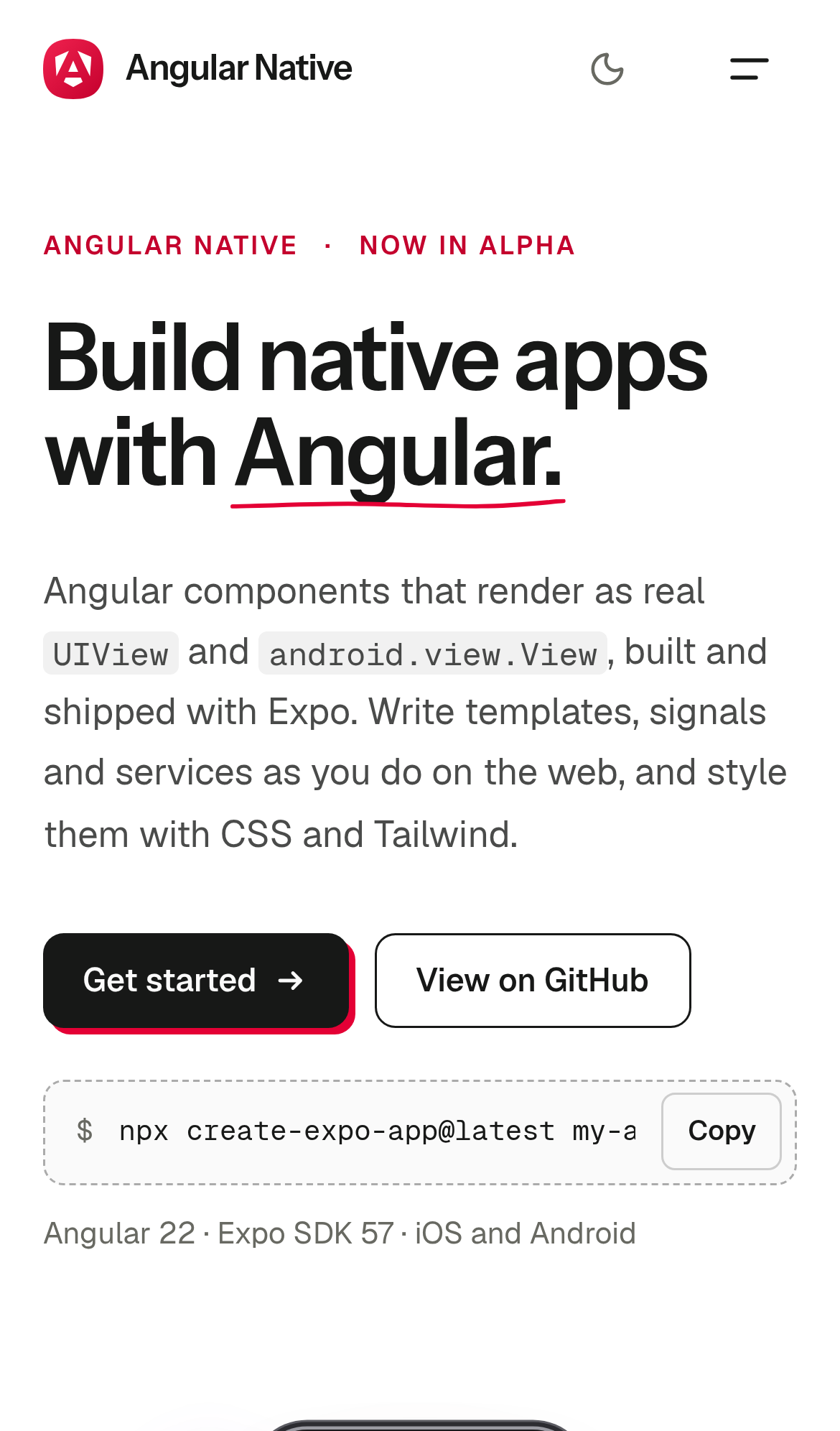
Try it: Open / on a 390px wide viewport and look at the dashed command box under the Get started and View on GitHub buttons; the command stops mid word at the Copy button.
A rough edge in the layout
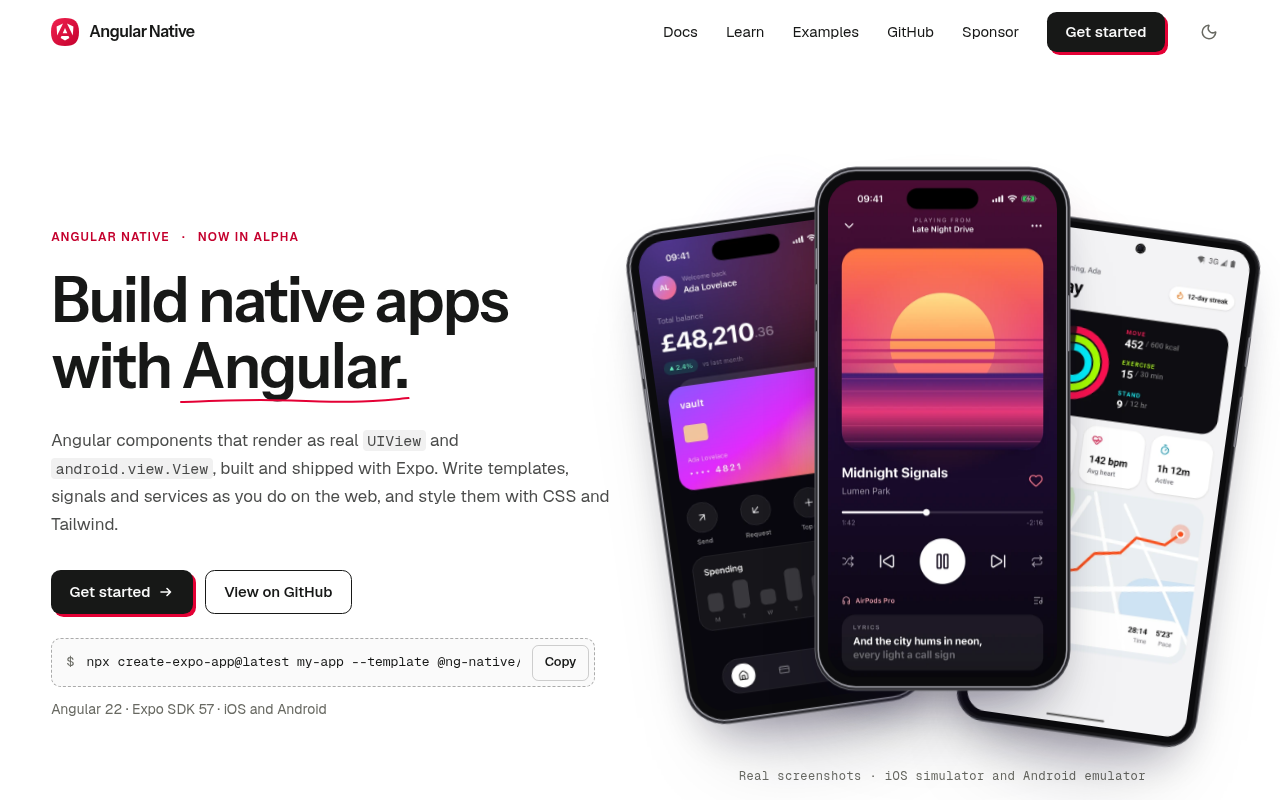
The caption under the phone mockups wraps a single word onto its own second line.
Probie fixes this for you.
This report came from one visit. When installed on your project, Probie watches real sessions, reproduces failures, and opens tested fixes as pull requests.
Sign up and get this fixedFree inspection
What should Probie inspect next?
Enter a project URL. There is nothing to install.
Probie checks every issue twice, respects robots.txt, and backs off at bot challenges.
Enter an address and we will email the report card link.