We found 6 issueson copilotkit.aiworth fixing.
Watch the inspection.
We navigate your site the way customers would. Idle time is skipped.
How the composite score works
The overall score is a weighted average: Visual 18.75%, Accessibility 25%, Buttons and links 31.25%, Under the hood 12.5%, and Mobile 12.5%. Unassessed categories are excluded and the remaining weights are normalized.
Product categories start at 100. Each distinct verified finding deducts 30 points for a reproduced flow defect, or 18 for critical, 12 for high, 7 for medium, and 3 for low stored detector severity. Scores stop at zero and round to whole numbers. All verified findings count, including those beyond the displayed list. The formula is fixed and versioned, so the same saved evidence always receives the same score.
The messaging use case tab responds after 1.4 seconds
On the mobile home page, tapping the use case tab #use-case-tab-messaging takes 1440ms before any visual response is painted. Google classes interaction latency above 500ms as poor, so this interaction is nearly three times that threshold. The same latency came back on a second load, and four similar interactions on the page measured in the same range.
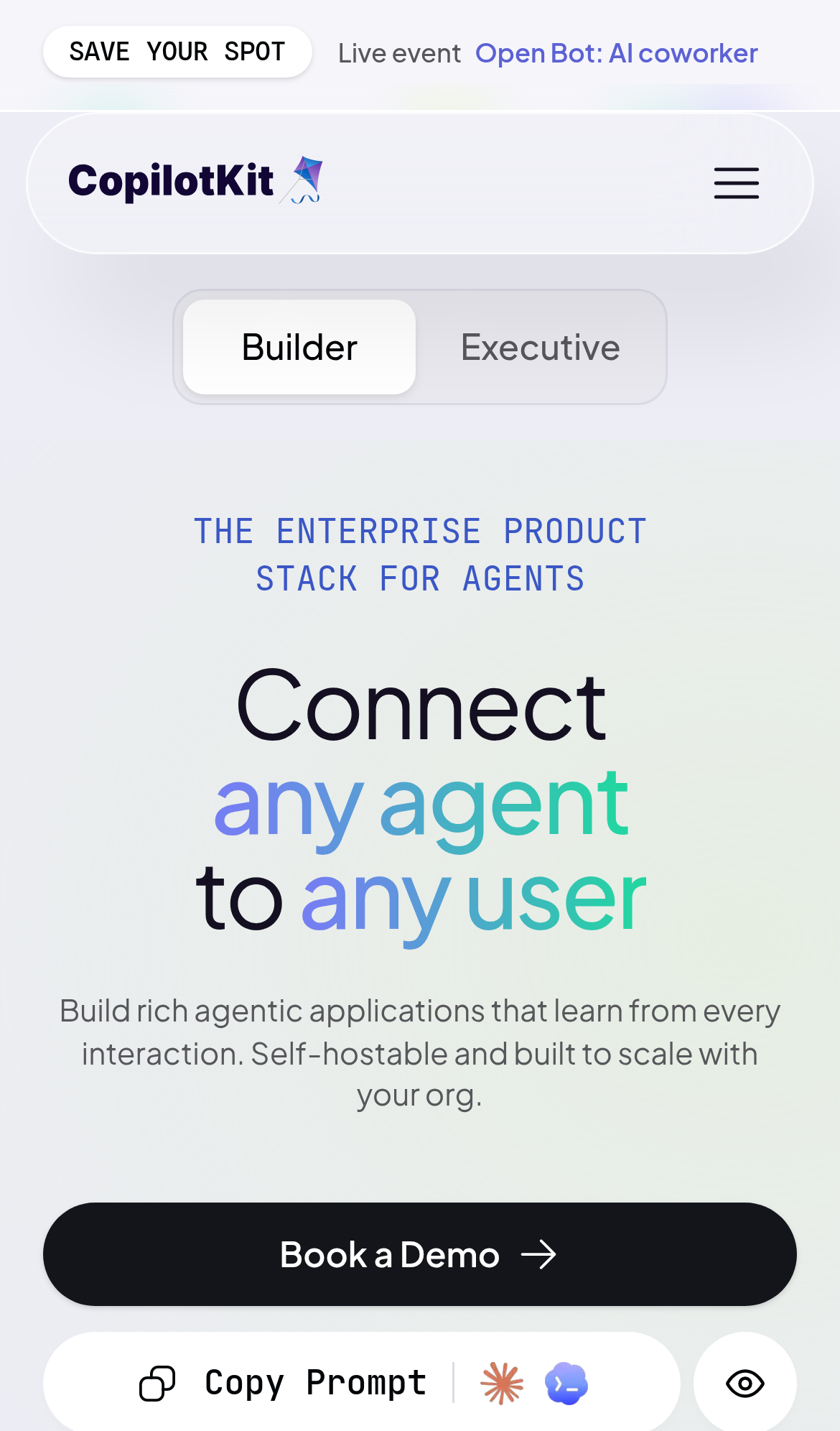
Try it: Open / on a phone or a mobile emulation profile with CPU throttling, tap the messaging use case tab, and watch how long the tab content takes to change.
Key security response headers are missing on the homepage
The response from https://www.copilotkit.ai/ is missing Content-Security-Policy, CSP frame-ancestors or X-Frame-Options, X-Content-Type-Options: nosniff, Referrer-Policy, and Cross-Origin-Resource-Policy. __sec__token lack Secure or HttpOnly.
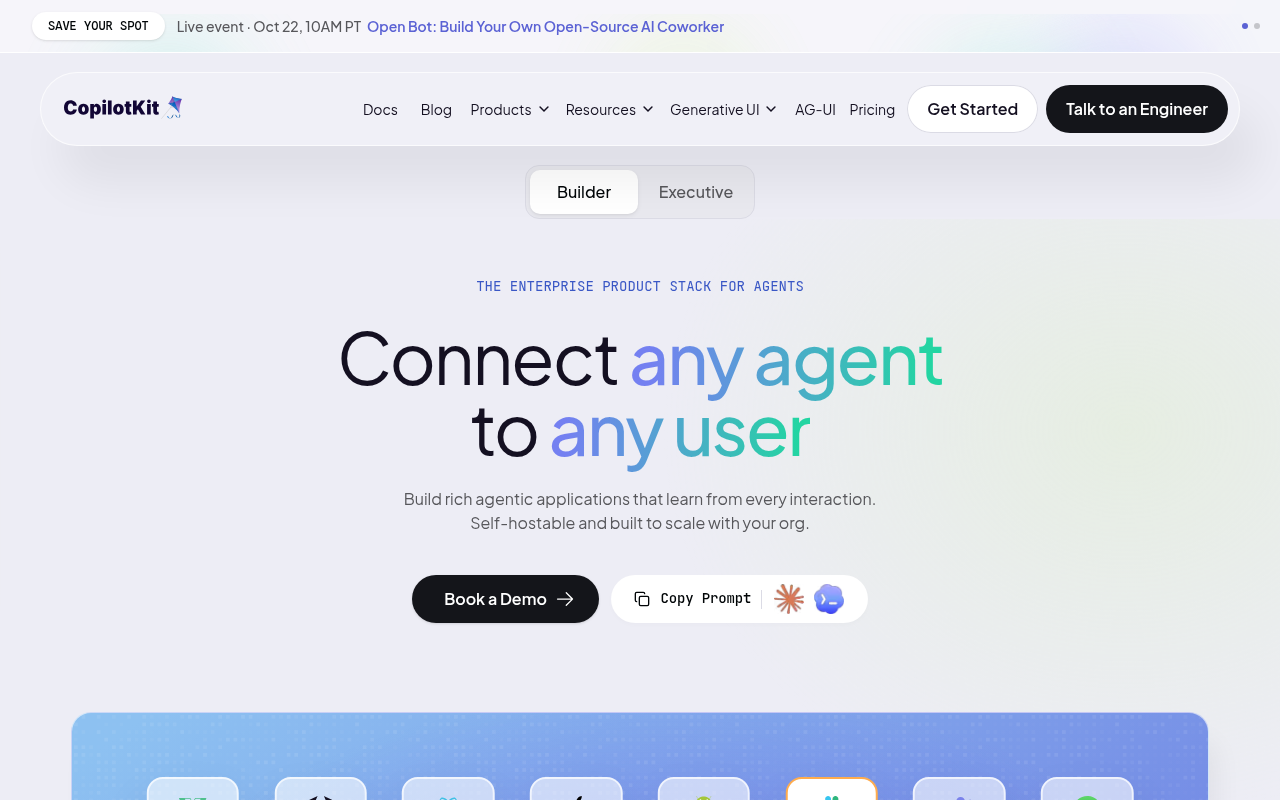
Try it: Run curl -sI https://www.copilotkit.ai/ and check for Content-Security-Policy, X-Frame-Options, X-Content-Type-Options, Referrer-Policy, Cross-Origin-Resource-Policy, and the flags on the __sec__token Set-Cookie line.
Dashboard labels fall below the contrast minimum
Several small text labels in the product dashboard graphic on / and /ag-ui-streams fail the WCAG AA contrast minimum of 4.5:1. The "Last 7 days" range label renders #767c8b on #ffffff at 10px for a ratio of 4.17, and the "Revenue" and "Active users" labels render #767c8b on #f4f2f9 at 8px for a ratio of 3.76. The axe-core color-contrast rule classes these at serious impact, and four additional nodes matched the same rule.
Try it: Open / and inspect the dashboard panel labels "Last 7 days", "Revenue", and "Active users" with a contrast checker, or run axe-core on the route and read the color-contrast results.
A scrollable region cannot be reached by keyboard
On the home page and /angular, the element matched by .side is a scrollable container with no focusable content and no tabindex of its own, so its contents cannot be scrolled with the keyboard. axe-core flags it under scrollable-region-focusable at serious impact, mapped to WCAG 2.1 success criteria 2.1.1 and 2.1.3. The failing node is the plain div with class "side" inside the integrations area.
Try it: Load / with the keyboard only and press Tab through the integrations section; the .side scroll container never receives focus, so its overflow content cannot be scrolled without a mouse.
The terminal command is clipped inside its copy field
On /angular at a 390px wide viewport, the Terminal command card shows its install command clipped at the right edge of the pill container. The visible text stops at "npx copilotkit@latest init --frame" with the final glyph sliced in half and no ellipsis, so the rest of the command and its argument are hidden. The field does not scroll into view or wrap, and the only indication that text continues is the cut glyph itself. The adjacent coding-agent prompt field in the same section uses a proper ellipsis, so the clipping is specific to this control.
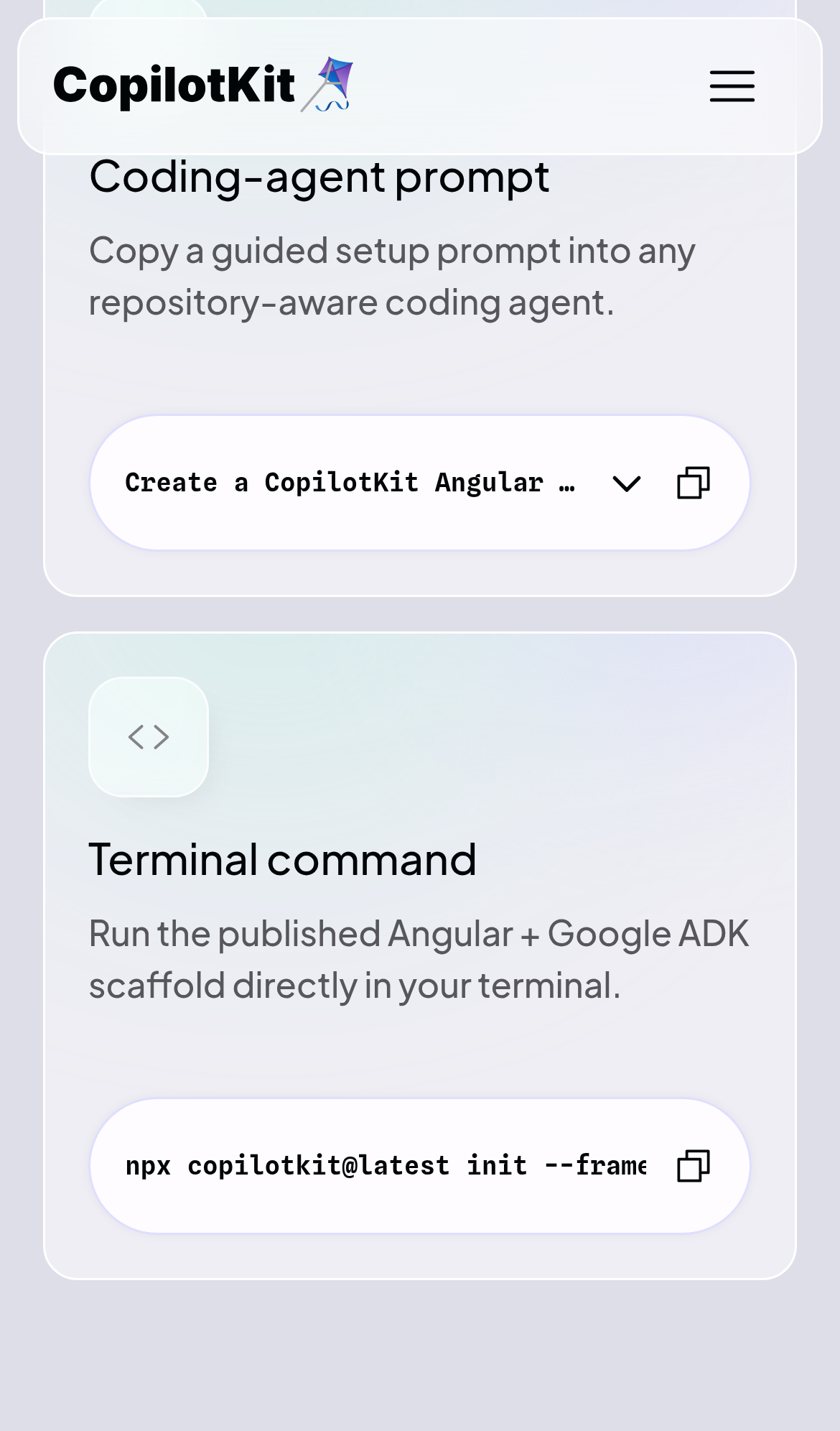
Try it: Open /angular on a phone or a 390px wide window, scroll to the Terminal command card, and look at the right edge of the command pill.
The install command is clipped in the mobile code block
On /blog/a2ui-whats-new-in-google-generative-ui-spec at a 390px wide viewport, the dark code block under "Spin up a starter in one command." cuts off its command. The line renders as "npx copilotkit@latest create my-app" with the final characters running beneath the floating copy button and then disappearing at the block's right rounded edge, with no horizontal scroll affordance or wrapping. The remaining text after "my-app" is not readable, so the command cannot be read in full on a phone.
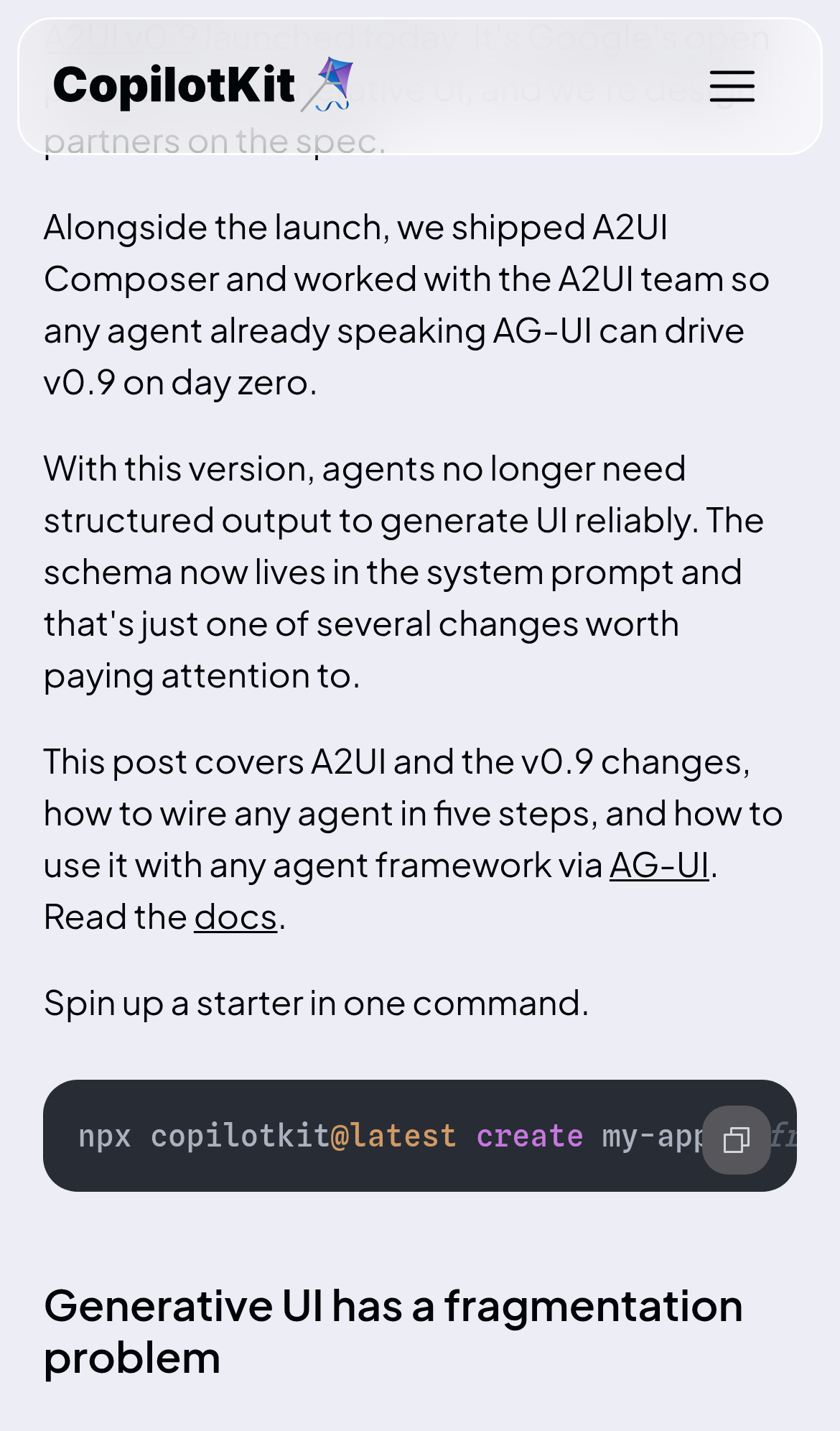
Try it: Open /blog/a2ui-whats-new-in-google-generative-ui-spec on a phone, scroll to the code block after "Spin up a starter in one command." and try to read the whole command.
The "Human in the Loop" text sits awkwardly
The "Human in the Loop" tab label wraps onto two lines while all sibling tabs in the same row render on a single line.
Probie fixes this for you.
This report came from one visit. When installed on your project, Probie watches real sessions, reproduces failures, and opens tested fixes as pull requests.
Sign up and get this fixedFree inspection
What should Probie inspect next?
Enter a project URL. There is nothing to install.
Probie checks every issue twice, respects robots.txt, and backs off at bot challenges.
Enter an address and we will email the report card link.