We found 6 issueson strandsagents.comworth fixing.
Watch the inspection.
We navigate your site the way customers would. Idle time is skipped.
How the composite score works
The overall score is a weighted average: Visual 18.75%, Accessibility 25%, Buttons and links 31.25%, Under the hood 12.5%, and Mobile 12.5%. Unassessed categories are excluded and the remaining weights are normalized.
Product categories start at 100. Each distinct verified finding deducts 30 points for a reproduced flow defect, or 18 for critical, 12 for high, 7 for medium, and 3 for low stored detector severity. Scores stop at zero and round to whole numbers. All verified findings count, including those beyond the displayed list. The formula is fixed and versioned, so the same saved evidence always receives the same score.
A docs table link is clipped at the screen edge
On /docs/contribute/ at a 390px wide viewport, the link in the third column of the "Improve the docs" table row runs past the right edge of the table and is cut mid-glyph at the viewport boundary, so its last letter is sliced vertically. The adjacent row's link in the same column wraps onto two lines and stays inside the column, so the table itself fits, but this cell's content does not wrap. The row above and below render normally, which makes the clipped text the only element crossing the boundary.
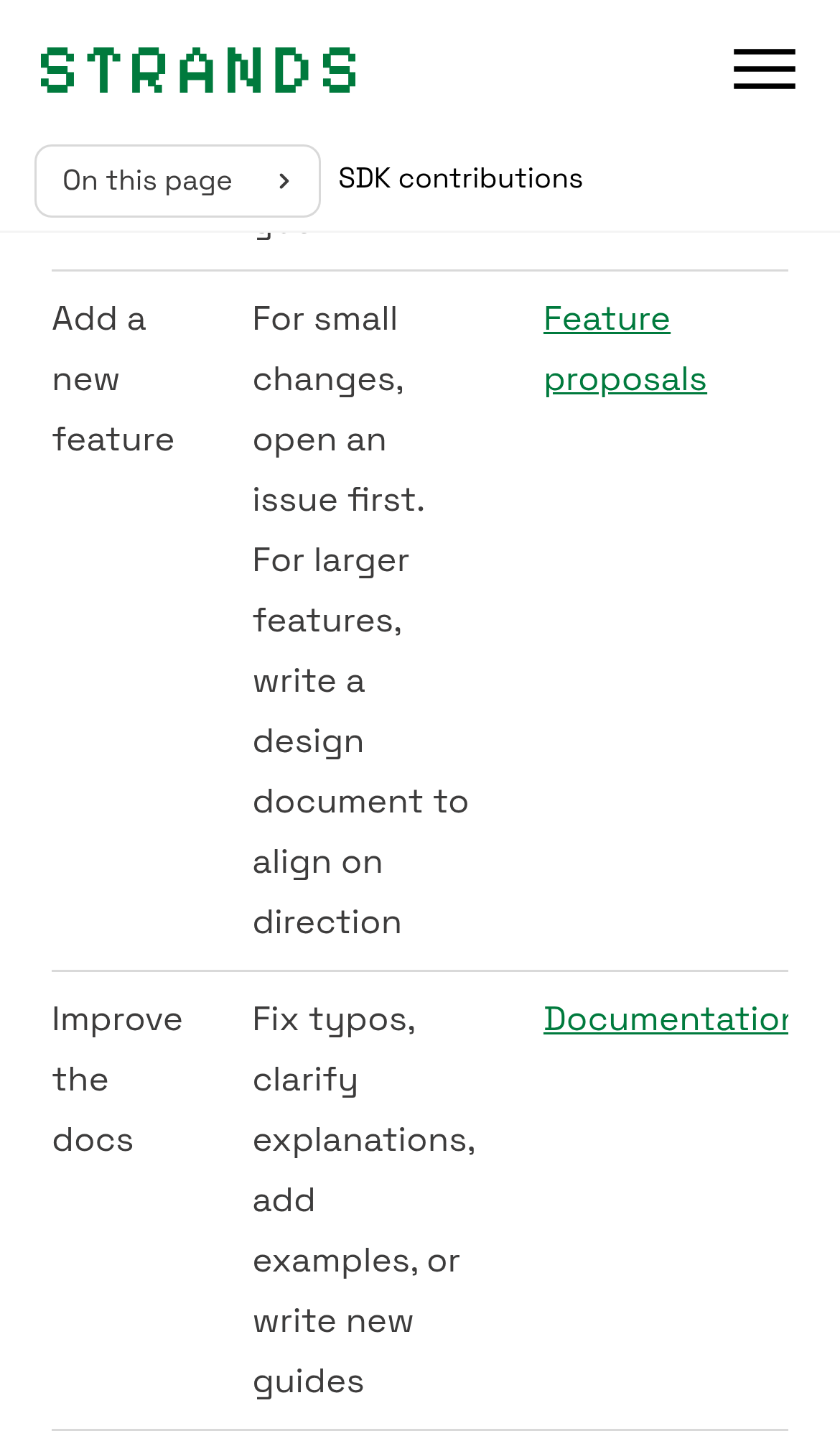
Try it: Open /docs/contribute/ on a phone or a 390px wide browser window and scroll to the "Improve the docs" row of the contributions table; the right column link is sliced off at the screen edge.
Code samples are cut off on mobile
On /docs/user-guide/harness/ at a 390px wide viewport, the TypeScript code block is clipped at its right border. The import line ends at "from '@strands" and the next statement ends at "await agent.invoke(\"Research the top th", with no scrollbar or other affordance indicating the rest of the line can be reached. The install comment above is cut the same way, and the copy button sits on top of it. Readers on a phone cannot see the package name or the full example call.
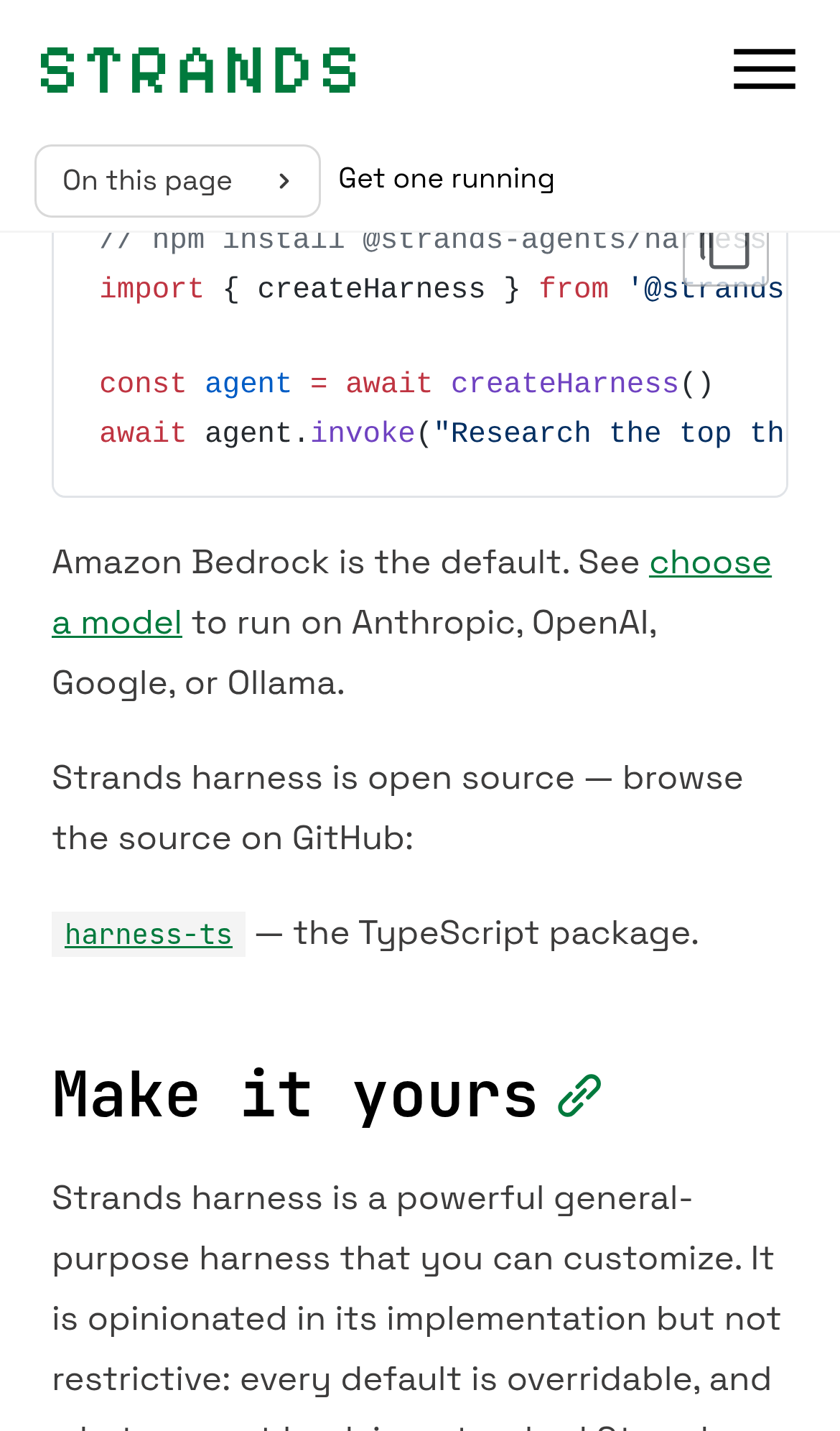
Try it: Open /docs/user-guide/harness/ on a phone or a 390px wide browser window, scroll to the TypeScript quickstart block, and look at the right edge of the code lines.
Card source icons are too small to tap on mobile
On /integrations/ at a 390px wide viewport, the GitHub and npm links in each integration card footer render at 14 by 14 CSS pixels, below the WCAG 2.5.8 minimum of 24 by 24. The spacing exception does not apply either: the safe clickable space around them measures 21.6px in diameter. The axe-core target-size rule flags these nodes at serious impact, for example the GitHub and npm links on the AgentCore Memory Store card. The icons sit side by side at the bottom right of the card, so a mis-tap lands on the neighboring link.
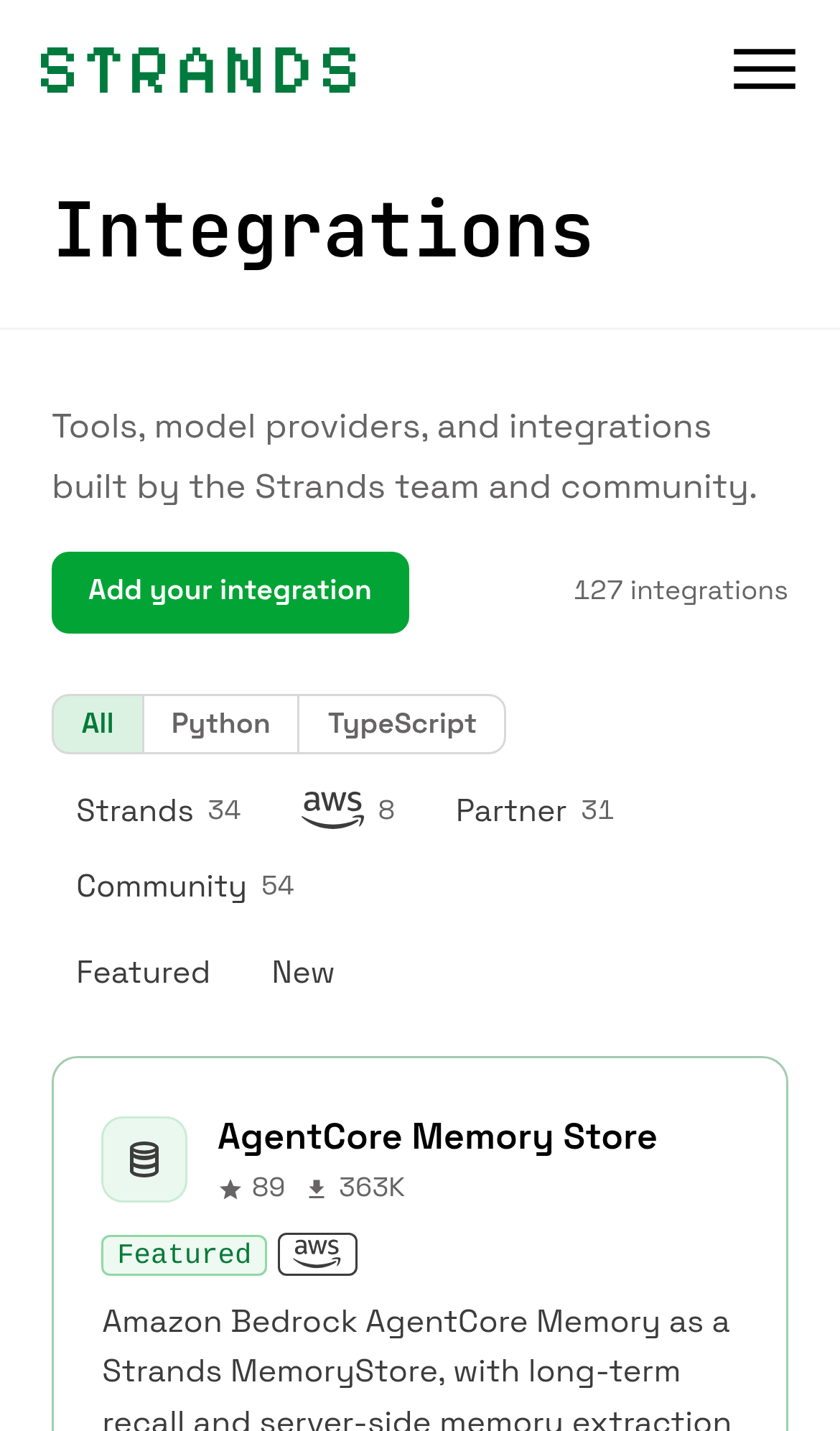
Try it: Open /integrations/ on a phone, scroll to any integration card, and try tapping the small GitHub and npm icons in the card footer.
A third-party AWS script is blocked by CORS on the home page
Loading the home page at https://strandsagents.com/ produces a console error: the script at https://d0.m.awsstatic.com/awsm-acslibs/1.0.0/bundle/slim/wsdk.js is blocked by CORS policy because no Access-Control-Allow-Origin header is present on the response, so the script is discarded and never executes. The page itself renders normally, so whatever this AWS bundle provides is silently absent. The error appears on every load of the route.
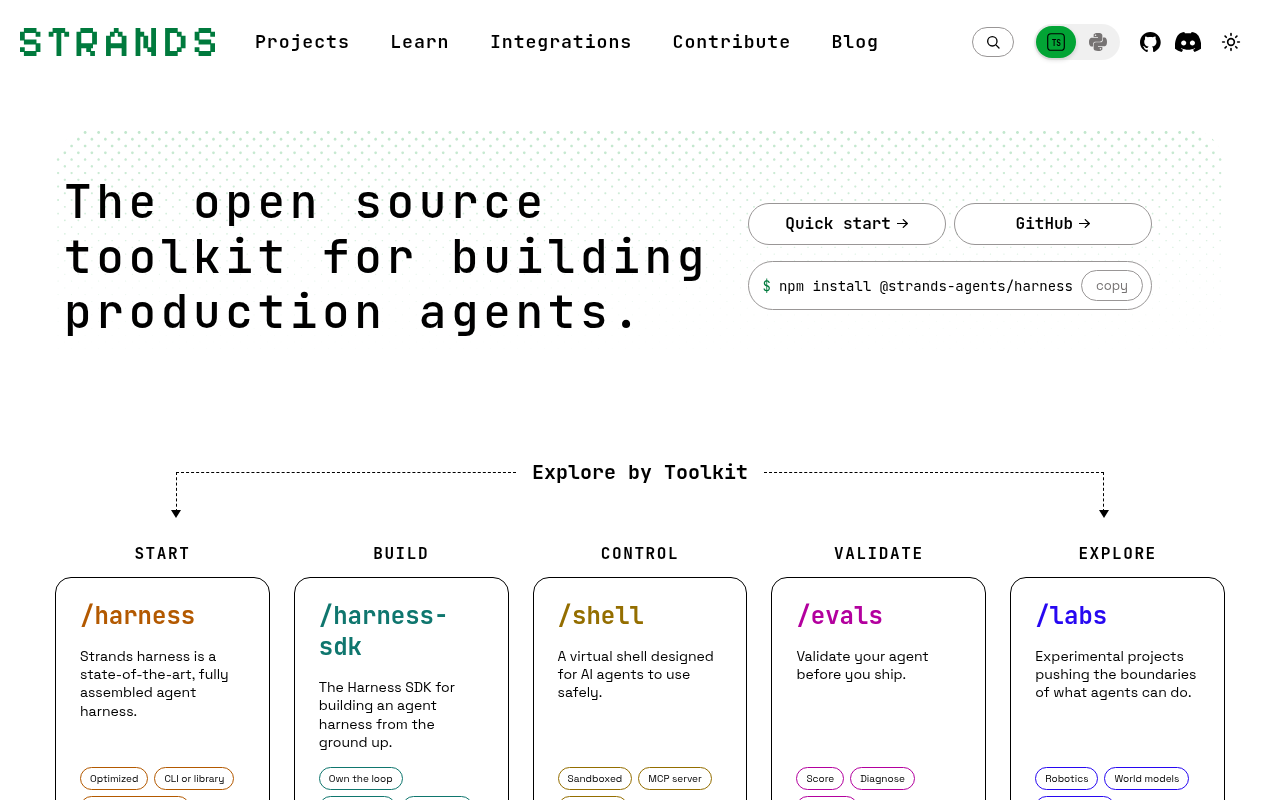
Try it: Open https://strandsagents.com/ with the browser console open and look for the CORS error naming awsstatic.com/awsm-acslibs/1.0.0/bundle/slim/wsdk.js.
A CORS block stops the AWS analytics script from loading
On /docs/user-guide/harness/ the browser blocks the script at https://d0.m.awsstatic.com/awsm-acslibs/1.0.0/bundle/slim/wsdk.js. The console reports: "Access to script at ... from origin 'https://strandsagents.com' has been blocked by CORS policy: No 'Access-Control-Allow-Origin' header is present on the requested resource." The response is discarded, so whatever that bundle provides never runs on the page. Page content itself renders normally.
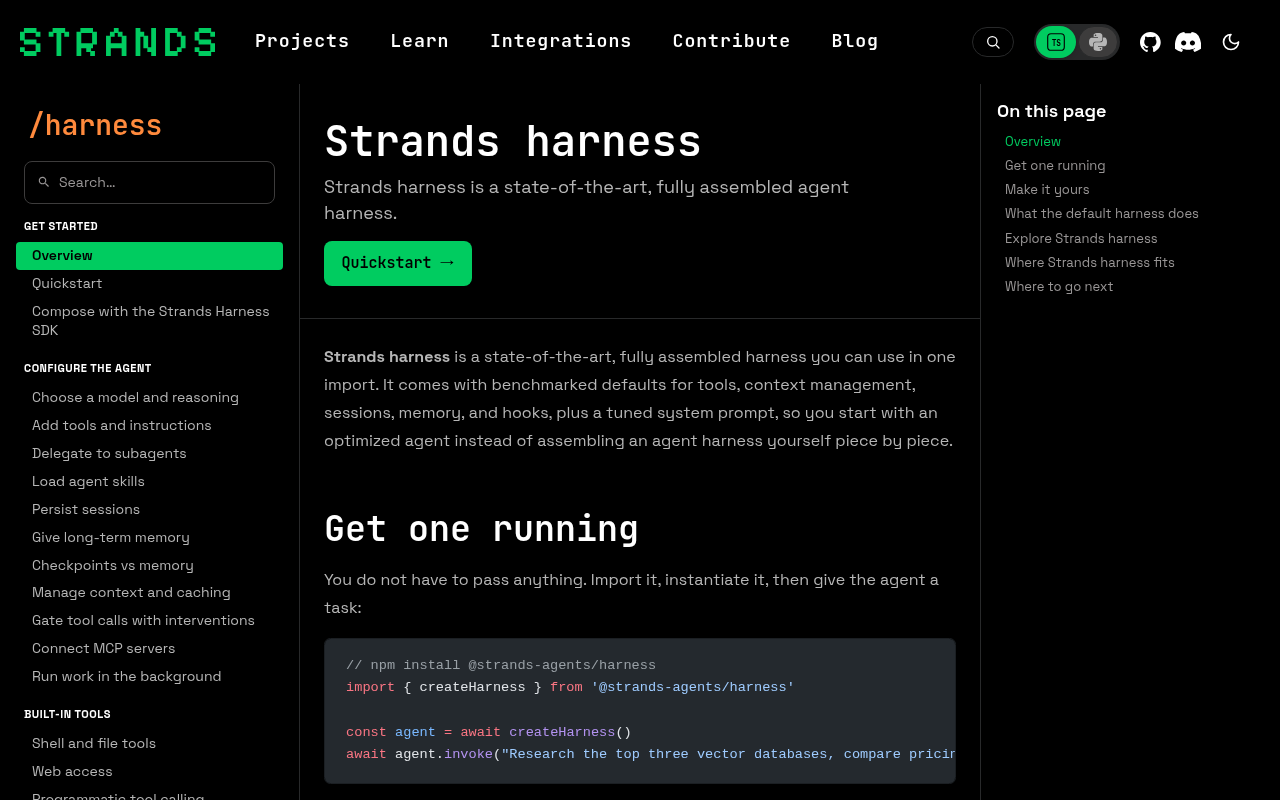
Try it: Open https://strandsagents.com/docs/user-guide/harness/ with DevTools console open and look for the CORS error naming wsdk.js.
An AWS analytics script is blocked by CORS on the docs pages
Loading /docs/user-guide/sdk/ logs a console error: the script at https://d0.m.awsstatic.com/awsm-acslibs/1.0.0/bundle/slim/wsdk.js is blocked by CORS policy because no Access-Control-Allow-Origin header is present on the response, so the browser discards it. The page content itself renders normally, but the script never executes, meaning whatever it powers is silently absent. The same error appears on a fresh load of the route.
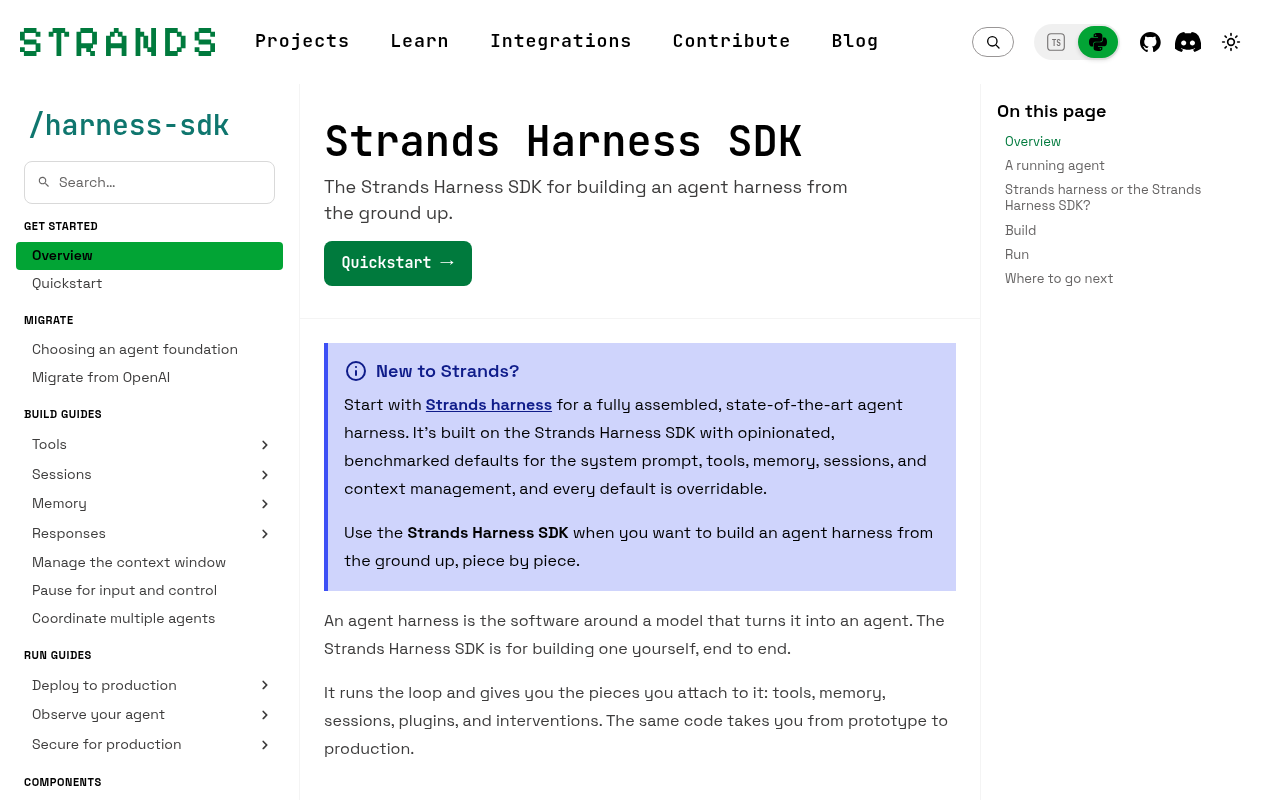
Try it: Open https://strandsagents.com/docs/user-guide/sdk/ with DevTools console open and look for the CORS error on wsdk.js from d0.m.awsstatic.com.
A rough edge in the layout
The three column table rows wrap to one or two words per line, producing extremely narrow columns and ragged, hard to read cell text on the mobile width.
A rough edge in the layout
The table columns are too narrow on mobile, wrapping nearly every cell to one or two words per line and producing extremely tall rows.
Probie fixes this for you.
This report came from one visit. When installed on your project, Probie watches real sessions, reproduces failures, and opens tested fixes as pull requests.
Sign up and get this fixedFree inspection
What should Probie inspect next?
Enter a project URL. There is nothing to install.
Probie checks every issue twice, respects robots.txt, and backs off at bot challenges.
Enter an address and we will email the report card link.