We found 6 issueson howseen.aiworth fixing.
Watch the inspection.
We navigate your site the way customers would. Idle time is skipped.
How the composite score works
The overall score is a weighted average: Visual 18.75%, Accessibility 25%, Buttons and links 31.25%, Under the hood 12.5%, and Mobile 12.5%. Unassessed categories are excluded and the remaining weights are normalized.
Product categories start at 100. Each distinct verified finding deducts 30 points for a reproduced flow defect, or 18 for critical, 12 for high, 7 for medium, and 3 for low stored detector severity. Scores stop at zero and round to whole numbers. All verified findings count, including those beyond the displayed list. The formula is fixed and versioned, so the same saved evidence always receives the same score.
The brands pricing page throws a null style error
Loading /pricing-brands.html raises an uncaught page error: "Cannot read properties of null (reading 'style')". The script reaches for an element that is not in the document and then sets .style on it, so execution of that handler stops at that point. The page renders the monthly/annual and currency toggles above the plan cards, and any logic after the failing line never runs.
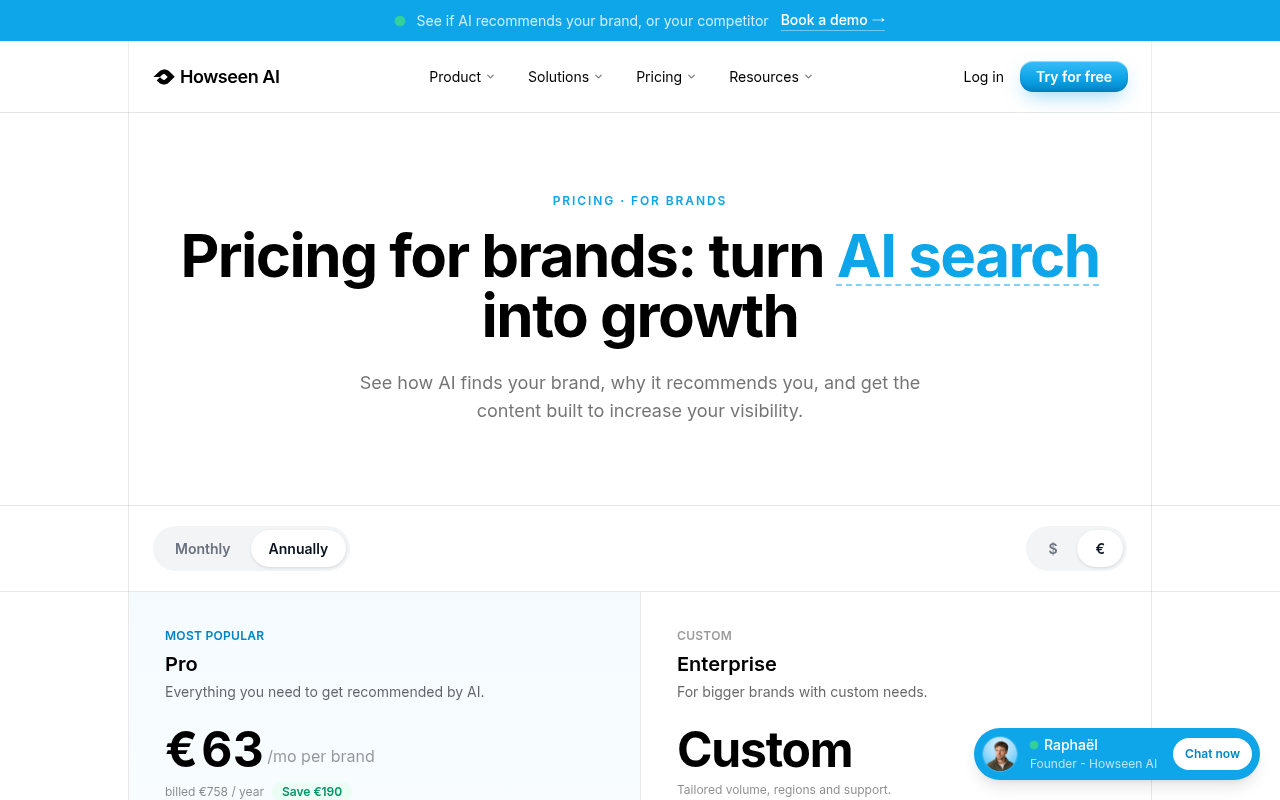
Try it: Open /pricing-brands.html with the browser console open and look for the uncaught "Cannot read properties of null (reading 'style')" error on load.
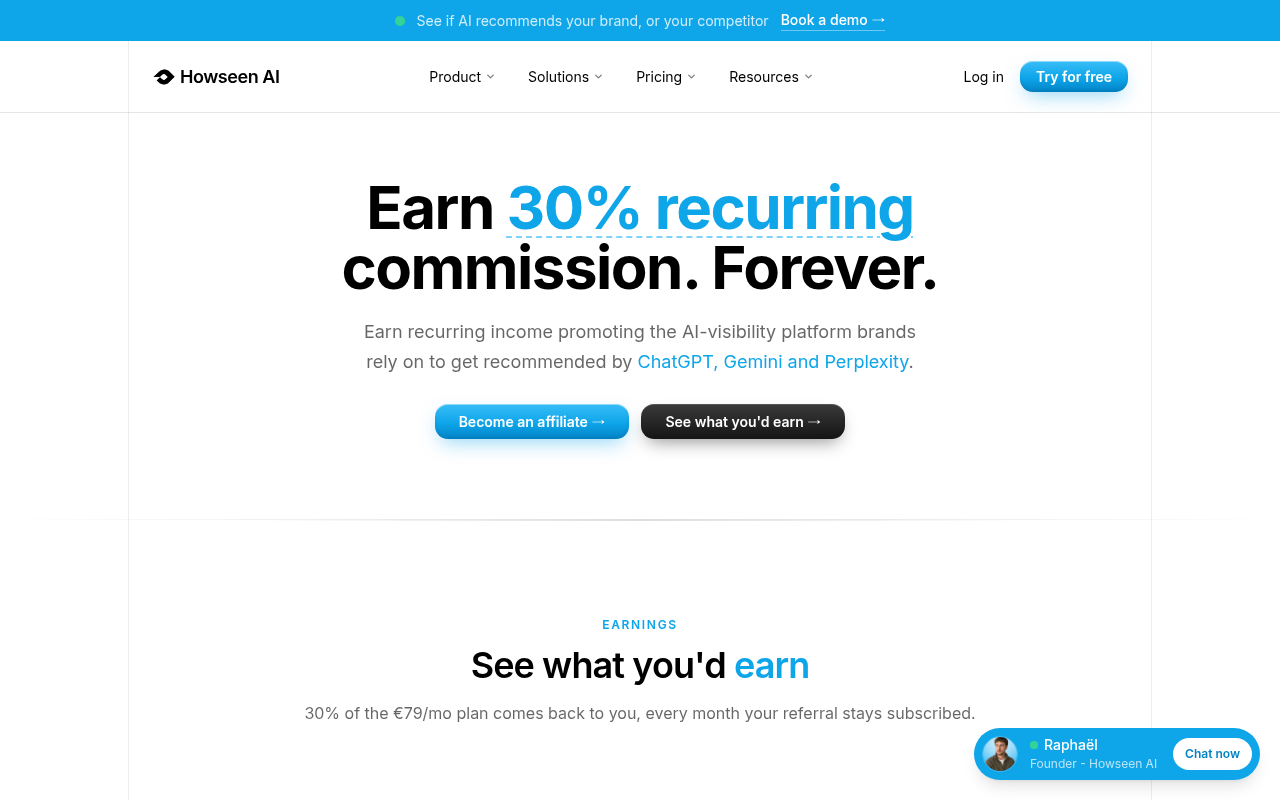
The chat widget covers the earnings call to action
On /affiliates.html at a 390px viewport, the fixed chat widget anchored to the bottom of the page sits on top of the "See what you'd earn →" link. The link's box is at x 93, y 608, 204 by 35 CSS pixels, and hit tests at all five sampled points inside it return the chat widget's elements instead of the link, including the fixed-position anchor itself. Keyboard focus therefore lands on a control the user cannot see or tap on mobile, and the screenshots show the same widget overlapping the "Become an affiliate →" button and the earnings card text.

Try it: Open /affiliates.html on a 390px wide viewport, scroll to the earnings section, and try to tap or tab to the "See what you'd earn →" link under the floating Raphaël chat bar.
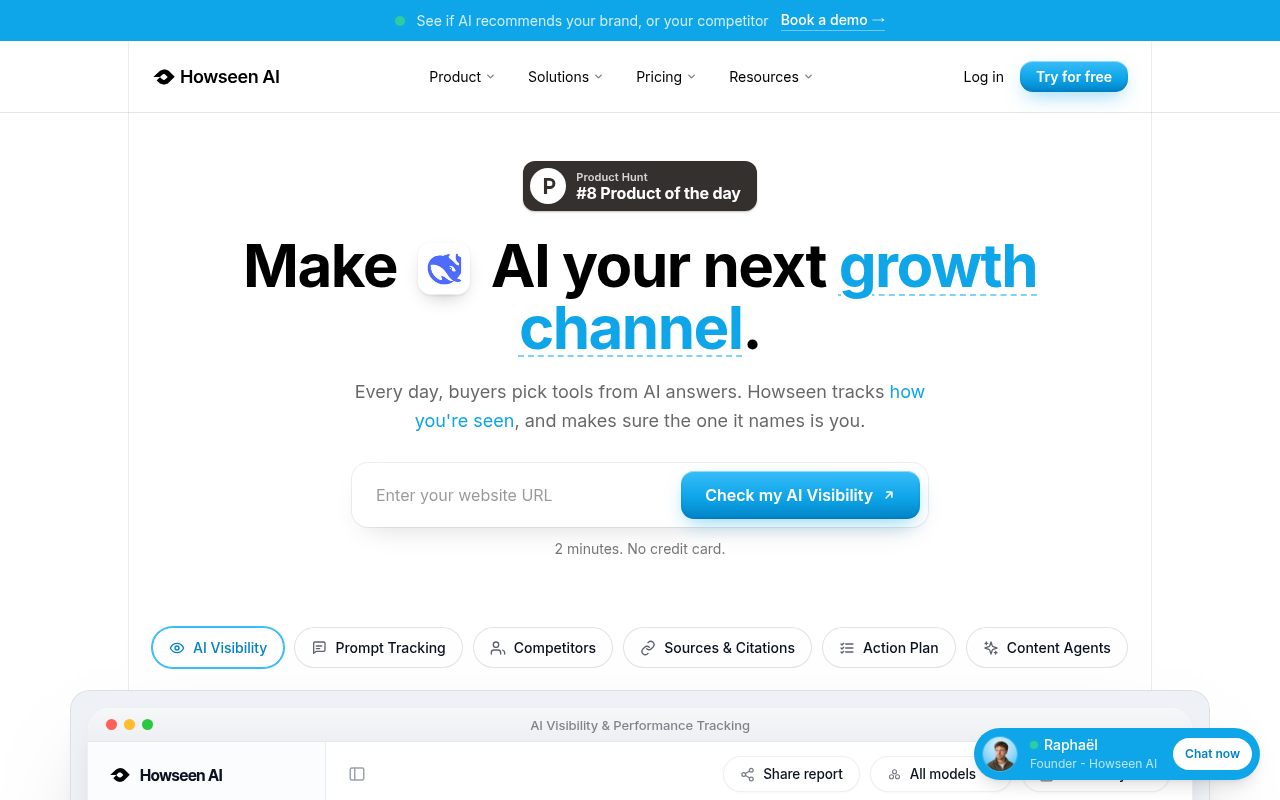
A chat widget covers the top of the hero URL field
On the mobile home page, the fixed chat launcher anchored at the bottom of the viewport paints over the top edge of the hero URL input (input#heroUrl, at x 32, y 627, 326 by 48). Hit tests at two points inside the field's upper half return the fixed launcher link (a.fixed.bottom-5) as the topmost painted element instead of the input, while points in the lower half return the input. The screenshot shows the launcher pill sitting across the field's top border with the "Enter your website URL" placeholder visible below it.

Try it: Open the home page on a phone-sized viewport, scroll so the hero URL field sits near the bottom, and note the chat launcher pill overlapping the top of the field; tap near the field's upper edge and the launcher takes the tap.
The home page is missing Cross-Origin-Resource-Policy
The response from https://howseen.ai/ is missing Cross-Origin-Resource-Policy.
Try it: Run curl -sI https://howseen.ai/ and look for a Cross-Origin-Resource-Policy header in the response.
Affiliate form fields and the earnings slider have no labels
On /affiliates.html, several form controls carry no programmatic label. The earnings calculator range input #calc-slider and the signup text inputs first_name and last_name have no wrapped or explicit label, no aria-label, and no aria-labelledby, so axe-core's "label" rule fails at critical impact against WCAG 2.1 A (4.1.2). Screen reader users hear an unnamed slider and unnamed text fields when filling in the affiliate application.
Try it: Open /affiliates.html, inspect #calc-slider and the first_name and last_name inputs, and confirm none has a label, aria-label, or aria-labelledby.
Affiliate form selects have no accessible name
On /affiliates.html, two dropdowns in the affiliate application form have no accessible name: select[name="profile"], which is marked required, and select[name="channel"]. Neither has a wrapping or explicit label, nor an aria-label or aria-labelledby reference, so axe-core flags both under the select-name rule at critical impact (WCAG 2.1 A, 4.1.2). Screen reader users hear only an unlabeled combo box and cannot tell which value each dropdown expects.
Try it: Open /affiliates.html, inspect the application form's two select elements, and confirm neither has an associated label, aria-label, or aria-labelledby.
A rough edge in the layout
The green status dot in the top announcement bar is squashed into an ellipse and sits vertically offset from the two-line text it accompanies, aligning with neither line's baseline.
A rough edge in the layout
The shield icon in the 90-day protection band is left aligned at the container edge while the text block is centered, leaving the icon visually detached from the sentence it belongs to.
Probie fixes this for you.
This report came from one visit. When installed on your project, Probie watches real sessions, reproduces failures, and opens tested fixes as pull requests.
Sign up and get this fixedFree inspection
What should Probie inspect next?
Enter a project URL. There is nothing to install.
Probie checks every issue twice, respects robots.txt, and backs off at bot challenges.
Enter an address and we will email the report card link.